
Charging a smart watch seems like the most straightforward part of ownership—just plug it in overnight and wake up to 100%. Yet in 2026, with denser batteries, faster wireless options, always-on displays, and more power-hungry features like multi-band GPS, continuous SpO2, and AI coaching, improper charging habits quietly shorten battery lifespan, cause swelling, overheat the device, or—in rare but documented cases—lead to safety issues.
The good news is that following a few deliberate precautions can easily double or triple the number of healthy charge cycles your watch enjoys. Users who treat charging casually often see noticeable capacity drop after 12–18 months; those who follow best practices frequently report their 2024–2025 models still holding 85–92% of original capacity well into 2027.
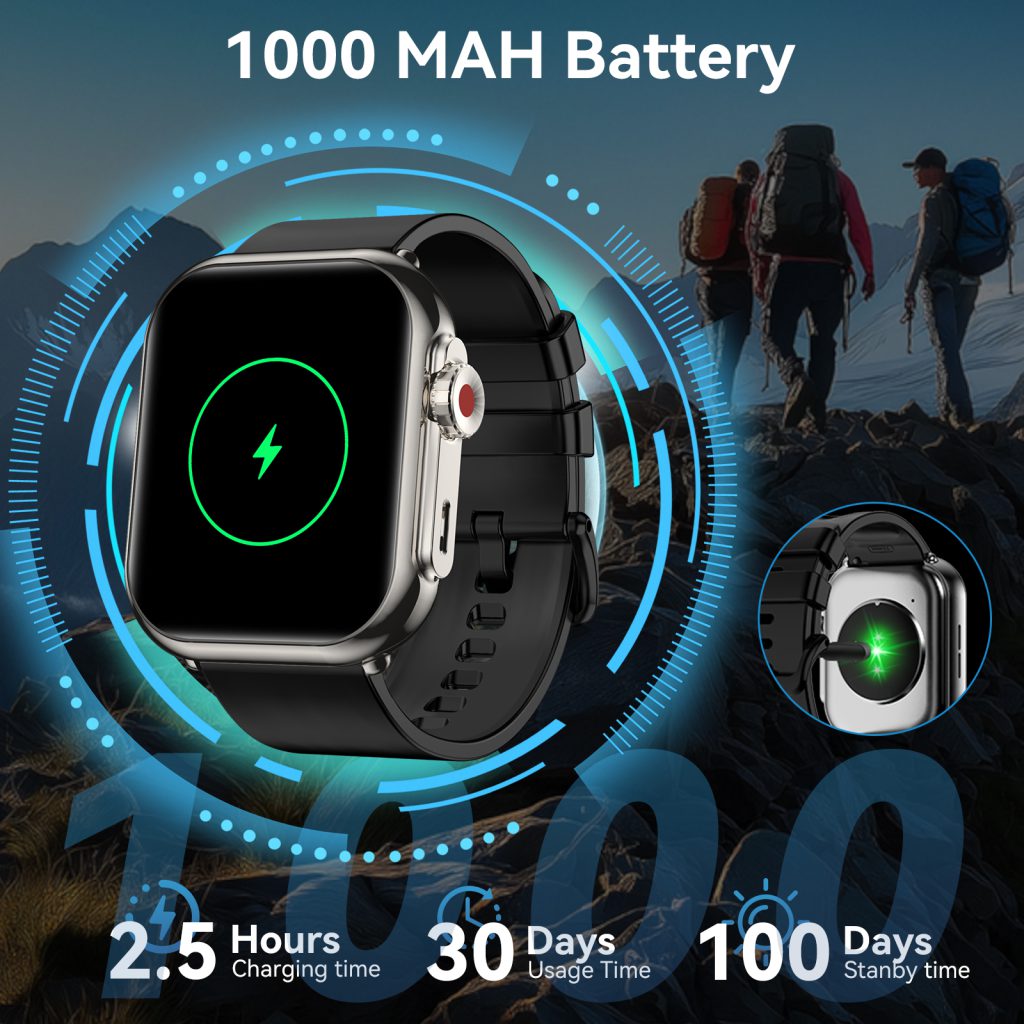
This guide compiles real-world charging advice for the major 2026 lineup—Apple Watch Series 11 & Ultra 3, Samsung Galaxy Watch 8 & Ultra, Garmin Fenix 8 / Enduro 3 / Venu 3 series, Google Pixel Watch 3, Fitbit Charge 6 / Sense 2 / Versa 4, Huawei Watch GT 5 Pro, Xiaomi Watch S4, and others—so you can keep your wrist companion performing at its best for years.
Why Charging Habits Matter More in 2026
Modern smartwatch batteries are almost all lithium-ion (Li-ion) or lithium-polymer (Li-Po) pouch cells. These chemistries hate four main enemies:
- Extreme heat (above ~45 °C / 113 °F during charging accelerates electrolyte breakdown and SEI layer growth)
- Frequent 100% → 0% deep cycles (stresses the anode and cathode)
- Constant 100% float charging (especially at high temperature, promotes lithium plating and capacity fade)
- Physical pressure / swelling risk (overcharging or manufacturing defects can cause pouch expansion)
At the same time, 2026 watches pack more capacity (Apple Ultra 3 ≈ 542 mAh, Garmin Enduro 3 solar-assisted >1 000 mAh effective, Samsung Ultra ≈ 590 mAh) and support faster charging (15–20 W peak on many models), which generates more heat if mismanaged.
A single bad habit—leaving the watch on the charger in a hot car, for example—can shave dozens of cycles off total lifespan. Consistent good habits can push effective life from ~500–600 cycles to 900–1 200+ cycles before noticeable degradation.
Pre-Charging Preparation
- Cool the watch first After a long GPS workout, hot yoga session, or sauna-adjacent activity, let the watch cool to room temperature (ideally 20–30 °C) for 10–30 minutes before plugging in. Charging a hot battery creates compounding heat stress.
- Remove thick cases or bands that trap heat Some third-party protective cases (especially full-coverage rugged ones) act like insulators. Take them off during charging. Likewise, very thick or dark-colored bands can retain heat—consider removing or loosening them.
- Check for moisture If you just finished swimming, showering, or got caught in rain, make sure the watch and charging contacts/puck are completely dry. Moisture + electricity = corrosion or short-circuit risk. Use the built-in water ejection (Apple hold Digital Crown, Samsung/Garmin shake or auto-eject), pat dry with microfiber, and wait 15–30 minutes.
- Use the official (or certified) charger Third-party cables and pucks are the #1 cause of slow charging, intermittent connection, or outright damage. Stick to MFi-certified for Apple, Samsung Adaptive Fast Charging / Qi2-compatible for Galaxy, Garmin’s proprietary clip or Qi pads where supported. Cheap no-name chargers often deliver unstable voltage/current that stresses the battery management system (BMS).
During Charging
- Charge in a cool, ventilated place Ideal range: 15–30 °C (59–86 °F). Avoid:
- Direct sunlight
- Car dashboards in summer
- Next to heaters, radiators, or laptop exhaust vents
- Pillows, beds, or thick fabrics that block airflow
- Avoid overnight “trickle” charging every night Keeping the watch at 100% for 6–8 hours night after night is one of the fastest ways to age the battery. Modern BMS systems reduce current to a trickle once full, but even small constant current at high SoC (state of charge) promotes calendar aging.Better pattern: charge to 80–90% in the evening, unplug, finish the last 10–20% in the morning if needed.
- Use Optimized / Smart charging features Most 2026 models offer some version of this:
- Apple Watch — Optimized Battery Charging (learns your routine, holds at 80% until shortly before you usually wake up)
- Samsung Galaxy Watch — Protect Battery (caps at 85%), Charging protection (slows above 80%)
- Garmin — Battery Care mode (limits to 80–90% on some models), Charge reminder notifications
- Google Pixel Watch 3 — Adaptive Charging (similar to Pixel phones)
- Fitbit — Set charge limit to 80–90% via app on newer firmware
- Huawei / Xiaomi — Smart charging modes that pause at 80–90%
- Don’t use the watch heavily while charging Playing music, using LTE, running GPS, or keeping the always-on display active while on the puck generates extra heat. If you must interact, keep sessions short.
- Monitor temperature If the watch or charger feels noticeably warm (hotter than body temperature), unplug and let cool. Persistent warmth usually means poor ventilation or a failing battery/charger.
Charging Targets & Habits for Maximum Longevity
- Daily users (light–moderate activity): Aim for 20–80% or 30–90% range most days. Only go to 100% before long workouts or travel days.
- Heavy users (multi-hour GPS, always-on, many notifications): 10–85% is realistic; accept that you’ll see more degradation but still far better than 0–100% cycles.
- Storage / infrequent use: Keep at 50–60% in a cool place. Recharge every 3–6 months to prevent deep discharge.
Avoid These Common Charging Mistakes
- Leaving on charger 24/7 (common with bedside stands)
- Charging in a hot car (summer dashboard can hit 60 °C+)
- Using fast chargers without ventilation
- Ignoring swollen battery warning signs (case deformation, display lifting)
- Mixing old & new chargers (voltage mismatch stresses BMS)
- Charging immediately after intense heat exposure (sauna, hot shower, direct sun)
Post-Charge Care
- Unplug promptly once charged (especially if no optimized mode)
- Wipe contacts/puck with dry microfiber to remove sweat/oil residue
- Store in moderate temperature (avoid freezing car or hot glovebox overnight)
Signs It’s Time to Service or Replace the Battery
- Capacity visibly drops below 80% (check in settings on most models)
- Watch heats noticeably during normal charging
- Charge percentage jumps erratically (80% → 60% suddenly)
- Case feels slightly bulging (stop using immediately—safety risk)
- Charging extremely slow even with official puck/cable
Many brands offer battery service (Apple ≈ $79–$99, Samsung/Garmin similar), often cheaper than a new watch and worth it if the rest of the device is in good shape.
Quick Reference: 2026 Model Charging Best Practices
- Apple Watch Ultra 3 / Series 11 → Enable Optimized Battery Charging; avoid >35 °C charging; fast charger ok but ventilate
- Samsung Galaxy Watch Ultra / 8 → Turn on Protect Battery (85% cap); Qi2 pads preferred; no metal interference
- Garmin Fenix 8 / Enduro 3 → Solar helps, but indoor charge to 80–90%; avoid constant 100%
- Google Pixel Watch 3 → Adaptive Charging on by default—leave it
- Fitbit Charge 6 / Sense 2 → Manual 80–90% limit via app; very heat-sensitive
- Huawei Watch GT 5 Pro → Smart Charge mode; excellent longevity when capped
Charging is the one daily interaction you have complete control over. Treat it with the same care you give your workouts, sleep tracking, or swim sessions, and your smartwatch will reward you with years of reliable performance instead of premature replacement.
Next time you reach for the charger, pause for ten seconds: cool place, right puck, optimized mode on, 80–90% target. Small choices, big difference.
Leave a Comment
Your email address will not be published. Required fields are marked *