
One of the most practical and widely used features on modern smart watches is the ability to make, answer, and manage phone calls directly from the wrist. For many users, being able to take a call without reaching into a pocket, bag, or across a desk is not just convenient—it can be essential in busy, hands‑free, or emergency situations.
Phone call functionality on smart watches has evolved rapidly over the years. Early models could only reject calls or send quick replies. Today’s devices offer full call capabilities, including dial pad input, contact sync, call history, call recording, and even independent calling with a built‑in eSIM.
Understanding how phone call functions work on smart watches helps users choose the right device and use it more effectively. Whether you are exercising, driving, cooking, working, or simply away from your phone, a reliable calling experience can make your daily life significantly smoother. High-quality wearables such as the QONBINK smart watch provide stable and clear call performance for real-life usage scenarios.
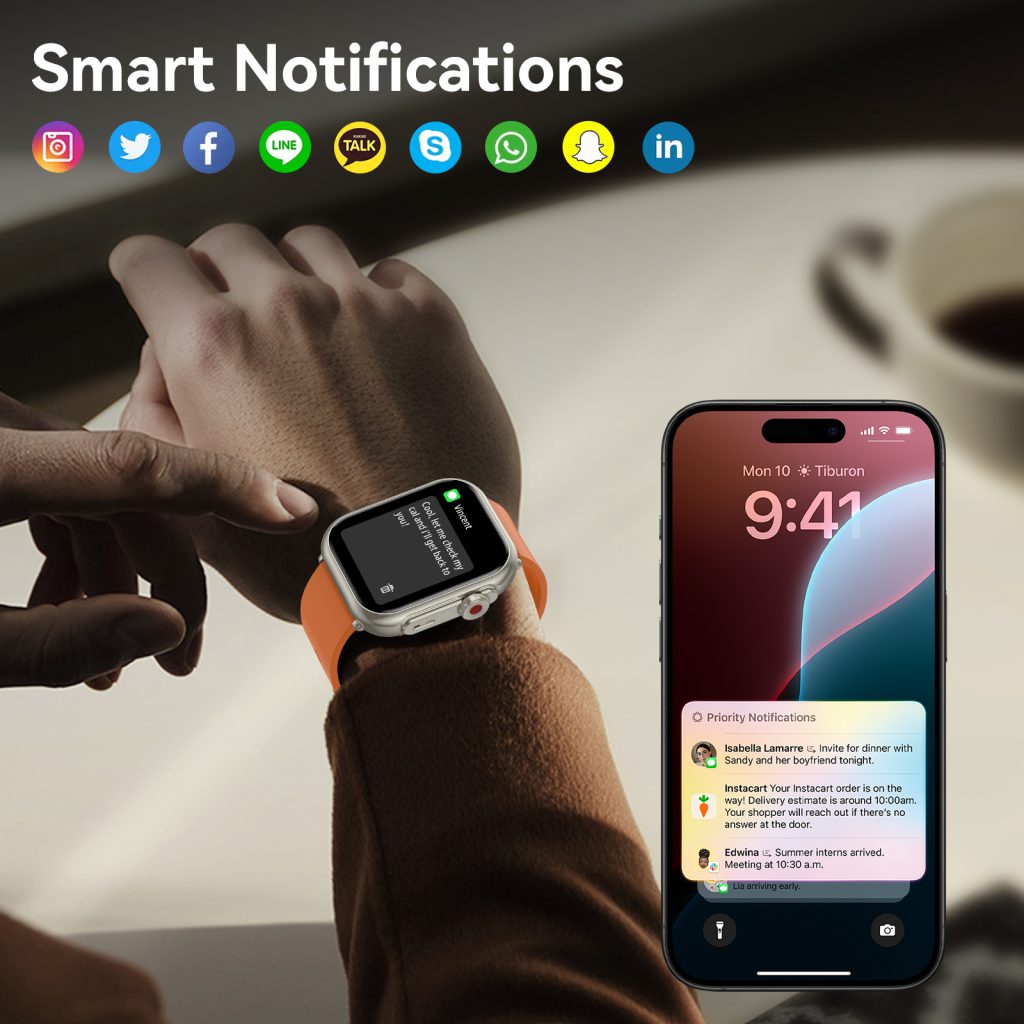
Two Main Types of Smart Watch Calling
Today’s smart watches generally support two types of calling systems: Bluetooth calling and independent cellular calling. Each has different structure, advantages, and usage scenarios.
1. Bluetooth Calling
This is the most common and widely supported method. The watch connects to the smartphone via Bluetooth and uses the phone’s mobile network, SIM card, and call service to make or receive calls. The watch acts as an extended wireless headset and dialer.
Advantages:
- No need for a separate SIM or eSIM
- Lower power consumption
- Lower device cost
- Simple setup
- Uses existing phone number and plan
Limitations:
- Must stay near the paired phone
- Cannot make calls if Bluetooth disconnects
2. Independent Cellular Calling (eSIM)
Advanced watches include an embedded eSIM that connects directly to a mobile network. The watch can make and receive calls independently, even without the phone nearby.
Advantages:
- Fully independent from the phone
- Can make calls anywhere with cellular coverage
- Great for outdoor sports, travel, and emergencies
Limitations:
- Requires a separate cellular plan
- Higher battery consumption
- More expensive hardware
- Limited carrier support in some regions
Core Components of the Smart Watch Calling System
To provide stable and clear calls, a smart watch relies on several key hardware and software components working together.
- MicrophonePicks up the user’s voice during calls. High-end watches use dual-microphone noise cancellation to filter background sound.
- SpeakerPlays the caller’s voice. Loudness, clarity, and distortion resistance directly affect call experience.
- Bluetooth ModuleFor Bluetooth calling, the module transmits voice data between the watch and phone.
- Cellular Module & eSIMFor independent calling, this component connects to the mobile network.
- Audio Processing ChipOptimizes voice quality, reduces echo, and improves clarity in noisy environments.
- Call Interface & DialerThe on-screen dial pad, contacts list, call history, and answer/reject interface.
- Companion App & System SupportThe phone app syncs contacts, call logs, and settings to the watch.
How Bluetooth Calling Works Step by Step
Most users use Bluetooth calling. Here is the complete process.
Step 1: Pairing and Connection
The smart watch pairs with the smartphone via Bluetooth and establishes a stable audio and control connection.
Step 2: Incoming Call Trigger
When someone calls the phone number, the phone receives the call and sends a real-time alert to the watch.
Step 3: Alert on the Watch
The watch vibrates, rings, and displays the caller’s name or number. Users can see if it is from a saved contact.
Step 4: Answer or Reject
Users can tap the screen to answer or reject the call. Many watches also support gesture control.
Step 5: Audio Transmission
Once answered, the user’s voice is captured by the watch microphone, processed, and transmitted to the phone via Bluetooth. The caller’s voice is sent from the phone to the watch speaker.
Step 6: Real-Time Two-Way Call
The call continues in real time. The watch provides audio feedback, volume control, and mute functions.
Step 7: Call End and Sync
When the call ends, the watch syncs the call history to the phone. Users can view recent calls on either device.
Key Features of Smart Watch Calling Functions
Modern smart watches come with many practical calling features beyond basic answering.
1. Full Dial Pad
Users can manually enter any phone number directly on the watch to make outgoing calls.
2. Contact Sync
The watch syncs saved contacts from the phone, allowing quick calling without typing.
3. Call History
Recent incoming, outgoing, and missed calls are stored and synced between devices.
4. Quick Replies
If a user cannot answer, they can send a pre-written SMS reply such as “I’m driving” or “I’ll call you back.”
5. Mute and Keypad During Call
Users can mute the microphone or enter numbers during automated calls, such as customer service lines.
6. Emergency Calling
Many watches support one-touch emergency calls, which can be life-saving in dangerous situations.
7. Noise Cancellation
Dual microphones and AI noise reduction reduce wind, traffic, and background chatter for clearer calls.
Scenarios Where Smart Watch Calling Is Extremely Useful
The real value of watch calling appears in daily life situations where using a phone is inconvenient or impossible.
- Exercising or Running: No need to carry a phone during workouts.
- Driving: Answer calls safely without touching the phone.
- Cooking or Cleaning: Hands are busy with water, oil, or cleaning products.
- Meetings or Classes: Quickly check who is calling without disturbing others.
- Elderly Users: Easy to answer calls with simple taps or gestures.
- Outdoor Activities: Hiking, camping, or cycling where phones are not easily accessible.
- Emergency Situations: Call for help even if the phone is not nearby.
In these scenarios, the watch becomes not just a gadget, but a reliable tool for safety and convenience.
Factors That Affect Call Quality on Smart Watches
Many users judge a smart watch by its call quality. Several factors influence performance.
- Microphone Quality: Better mics pick up voice more clearly.
- Speaker Loudness: A weak speaker makes calls hard to hear in noisy places.
- Noise Cancellation: Directly affects usability outdoors or in crowds.
- Bluetooth Stability: Interference or weak signal causes disconnections or audio lag.
- Network Quality: For cellular watches, network strength affects call smoothness.
- Background Environment: Wind, rain, and loud noise reduce clarity.
- Distance from Phone: For Bluetooth calls, moving too far causes audio drops.
How to Improve Smart Watch Call Quality
Users can take simple steps to get clearer and more stable calls.
- Keep the watch and phone within close range for Bluetooth calls.
- Avoid using calls in extremely windy or noisy environments.
- Keep the microphone and speaker area clean from dust or sweat.
- Update the watch firmware regularly for audio optimizations.
- Disable other nearby Bluetooth devices that may cause interference.
- Use a Bluetooth headset or earphones for very long calls.
With these adjustments, most users can enjoy excellent call clarity on their smart watches.
Why Calling Functions Are Indispensable for Smart Watches
While health tracking, sports modes, and notifications are popular features, phone calling remains one of the most practical and indispensable functions. It transforms the smart watch from a passive notification device into an active communication tool.
For users who value efficiency, safety, and convenience, reliable calling can become the most frequently used feature on the watch. Whether it’s a quick call during exercise, a safe response while driving, or an emergency connection when needed, the ability to communicate directly from the wrist adds real-world value that few other features can match.
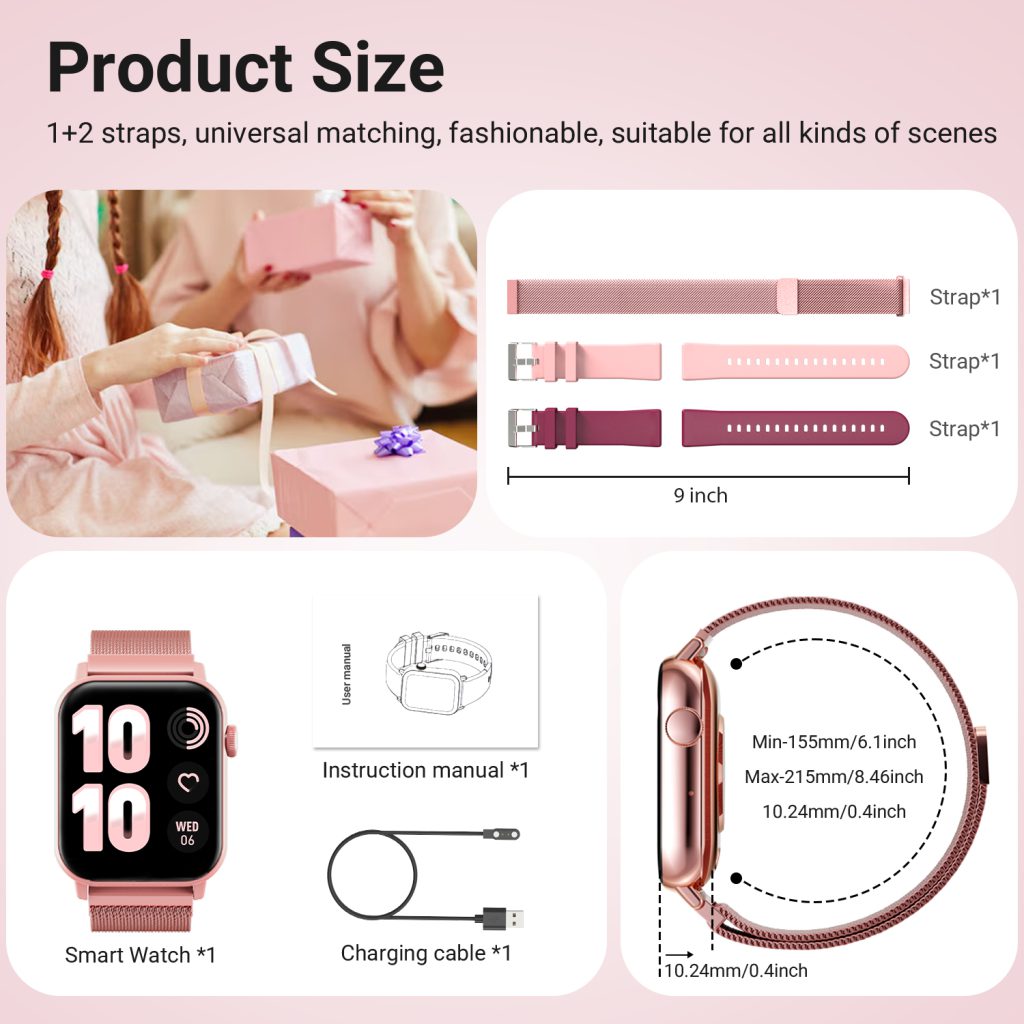
Phone call functions on smart watches have come a long way from simple call reminders to full, independent communication tools. Today’s devices combine clear audio, stable connections, noise cancellation, and user-friendly interfaces to provide a natural and reliable calling experience.
Whether you prefer Bluetooth calling for simplicity or cellular calling for independence, modern smart watches can adapt to your lifestyle. As technology improves, call quality will become even clearer, connections more stable, and features more intelligent.
For users who want a dependable daily wearable with excellent communication performance, a smart watch with well-designed calling functions—such as the QONBINK—is a practical and worthwhile choice that brings lasting convenience to everyday life.
Leave a Comment
Your email address will not be published. Required fields are marked *