
Battery life remains one of the most discussed aspects of smart watches because it directly affects how useful the device feels day to day. A watch that lasts only a few hours under normal use becomes a constant source of anxiety, while one that reliably gets through a full day—or better yet, several—feels liberating. Managing and optimizing battery life is a constant tug-of-war between packing in more features and keeping power consumption in check.
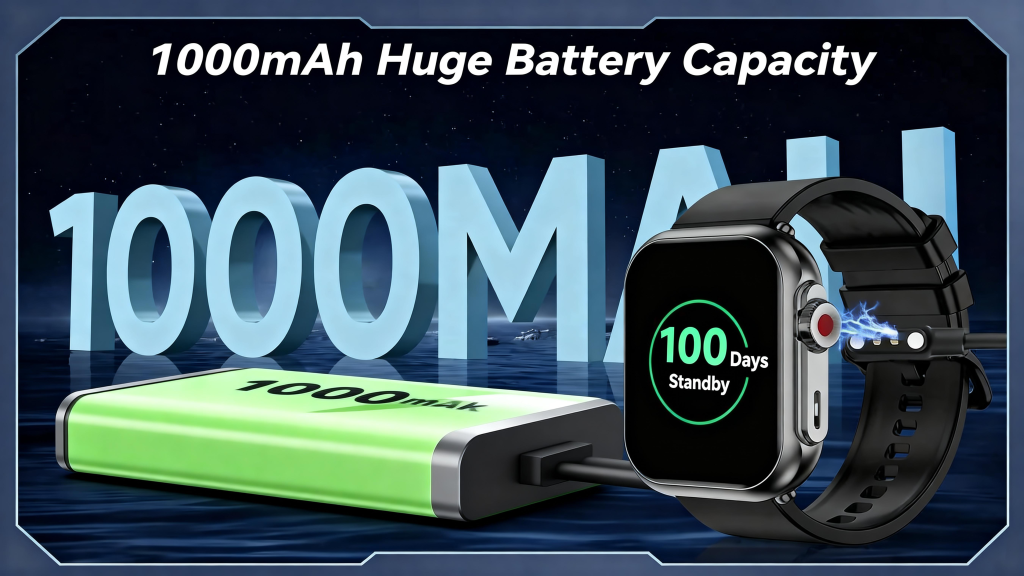
The foundation starts with understanding where power goes. The display is almost always the single largest consumer. Always-on displays (AOD) that show time, complications, and notifications continuously can account for 40–70% of daily drain, even when dimmed or using low-refresh modes. Raise-to-wake setups save significantly by keeping the screen off until you lift your wrist, but they sacrifice instant glanceability. Screen brightness, resolution, and refresh rate compound the issue: a 466×466 pixel AMOLED at 60 Hz scrolling animations uses far more power than a 280×280 transflective MIP display that reflects ambient light. Many outdoor-focused watches stick with MIP or memory-in-pixel technology precisely because it sips power in daylight and remains readable without backlighting.
The processor and wireless radios follow closely. Modern wearables employ a dual- or tri-core architecture: an ultra-low-power co-processor handles always-on tasks like step counting, heart-rate sampling, and notification filtering, while the main application processor sleeps deeply until needed for maps, music, or app launches. Bluetooth Low Energy for phone syncing is relatively efficient, but Wi-Fi scanning, cellular LTE data, or constant music streaming can double hourly consumption. GPS is especially demanding—dual-frequency multi-constellation tracking during workouts can pull 50–100 mA, so devices offer single-band fallback modes or assisted positioning via phone tethering to cut draw.
Sensors add smaller but cumulative loads. Continuous optical heart rate and SpO2 monitoring, even at reduced intervals during sleep, keep the PPG LEDs pulsing. Accelerometers and gyroscopes are cheap in power terms, but high-sample-rate modes for fall detection, gesture recognition, or advanced activity classification add up over 24 hours. Barometric altimeters and skin-temperature sensors draw minimal current yet contribute to background drain when always active.
Software is where the real magic happens. Adaptive power management adjusts sensor sampling, screen brightness, and radio usage based on context. At rest or during sleep, the watch might sample heart rate every 10 minutes instead of continuously, disable GPS entirely, and lower processor clock speeds. During detected workouts, it ramps everything up. Machine learning models predict usage patterns—learning that you usually start a run at 7 a.m. or receive fewer notifications after 10 p.m.—and pre-adjust settings to conserve energy without noticeable impact. Over-the-air updates frequently deliver battery improvements by refining these algorithms; many users see 10–30% gains after a major firmware release.
User-facing controls give people direct influence. Most watches offer quick toggles for battery saver modes that disable AOD, limit notifications, reduce haptic feedback, turn off always-on heart rate, and disable Wi-Fi/LTE. Some go further with “ultra-long” modes that drop to basic timekeeping and step counting, stretching a typical 1–2 day watch into 5–10 days. Granular settings let you choose which complications update in real time versus on-demand, or which apps can wake the screen. Enabling these options often doubles runtime for users who don’t need every bell and whistle active.
Thermal and battery health management protect long-term performance. Charging stops or slows if the battery gets too warm, and the system caps charge current as the cell ages to reduce degradation. Many watches limit maximum charge to 80–90% by default or offer optimized charging that learns your routine—holding at 80% overnight and topping to 100% just before you wake up—to minimize time spent at full voltage. This habit alone can extend battery lifespan by hundreds of cycles.
Real-world factors often override ideal scenarios. Heavy AOD usage, frequent GPS workouts, constant notifications with vibrations, background music playback, and always-on cellular can cut advertised battery life in half. Conversely, users who disable AOD, limit workouts to occasional sessions, and rely on phone tethering for most connectivity frequently exceed claims. Environmental conditions matter too: cold temperatures slow chemical reactions inside the battery, reducing effective capacity, while extreme heat accelerates aging.
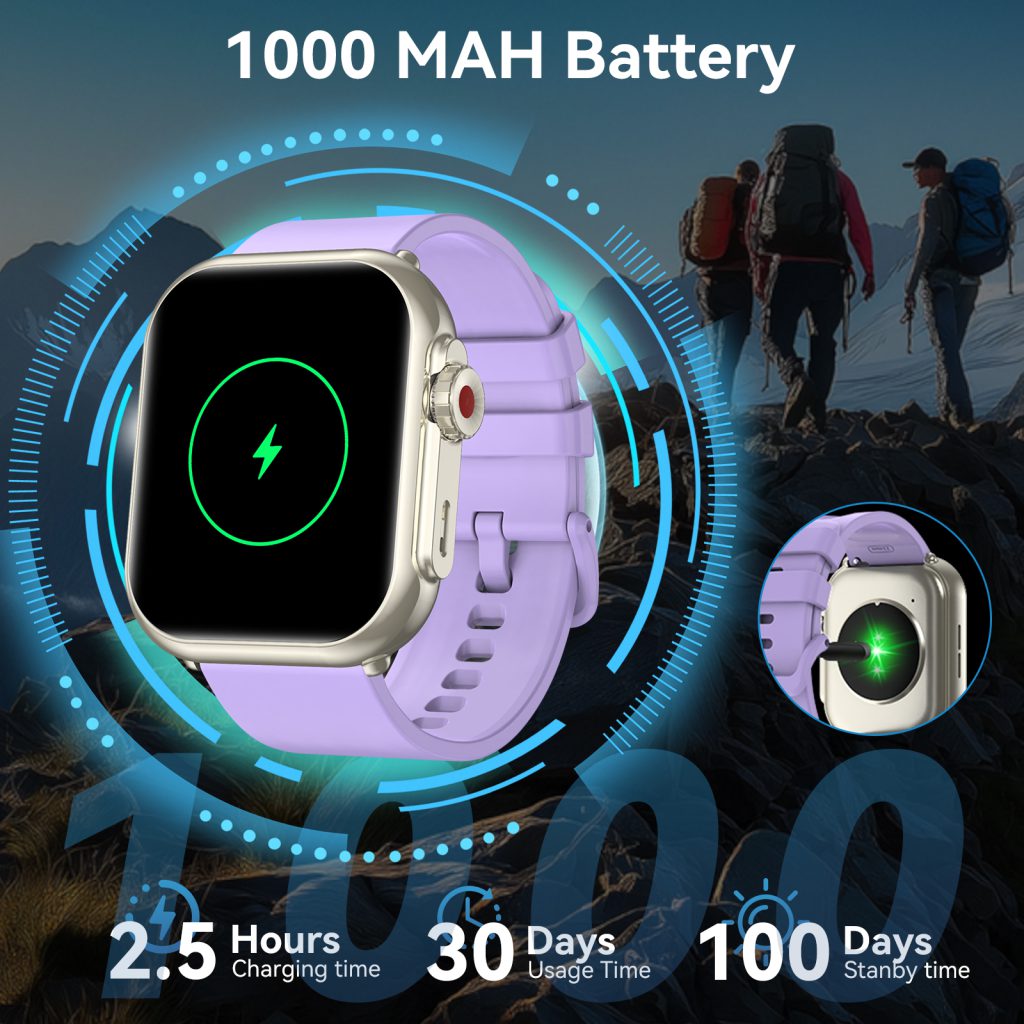
We continually push boundaries. Newer low-power displays (micro-LED prototypes or advanced MIP variants), more efficient SoCs (Arm Cortex-M55 or custom ultra-low-leakage designs), and silicon-anode or solid-state battery cells promise higher energy density and lower self-discharge. AI-driven power orchestration is becoming smarter, predicting not just daily patterns but moment-to-moment needs—pre-loading maps before a run starts or throttling sensors during low-activity periods. Some experimental features include solar harvesting on the bezel or kinetic energy recovery from wrist motion, though these remain niche for now.
Ultimately, good battery management feels invisible. The watch lasts long enough that you rarely think about it, yet still delivers the features you care about most. We achieve this through relentless optimization—hardware efficiency gains, software intelligence, user controls, and realistic expectations set by transparent marketing. When a watch reliably carries you through a busy day of tracking, notifications, and occasional navigation without begging for a charger by evening, that’s the quiet engineering win that keeps people wearing it every single day.
Leave a Comment
Your email address will not be published. Required fields are marked *