
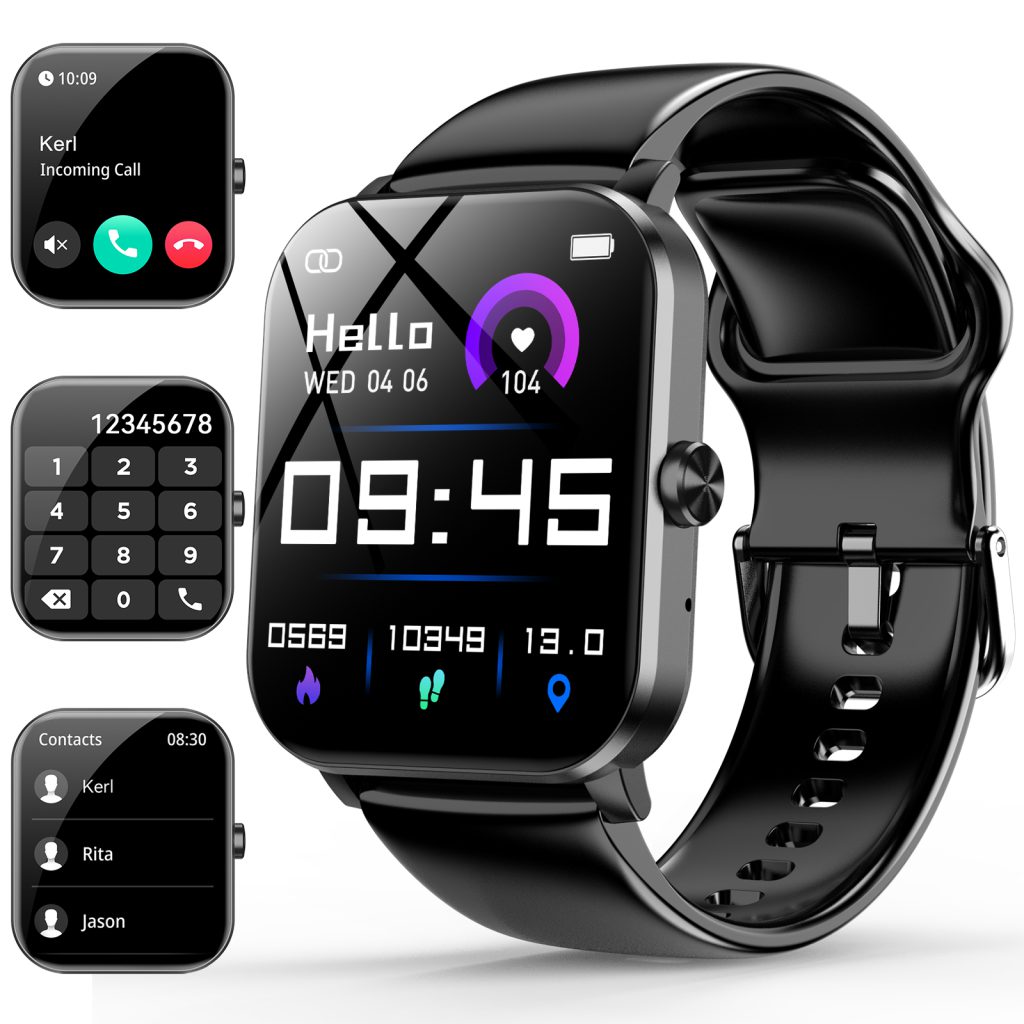
The crown has become one of the most distinctive features on modern smartwatches, blending classic watchmaking heritage with digital functionality. What started as a simple winding knob on mechanical timepieces now serves as a multi-purpose control that feels both familiar and innovative. On the wrist, where screen space is tiny and fingers fumble easily, a well-designed crown offers precise, tactile input that touchscreens alone often struggle to match—especially during movement, in gloves, or when the display is wet. Different brands have interpreted the crown in their own ways, but the core idea remains: give users a physical dial that enhances navigation without relying solely on swipes and taps.
The classic single crown, positioned at the 3 o’clock spot, is the most widespread. It typically combines two actions: press and rotate. A single press wakes the screen, returns to the home watch face, or acts as a back button in menus. A double press might launch a favorite app, show recent notifications, or toggle settings. The real strength lies in rotation. Turning the crown scrolls lists smoothly—through workout stats, music tracks, messages, or calendar events—with each detent (clicky step) providing clear feedback. The number of steps varies by model: finer detents (dozens per full turn) feel more precise for zooming maps or adjusting volume, while coarser ones suit quick menu navigation. This mechanical feel makes the crown intuitive; you can scroll without looking, keeping eyes on the road during a run or on the trail while hiking.
Some crowns add extra layers of function. Long-press often triggers the voice assistant, power menu, or emergency SOS. In certain designs, pressing while rotating adjusts specific values—brightness, alarm time, timer minutes—without entering sub-menus. This direct manipulation speeds up common tasks and reduces touchscreen wear. On devices with always-on displays, the crown can wake the screen to full brightness or cycle through complications, giving quick access to secondary info like weather or battery status.
Material and construction matter for both feel and durability. Stainless steel or titanium crowns resist corrosion from sweat and salt water better than aluminum, though lightweight alloys keep the watch balanced. Knurling—fine ridges or grooves around the edge—provides grip, especially when fingers are damp or gloved. Some crowns feature a textured pattern or rubberized insert for extra traction. The protrusion is carefully tuned: too flush and it’s hard to grasp; too prominent and it catches on sleeves or gear. A slight dome or chamfered edge helps fingers locate it instantly.
Water resistance influences crown design heavily. For 5 ATM or 10 ATM ratings, many use screw-down crowns with threaded mechanisms and O-ring seals. You twist to lock before swimming or showering, ensuring no water sneaks in during pressure changes. These feel more substantial and give a satisfying “click” when secured. Non-screw crowns rely on precision gaskets and tight tolerances; they’re slimmer and quicker to use but require excellent engineering to stay waterproof under stress.
Haptic feedback has become a popular enhancement. When you rotate or press, a small motor delivers a crisp vibration synced to each detent or click. This confirms input without needing to glance at the screen—useful in noisy environments or when wearing thick gloves. The haptic engine can vary intensity: light buzz for minor turns, stronger pulse for reaching the end of a list. Combined with audible clicks on some models, the sensory feedback makes the crown feel alive and responsive.
Dual-crown setups appear on a few specialized watches. One crown handles scrolling and selection, while a second (often smaller or on the opposite side) controls specific functions like zooming, mode switching, or quick settings. This splits workload and reduces accidental inputs during intense activity. The layout keeps the main crown dominant for everyday use while the secondary one serves niche shortcuts—ideal for athletes who need fast access to timers, laps, or workout modes.
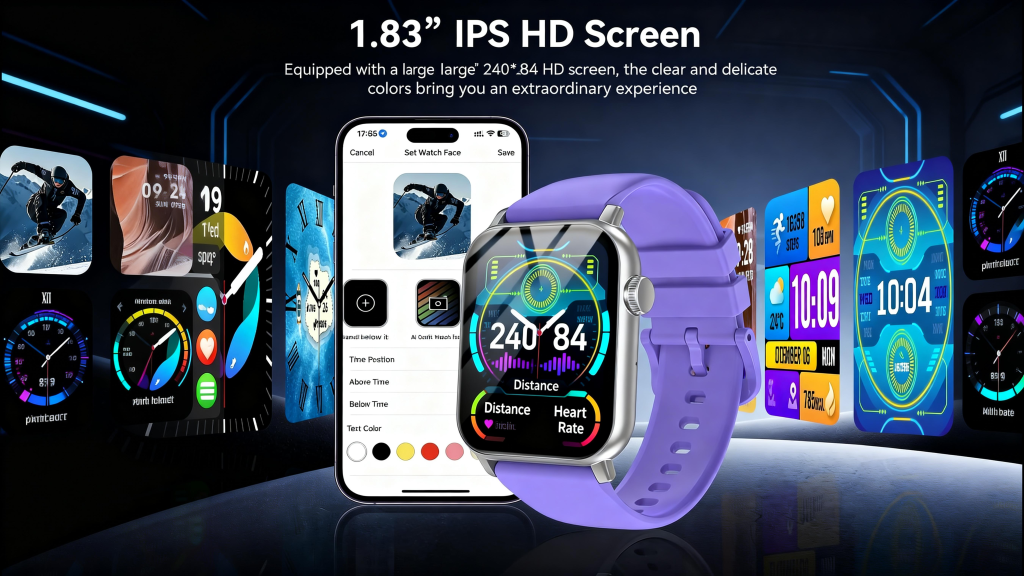
The crown also plays a role in accessibility. For users with motor challenges, reduced dexterity, or those wearing gloves year-round, rotation and pressing provide reliable input when touch falters. Voice commands help, but physical controls remain the fallback for critical actions like rejecting calls, pausing music, or activating SOS. A stiff or poorly placed crown can frustrate; a smooth, well-weighted one builds confidence.
Compared to pure touchscreen navigation, the crown shines in precision and speed for certain tasks. Scrolling long text messages or playlists with a finger can feel imprecise on a small curved surface; the crown’s stepped rotation eliminates overshoot. In rain or with sweaty hands, touch rejection sometimes fails, but the crown keeps working. Battery impact is minimal—rotation sensors draw almost nothing compared to constant touchscreen polling.
Over time, the crown has evolved from a mere convenience to a signature element that defines a watch’s character. A single, finely detented crown can feel elegant and sufficient for daily wear. A screw-down version signals rugged capability. Dual crowns suggest deeper functionality for serious users. Whatever the interpretation, the crown bridges analog tactility with digital control, reminding us that sometimes the oldest watchmaking feature solves modern problems best.
Leave a Comment
Your email address will not be published. Required fields are marked *