
Physical buttons remain one of the most reliable parts of a smart watch, even as touchscreens handle most interactions. They provide tactile feedback you can feel without looking, work when the screen is wet or gloved, and serve as emergency backups if touch fails. On a device worn all day and used in motion, rain, or cold weather, a well-designed button can make the difference between frustration and seamless control. Different brands approach buttons in varied ways—some minimize them for a clean look, others multiply them for dedicated functions—but the core principles of placement, size, travel, and material shape how intuitive and durable they feel.
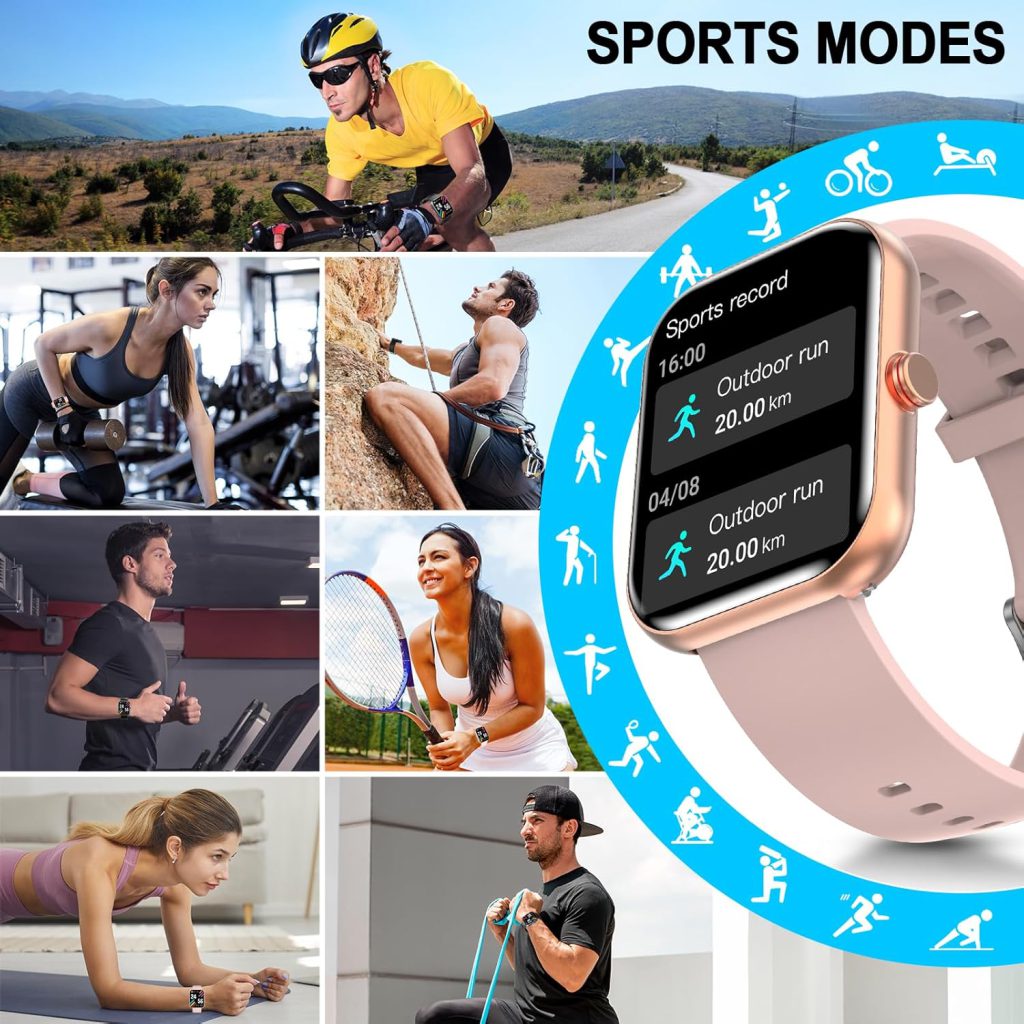
The most common setup is a single prominent button on the right side, often called the home or action button. Positioned at roughly the 2 o’clock or 3 o’clock spot, it sits naturally under the thumb when the watch is worn on the left wrist (the dominant choice for most users). This placement allows quick access without shifting grip—important during runs, cycling, or lifting weights. The button typically handles core actions: press to wake the screen, double-press for shortcuts, long-press for voice assistant or power menu. Its size is usually generous (around 4–6 mm diameter) so it’s easy to find by feel alone, even with gloves or in low light.
Many watches add a second button or crown for scrolling and navigation. Digital crowns, popularized by Apple, combine rotation for smooth list scrolling with a press function. The crown protrudes slightly from the case, often with fine knurling or grooves for grip, and offers distinct detents (clicky steps) so each turn feels deliberate. This design excels for zooming maps, adjusting volume, or browsing long workout summaries—actions that feel awkward or imprecise on a small touchscreen. The crown’s rotation also helps in wet conditions or with gloves, where touch can falter.
Some models use two side buttons instead of a crown. One acts as home/back, the other as a customizable action key—launch workouts, start timers, trigger payments, or open apps. Dual buttons spread functions across the case, reducing accidental presses and giving dedicated shortcuts without menu diving. Placement matters: the upper button often sits higher for easier thumb reach, while the lower one requires a slight stretch, discouraging casual bumps. Spacing between buttons prevents mis-hits during sweaty or gloved use.
Material and construction directly affect longevity and feel. Stainless steel or titanium buttons resist corrosion from sweat and rain better than aluminum, though aluminum keeps weight down. Sapphire or hardened glass covers protect against scratches on premium models. Button travel (how far it depresses) usually ranges from 0.3–0.8 mm—short travel feels snappy and modern, while longer travel gives more satisfying feedback, especially useful when wearing gloves or mittens. Tactile switches underneath provide a crisp click; cheap membrane switches feel mushy and wear faster.
Water resistance influences design too. For 5 ATM or higher ratings, buttons often use O-ring seals or gaskets to prevent water ingress when pressed. Some watches feature screw-down crowns (like dive watches) for extra security during swimming or showering. These add bulk but ensure the button remains functional underwater or in heavy rain. Non-screw crowns rely on precision machining and seals; they’re slimmer but can feel less secure if not engineered well.
Ergonomics extend to the button shape and texture. Domed or slightly convex tops are easier to locate and press than flat ones. Ridges, grooves, or a raised rim help fingers find the button without looking—crucial when you’re mid-stride or in dim conditions. Color accents (red rings, contrasting finishes) visually mark action buttons on some models, though purists prefer a monochromatic look.
Accessibility is another consideration. Larger, more protruding buttons aid users with motor impairments or those wearing thick gloves year-round. Voice or gesture controls help, but physical input remains the fallback for critical actions like emergency SOS (usually triple-press or long-hold). A poorly placed or stiff button can make those features unreliable.
Battery and internals play a subtle role. Extra buttons require additional switches and wiring, adding minor thickness and cost. Some designs integrate haptic feedback (vibration on press) to confirm actuation without mechanical travel, though most users still prefer the traditional click.
In practice, the best button designs disappear into the background—you press without thinking, and the watch responds instantly. A single crown can feel elegant and sufficient for daily use, while dual buttons offer more shortcuts at the cost of slightly busier aesthetics. Crowns shine for scrolling-heavy tasks; side buttons win for one-tap actions. The choice often reflects the watch’s intended audience: minimalist for casual wearers, feature-packed for athletes or outdoor enthusiasts.
Buttons may seem minor compared to screens or sensors, but they ground the smartwatch experience in something physical and dependable. In a world of increasingly gesture- and voice-driven devices, a thoughtfully designed physical button reminds us that sometimes the simplest input method is still the most trustworthy.
Leave a Comment
Your email address will not be published. Required fields are marked *