
The touchscreen is the primary way most people interact with a smart watch—swiping through notifications, tapping to start a workout, pinching to zoom on a map, or long-pressing for quick settings. Behind that smooth response lie different touchscreen technologies, each with its own strengths in accuracy, responsiveness, power use, and cost. While capacitive touch dominates the market today, other types still appear in niche or older models.
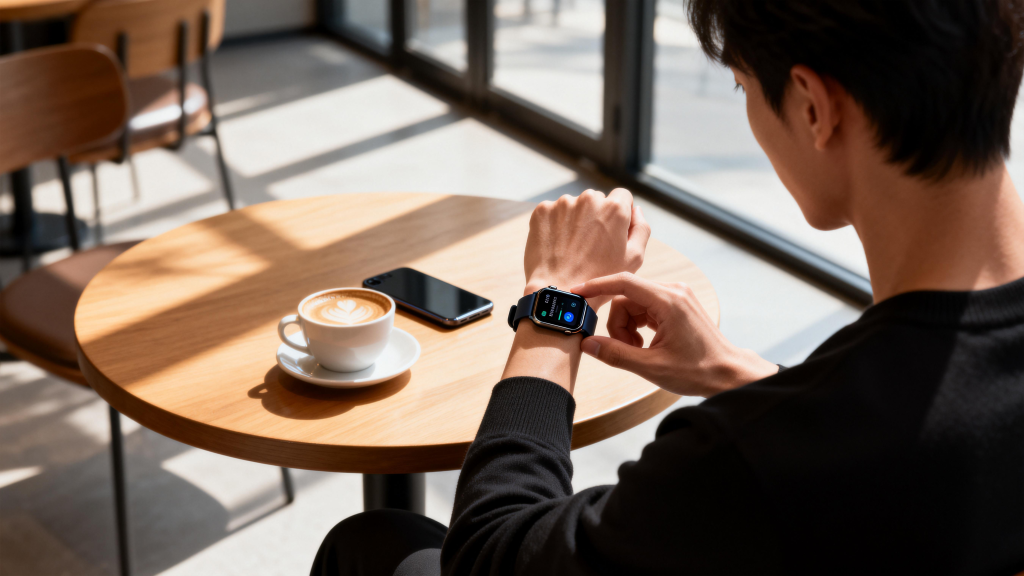
Capacitive touch is by far the most common in modern smart watches. It works by detecting changes in an electrostatic field created by a grid of electrodes under the glass. When your finger (a conductor) touches the screen, it disturbs the field, and the controller pinpoints the location. Projected capacitive (the subtype almost everyone uses) supports multi-touch gestures—pinch-to-zoom, two-finger scroll, three-finger screenshots—making interfaces feel natural and fluid. The advantages are clear: high accuracy, excellent sensitivity to light touches, support for complex gestures, and no need for pressure. The glass stays smooth and durable, often with oleophobic coatings to resist fingerprints.
The main drawback of capacitive is that it relies on conductivity. Bare skin works best; gloves, especially thick or non-conductive ones, usually block input. Rain or sweat can cause false touches or missed taps unless the watch has good palm-rejection algorithms and wet-touch modes. Manufacturers have improved this—some models now detect water and switch to a simplified input method (like larger targets or crown/button navigation)—but it’s still not perfect in heavy downpours or with winter gloves.
Resistive touch, once common in early wearables and budget devices, is now rare on smartwatches. It uses two flexible layers separated by tiny spacers. Pressing the screen brings the layers into contact, completing a circuit at that point. The big plus is compatibility: it works with any object—stylus, gloved finger, even a pen cap. Pressure sensitivity is inherent, so it can register varying force if the software supports it.
However, resistive screens have notable downsides on a wrist device. They require physical pressure, which feels less intuitive for quick swipes or taps. The top layer adds a slight haze and reduces clarity compared to direct-bonded capacitive glass. Durability suffers too—the flexible layers can wear or develop dead spots over time. Power consumption is similar or slightly higher due to constant voltage across the layers. Because of these trade-offs, resistive touch has largely disappeared from mainstream smartwatches, surviving mostly in very low-cost fitness bands or specialized industrial models.
Infrared (IR) touch, sometimes seen in older or rugged watches, uses an array of infrared LEDs and sensors around the screen edges. When a finger or object blocks the beams, the controller calculates position from interrupted lines. IR supports multi-touch in theory and works with gloves, styluses, or wet fingers since it doesn’t rely on conductivity.
The problems are size and power. The bezel must be thick enough to house the emitter-sensor grid, which clashes with the slim, edge-to-edge designs people expect today. Power draw is higher because the IR grid stays active. Accuracy drops near edges, and bright sunlight can interfere with the infrared signals. For these reasons, IR touch is virtually extinct in current smartwatches—only a handful of niche or prototype devices ever used it.
Surface acoustic wave (SAW) and optical touch have appeared in prototypes or very specialized wearables but never gained traction. SAW sends ultrasonic waves across the glass; a finger absorbs or scatters them, and sensors detect the change. It offers high clarity (no extra layers) and glove compatibility but needs a clean surface—dirt, water, or smudges disrupt the waves. Optical systems use cameras or light sensors to track finger position, which adds bulk, cost, and power hunger. Neither has scaled to consumer smartwatches.
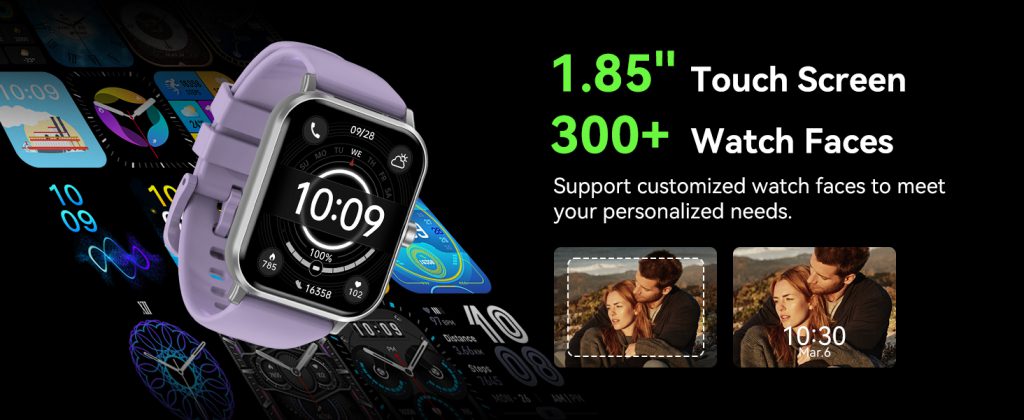
Hybrid approaches are emerging to solve capacitive’s weaknesses. Some watches combine capacitive with force touch (pressure-sensitive layers under the screen) for added input dimensions—light tap vs firm press. Others integrate better water-rejection algorithms or switch to crown/button fallback in wet conditions. Future directions include capacitive improvements with better glove modes (using higher sensitivity or low-frequency scanning) and perhaps new materials that maintain conductivity through thin gloves without sacrificing precision.
In everyday use, capacitive touch remains the clear winner for most people. It delivers the responsive, gesture-rich experience that defines modern smartwatches—quick swipes, precise taps, smooth scrolling. The technology has matured so much that differences between brands often come down to software tuning: how aggressively palm rejection works, how fast the controller samples touches, or how well it filters noise from sweat or rain. A well-tuned capacitive screen on a mid-range watch can feel noticeably better than a poorly implemented one on a flagship.
When choosing a watch, consider your habits. If you live in a rainy area, train in gloves, or need stylus support for sketching, look for models that advertise enhanced wet-touch or glove compatibility (often achieved through capacitive tweaks rather than switching technologies). For typical bare-finger use in dry conditions, almost any recent capacitive touchscreen will deliver a satisfying experience.
The touchscreen may seem like a simple component, but its technology quietly defines how natural and reliable your smartwatch feels day after day. Capacitive has become the standard for good reason—it balances precision, speed, and elegance better than the alternatives for the vast majority of users. As wearables continue evolving, expect refinements to capacitive rather than wholesale shifts to other types.
Leave a Comment
Your email address will not be published. Required fields are marked *