
Smart watches succeed or fail based on how effortlessly they fit into your life. Features matter, but the real magic happens when the device feels intuitive, reliable, and almost invisible on your wrist. Poor user experience turns even the most advanced hardware into something you charge more often than wear.
Intuitive and Glanceable Interface
The best smartwatches are built for one-second interactions. You raise your wrist, get what you need, and move on—no fumbling, no menus buried three swipes deep.
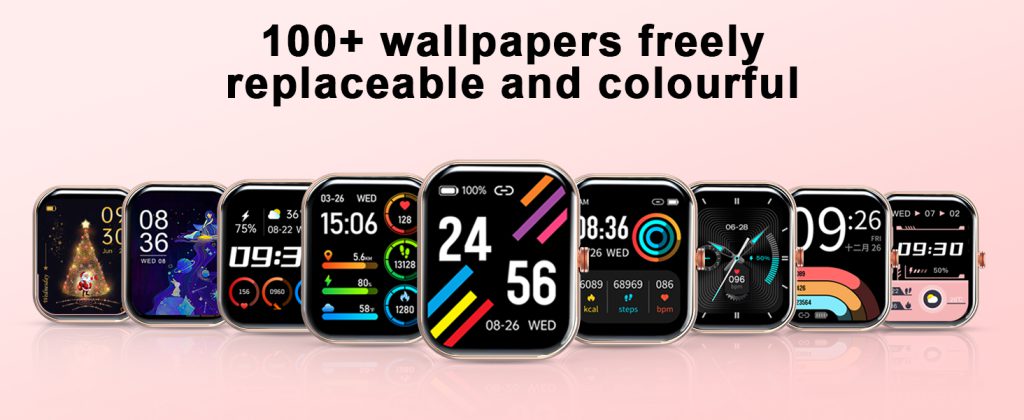
Watch faces play a huge role here. A clean, customizable face with just the right complications (time, next calendar event, battery, steps) lets you absorb information instantly. Overloaded faces with animations or too many widgets feel busy and slow you down. Always-on displays that show meaningful info without needing a flick make a massive difference for quick checks during meetings or workouts.
Gestures and controls need to feel natural. A responsive digital crown or rotating bezel beats endless swiping on small screens. Haptic feedback should be crisp but not annoying—strong enough to notice under a sleeve but subtle during quiet moments. Voice input and quick replies save time when typing on a tiny keyboard is impractical.
Consistency across apps and notifications matters too. If every app uses different swipe directions or button placements, frustration builds fast. The top experiences come from ecosystems where the watch mirrors the phone’s logic without feeling like a watered-down version.
Comfort and Wearability All Day (and Night)
If it doesn’t feel good after eight hours, no amount of features will keep it on your wrist.
Weight is the biggest comfort killer. Lightweight designs (under 40g without strap) disappear during sleep tracking, yoga, or desk work. Heavier premium builds can feel substantial and luxurious but cause fatigue during long wear or overnight use. Balanced weight distribution helps—bulky sensor hubs on one side make the watch tip or press unevenly.
Strap choice amplifies or fixes this. Breathable, adjustable bands (perforated silicone, nylon, or soft fluoroelastomer) prevent sweat buildup and skin irritation. Quick-release systems let you swap for leather or metal when the occasion calls for it. A snug-but-not-tight fit keeps sensors accurate without leaving marks or restricting blood flow.
Durability ties in here too. Scratch-resistant screens (sapphire or Gorilla Glass) and water resistance (50m+) mean you don’t baby the watch during rain, showers, or workouts—peace of mind keeps it on longer.
Reliable Battery Life and Charging Habits
Nothing kills user experience faster than a dead watch mid-day.
Multi-day battery life (5–14+ days on fitness-focused models) is a game-changer for forgetful users or those who hate daily routines. Even 24–36-hour flagship models work if charging fits naturally—overnight while you sleep, or a quick 30-minute top-up during a shower. Wireless charging pads that snap on easily beat fumbling with proprietary cables.
Predictable battery drain is key. If turning on always-on display or GPS tanks the percentage in an hour, users feel punished for using features. Smart power management—auto-dimming, adaptive refresh rates, efficient sensors—makes the watch feel trustworthy instead of needy.
Accurate and Actionable Insights
The whole point of a smartwatch is useful data, but bad accuracy erodes trust fast.
Heart-rate tracking should stay reliable during runs, cycling, or HIIT—not just at rest. Sleep stages, stress levels, and activity detection improve when the watch learns your patterns over time. False alerts (phantom irregular rhythms) or missed steps frustrate; consistent, believable numbers motivate.
Insights need to be actionable, not overwhelming. A gentle nudge to stand after sitting too long beats vague weekly reports. Progress toward goals (closing rings, beating yesterday’s steps) feels rewarding when it’s clear and immediate. Overly complicated dashboards buried in the app defeat the purpose—key stats belong on the wrist.
Personalization Without Complexity
People want the watch to feel like theirs, but setup shouldn’t take an hour.
Easy watch-face switching, band changes, and notification filters let users tailor without deep menus. Pre-set focus modes (work, exercise, sleep) that activate automatically based on time or calendar save mental effort. Accessibility options—larger text, voice feedback, color adjustments—make it inclusive for more users.
The best experiences strike a balance: enough customization to make it personal, but not so many options that it feels like work.
UX Wins Loyalty
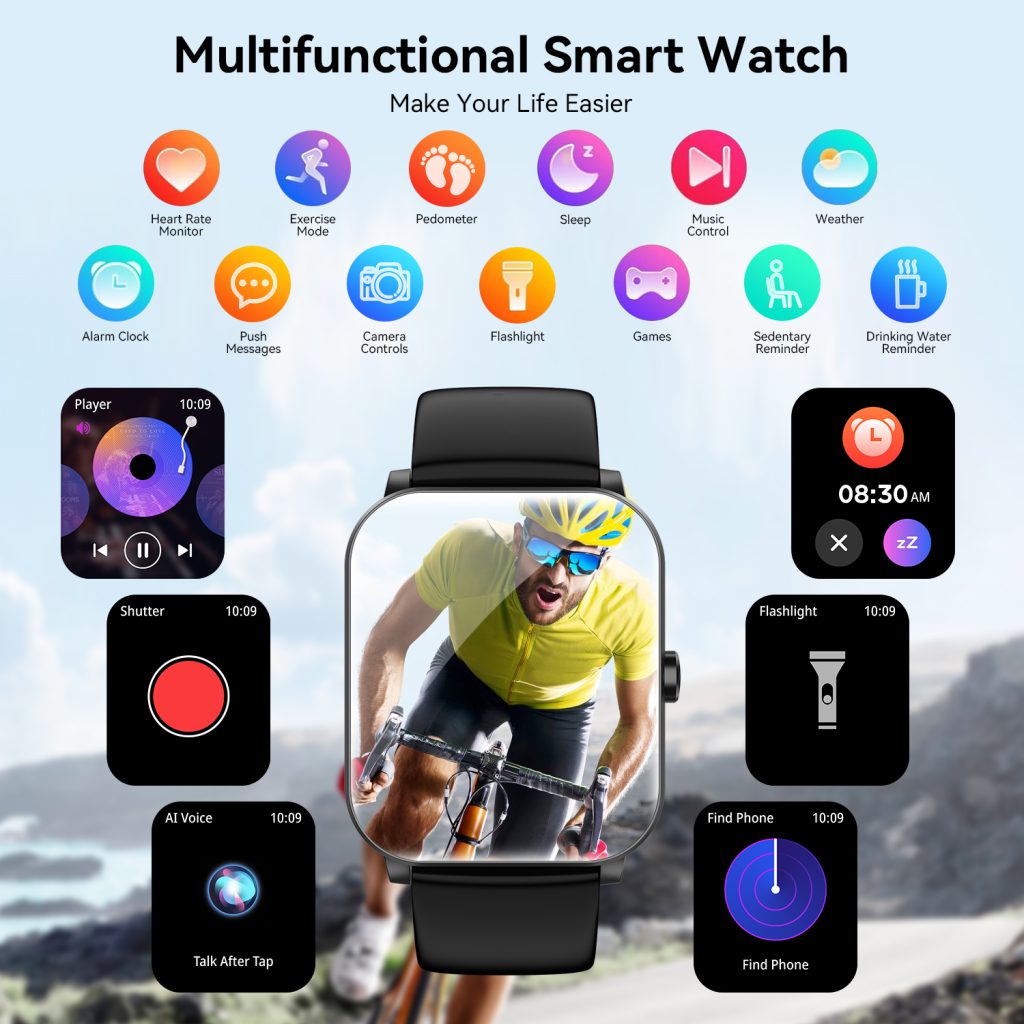
Great smart watch user experience isn’t about cramming in every sensor or app—it’s about removing friction so the device quietly supports your day. When the interface is glanceable, the fit is forgettable, the battery is dependable, the data is trustworthy, and personalization feels effortless, the watch stops being a gadget and becomes part of your routine.
For buyers, prioritizing UX over spec sheets usually leads to the watch you actually wear every day—not the one that looked impressive in the store.
Leave a Comment
Your email address will not be published. Required fields are marked *