

Smart watches look simple on the surface—just a tiny screen on your wrist—but getting comfortable with one often takes longer than people expect. The first few days or weeks can feel awkward: notifications overwhelm you, gestures don’t register right, battery anxiety creeps in, and you forget half the features exist. Yet most users eventually reach a point where the watch becomes second nature, quietly handling reminders, glances at messages, and health insights without much thought. The learning curve exists, but it’s usually short and manageable.
First Impressions: The Overwhelming Setup Phase
Out of the box, setup is straightforward—pair with your phone, sign in, grant permissions—but then the real adjustment begins.
You’ll probably get bombarded with every notification your phone ever receives: texts, emails, social-media pings, calendar invites, app alerts. The constant buzzing feels intrusive, and deciding what to allow or mute takes trial and error. Many people turn everything off at first, then slowly re-enable only the essentials.
Basic navigation also trips people up. Swipe directions, crown clicks, side-button presses, and pinch-to-zoom gestures vary by brand (Apple’s Digital Crown feels different from Samsung’s rotating bezel or Google’s swipe-heavy interface). Raising your wrist to wake the screen might miss the first few times if your motion is too slow or subtle.
Battery life is another early shock. If you leave everything on—always-on display, constant heart-rate monitoring, GPS for a walk—you might see the percentage drop faster than expected. Learning to tweak settings (turn off always-on, reduce brightness, limit background sync) becomes a quick priority.
Most users report the first 3–7 days feel clunky. You’re constantly fiddling, checking the manual or app, and wondering if it’s worth the hassle.
The Middle Phase: Building Habits (1–4 Weeks)
After the initial overwhelm, habits start forming.
You learn to glance instead of stare—quick wrist raises for time, notifications, or steps become automatic. Quick replies (pre-set messages or voice dictation) save you from pulling out your phone during meetings or workouts. Calendar glances prevent “I forgot about that call” moments.
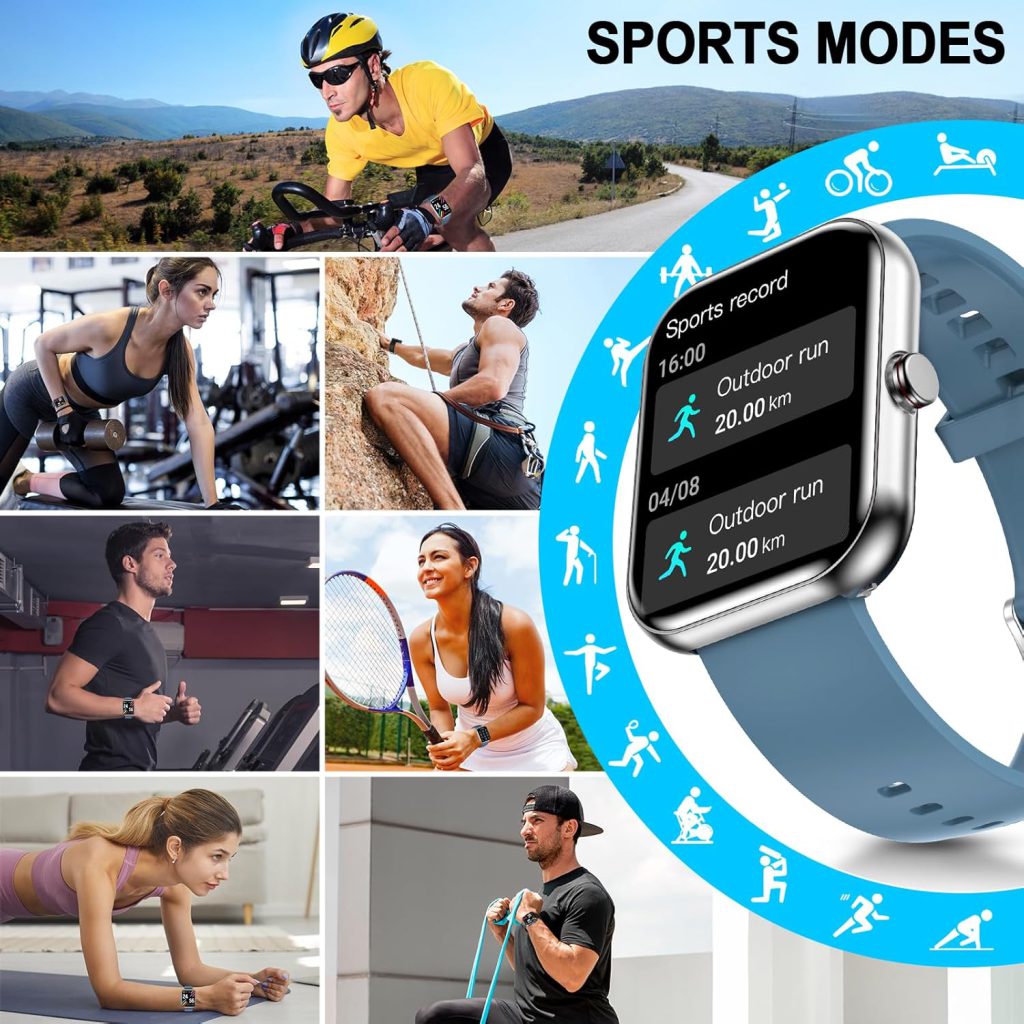
Fitness tracking clicks into place too. You start closing activity rings not because the watch nags, but because you enjoy seeing progress. Sleep data arrives after a few consistent nights, and you begin connecting poor rest to next-day fatigue.
Customization helps a lot here. Swap watch faces to something minimal so the screen isn’t distracting. Set up complications (small widgets) for weather, next event, or battery level. Create focus modes or schedules so the watch quiets down during class, work, or bedtime.
By week two or three, many people say the watch “disappears” on their wrist—they notice it only when it’s useful. The learning isn’t steep anymore; it’s just fine-tuning.
What Makes the Curve Steeper or Shallower
Several factors influence how long it takes to feel natural.
- Ecosystem familiarity — If you already use an iPhone and get an Apple Watch, or an Android phone with a Pixel/Galaxy Watch, integration feels seamless. Cross-platform (Wear OS on iPhone, for example) adds friction because some features are limited or missing.
- Previous wearable experience — People upgrading from a basic fitness tracker breeze through faster than first-timers.
- Age and tech comfort — Younger users or those already deep in apps adapt quicker; older adults or minimalists sometimes need extra patience.
- Usage goals — If you only want time, steps, and basic notifications, the curve is gentle. Diving into advanced features (ECG, blood oxygen, maps navigation, third-party apps) extends it.
Brands matter too. Apple Watch has the most polished, intuitive interface but requires learning its specific gestures. Garmin focuses on fitness depth, so the curve is longer if you’re not sporty. Samsung and Google strike a middle ground.
Tips to Shorten the Learning Curve
- Start minimal: Enable only calendar, calls, texts from favorites, and fitness tracking at first. Add more as you get comfortable.
- Watch tutorials: Spend 10 minutes on the official setup videos or quick YouTube guides for your model—they save hours of guessing.
- Wear it consistently: Even if it feels weird, keep it on 24/7 for at least two weeks. Consistency builds muscle memory.
- Adjust one thing at a time: Change notifications today, watch face tomorrow, activity goals the next day. Small steps prevent overload.
- Accept imperfections: Early heart-rate readings might be off, sleep tracking inconsistent—give the sensors time to learn your patterns.
When It Becomes Invisible
After a month or so, the watch stops being a gadget and starts being an extension of you. You raise your wrist without thinking, reply to a message mid-walk, notice you’re low on steps before bed, and feel oddly naked without it. The initial frustration fades, replaced by quiet convenience.
The learning curve isn’t zero, but it’s rarely longer than a few weeks—and the payoff is worth it for anyone who values glanceable info, better habits, and fewer phone checks.
Leave a Comment
Your email address will not be published. Required fields are marked *