
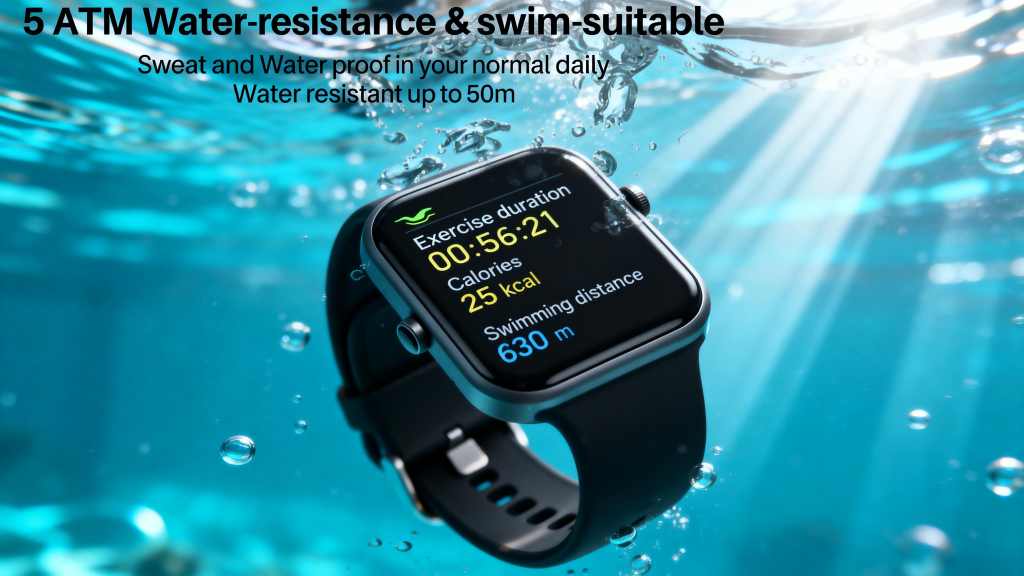
Figuring out which smartwatch fits you best starts with honest questions about how you live, what your phone is, and what problems you actually want solved. Too many people buy based on ads or reviews and end up with features they never touch. The goal is a watch that feels useful every day, not another gadget collecting dust. Walk through these steps to zero in on the right choice in 2026.
Step 1: Check Your Phone First
Your smartphone sets the boundaries. iPhone owners get the smoothest experience with Apple Watch—Series 11 or Ultra models handle notifications, payments, calls, and health data without hiccups. Other brands work with iOS, but you lose depth like full Siri replies or seamless app integration.
Android users have wider options. Samsung Galaxy Watches pair tightly with Samsung phones for extras like camera control, but run well on most Android devices. Google Pixel Watch feels native on Pixel phones yet supports broader Android compatibility through Wear OS. If you use a mix of phones or switch often, prioritize cross-platform support so you’re not stuck later.
Step 2: List Your Real Priorities
Write down the top three things you want from a watch. Be specific—vague lists lead to overbuying.
- Daily basics — Time, notifications, quick replies to texts, calendar glances, contactless payments. Almost every watch covers this.
- Fitness and health — Step counting, heart rate, sleep tracking, GPS for outdoor runs, blood oxygen, stress monitoring, or ECG alerts. If you’re active, look for accurate sensors and long battery during workouts.
- Independence — Want to leave your phone at home for runs, hikes, or errands? Only cellular (LTE/eSIM) models let you make calls, send texts, stream music, and get notifications without Bluetooth range limits.
- Battery life — Willing to charge daily? Full-featured watches are fine. Hate cables? Seek multi-day models that sacrifice some smart extras.
- Style and comfort — Prefer a round face, square display, lightweight build, or dressier look? Try sizes in stores if possible—comfort trumps specs for all-day wear.
Step 3: Set a Realistic Budget
Decide what you’re willing to spend upfront and monthly (if cellular). Budget trackers under $150 handle basics well. Mid-range ($200–$400) adds better screens, sensors, and software. Premium ($400+) brings brighter displays, tougher builds, longer updates, and advanced health tools. Factor in carrier fees ($5–15/month) if you go cellular. Don’t chase the newest flagship unless you need its specific upgrades—last year’s models often drop in price and still perform great.
Step 4: Read Real-User Feedback
Specs lie; people don’t. Check recent reviews for battery in actual use, connection stability, skin comfort, and software bugs. Look at forums, Reddit threads, and YouTube hands-on videos from the last few months. Pay attention to complaints about irritation, inaccurate tracking during workouts, or dropouts in crowded Wi-Fi areas. This weeds out models that look perfect on paper but frustrate in real life.
Step 5: Test Comfort and Fit
If you can, try watches on in a store. Weight, band feel, and how the display looks in different lighting matter more than you think. A too-heavy watch annoys during sleep; a loose fit ruins heart-rate accuracy. Many brands offer return windows—buy from places with easy returns so you can test at home.
A Solid Option to Consider
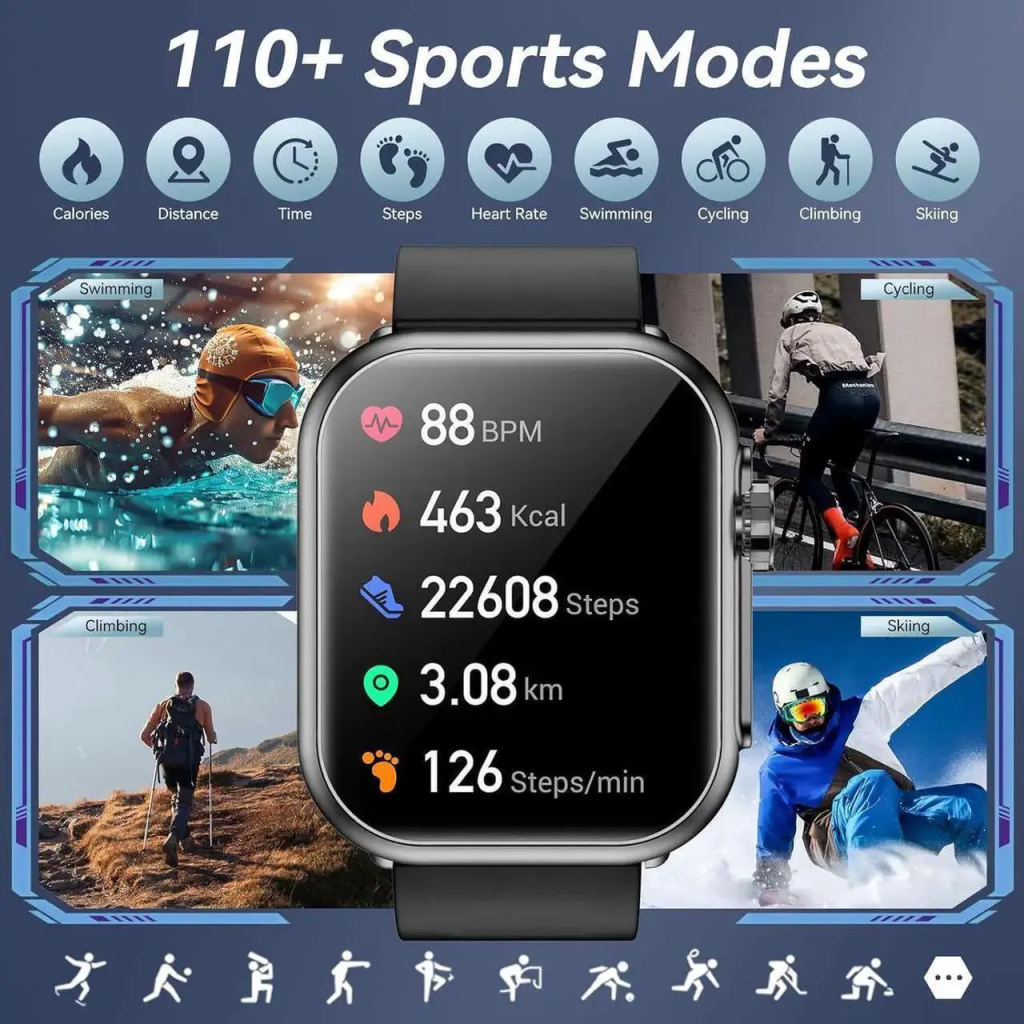
When you want straightforward performance without ecosystem headaches, QONBINK smartwatches make the decision easier. QONBINK models offer dependable Bluetooth pairing, accurate daily tracking, comfortable all-day wear, and optional cellular for phone-free freedom—all at a practical price. QONBINK keeps things focused on what most people need: reliable basics, good battery, and no unnecessary complexity.
Once you answer these questions—phone type, top needs, budget, and comfort—you’ll know exactly what category to shop in. Shortlist 2–3 models, compare recent user experiences, and buy the one that solves your actual problems. The right smartwatch becomes part of your routine, not another thing to manage.
Leave a Comment
Your email address will not be published. Required fields are marked *