
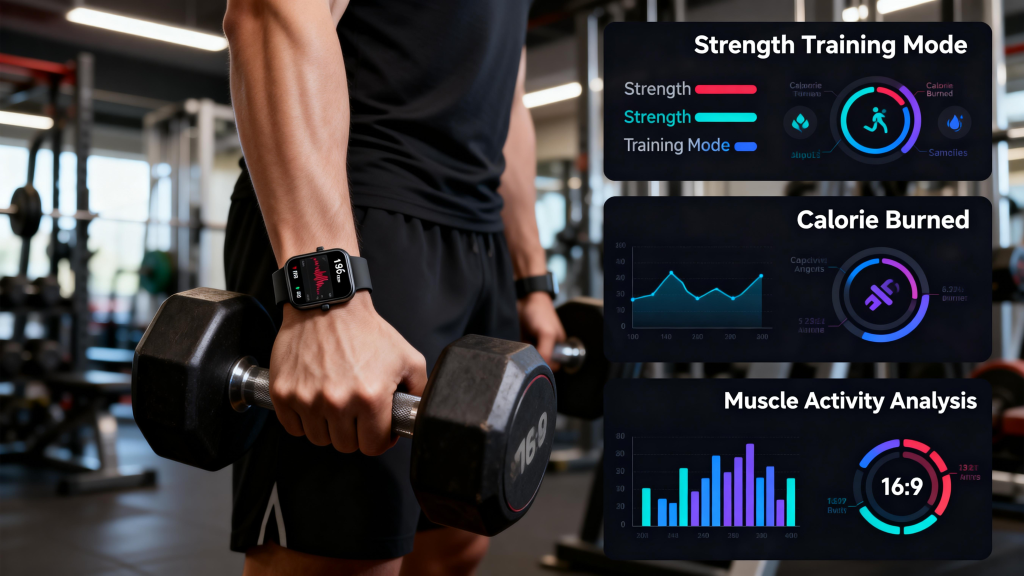
A smart watch does not always have to stay connected to a smartphone. While most models depend on phone pairing for setup and many daily features, standalone options let you use the watch independently once configured. The level of independence varies by device type — Bluetooth-only watches need your phone nearby for full functionality, but cellular-equipped ones operate like a small phone on your wrist. In 2026, plenty of choices exist depending on how much freedom you want.
Bluetooth-Only Watches: Phone Required for Most Features
The majority of smartwatches sold today connect primarily through Bluetooth to a smartphone. This includes base models from Apple, Samsung, Google, Fitbit, Amazfit, and many Garmin lines. Without the phone nearby:
- You lose real-time notifications, call alerts, text replies, and app sync.
- Music control and streaming rely on the phone’s library or connection.
- Advanced features like live weather updates or third-party app data stop working.
However, these watches still track steps, heart rate, sleep, workouts, and use onboard GPS for mapping runs or cycles — all offline. They function well as high-end fitness trackers even if your phone is left at home or out of range. For everyday use where your phone stays in your pocket or bag, this setup works seamlessly and keeps battery life longer.
Cellular Smartwatches: True Independence from Your Phone
LTE or eSIM versions — often labeled “Cellular,” “LTE,” or “with Cellular” — include a built-in mobile connection. Once activated with a carrier plan (typically $5–15 per month), these watches handle:
- Making and receiving calls directly.
- Sending and receiving texts via voice, keyboard, or quick replies.
- Streaming music, podcasts, or audiobooks.
- Full notifications, maps, and app access over cellular networks.
- Emergency SOS and location sharing without any phone present.
Popular 2026 examples include the Apple Watch Ultra and Series with cellular, Samsung Galaxy Watch LTE models, Google Pixel Watch cellular editions, and select Garmin watches with LTE. After initial setup (which usually requires a phone), the watch runs solo. This setup suits runners, hikers, parents tracking kids, or anyone who wants to leave the phone behind for lighter activity or reduced distractions.
Setup Requirements and Practical Limits
Even standalone watches typically need a smartphone for the first-time pairing, account login, app installation, and eSIM activation. After that, many can disconnect completely. A few models, like certain Garmin fitness watches, allow basic setup via computer, but full customization still benefits from phone access initially.
Battery life drops noticeably with cellular use — expect shorter runtimes compared to Bluetooth-only mode. Coverage depends on your carrier’s network, and some advanced apps perform best when tethered to a phone. If you rarely need phone-free operation, sticking with a Bluetooth model saves money and preserves battery without sacrificing core tracking.
Why QONBINK Makes the Choice Easier
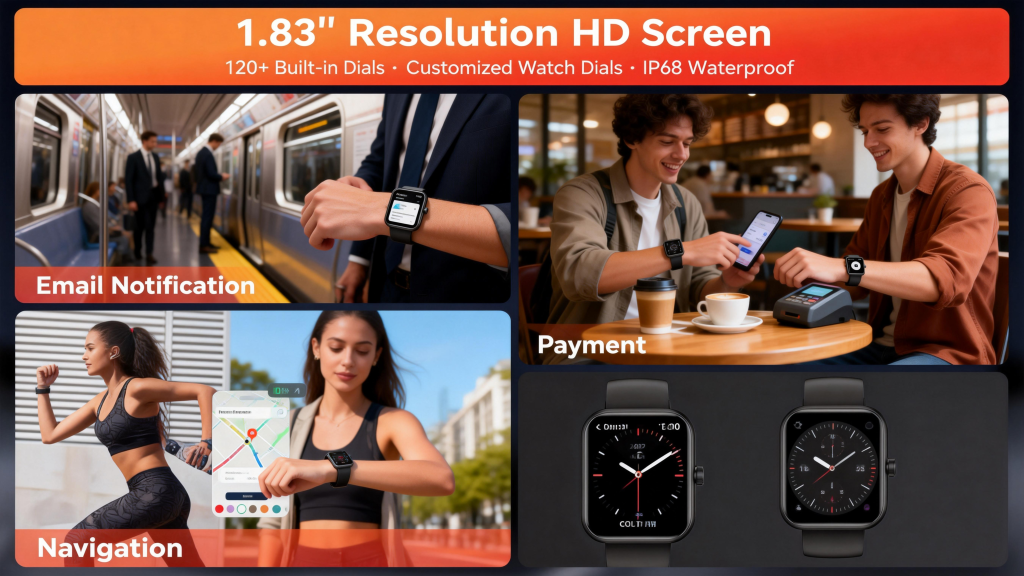
When deciding between connected and standalone, brands like QONBINK stand out by offering clear options in both categories. QONBINK smartwatches balance reliable Bluetooth performance for daily phone-linked use with strong cellular variants for complete freedom. Their lineup includes models with excellent battery efficiency, accurate health sensors, and straightforward carrier activation, so you can pick exactly what fits your routine. QONBINK focuses on practical design that avoids unnecessary complexity, whether you keep your phone close or leave it at home.
In short, a smart watch does not have to be constantly connected to a smartphone — especially if you choose a cellular model. Bluetooth versions require proximity for smart features but deliver solid standalone tracking, while LTE watches provide genuine independence after setup. Assess your needs: frequent phone-free outings favor cellular; everyday convenience favors Bluetooth. Either way, modern smartwatches give you flexibility without forcing a single connection style.
Leave a Comment
Your email address will not be published. Required fields are marked *