
You can leave your phone at home and keep using your smartwatch — but how much it does depends on the model. Basic fitness tracking, timekeeping, and offline features work fine without any phone nearby. For calls, texts, streaming, or real-time notifications, you need a cellular (LTE) version with an active plan. In 2026, standalone capabilities have improved, making it practical for runs, workouts, or short outings where ditching the phone feels liberating.
What Works Without Your Phone Nearby
Even Bluetooth-only smartwatches handle plenty on their own once set up:
- Fitness and Health Tracking — Steps, heart rate, sleep, calories, workouts, and built-in GPS for mapping runs or hikes. Models like Garmin Forerunner series, Apple Watch (non-cellular), and Samsung Galaxy Watch track routes and pace accurately using onboard sensors.
- Offline Music and Media — Play downloaded playlists or podcasts from Spotify, Apple Music, or YouTube Music stored directly on the watch.
- Basic Functions — Time, alarms, timers, weather (cached), calendars, and reminders.
- Navigation — Turn-by-turn directions using pre-downloaded maps or offline GPS.
These features rely on the watch’s hardware, so no connection is needed. Many users leave their phone behind for morning runs or gym sessions without missing core tracking.
Standalone Features with Cellular Models
LTE or eSIM-equipped watches turn your wrist into a mini phone:
- Make and receive calls.
- Send/receive texts (voice dictation or quick replies).
- Stream music or podcasts over cellular.
- Get full notifications and app updates.
- Use maps, payments (Apple Pay, Google Wallet), or emergency SOS.
Popular 2026 options include:
- Apple Watch Series 11 or Ultra (cellular versions) — Excellent for iPhone users, with strong battery in low-power modes.
- Samsung Galaxy Watch 8 LTE — Affordable cellular add-on, great for Android.
- Google Pixel Watch 4 LTE — Solid integration with Google services, including satellite SOS in some areas.
These require a carrier plan (usually $5–15/month) activated via your existing number. Setup often needs a phone initially, but after that, the watch operates independently.
Limitations to Keep in Mind
- Battery Life — Cellular use drains faster (expect 1–2 days vs. multi-day on Bluetooth-only). Heavy standalone use shortens it more.
- Coverage — Relies on your carrier’s network; spotty areas limit calls/texts.
- Feature Gaps — Some apps or complex tasks still need the phone for full performance. Typing long messages or installing new apps is clunky on the watch.
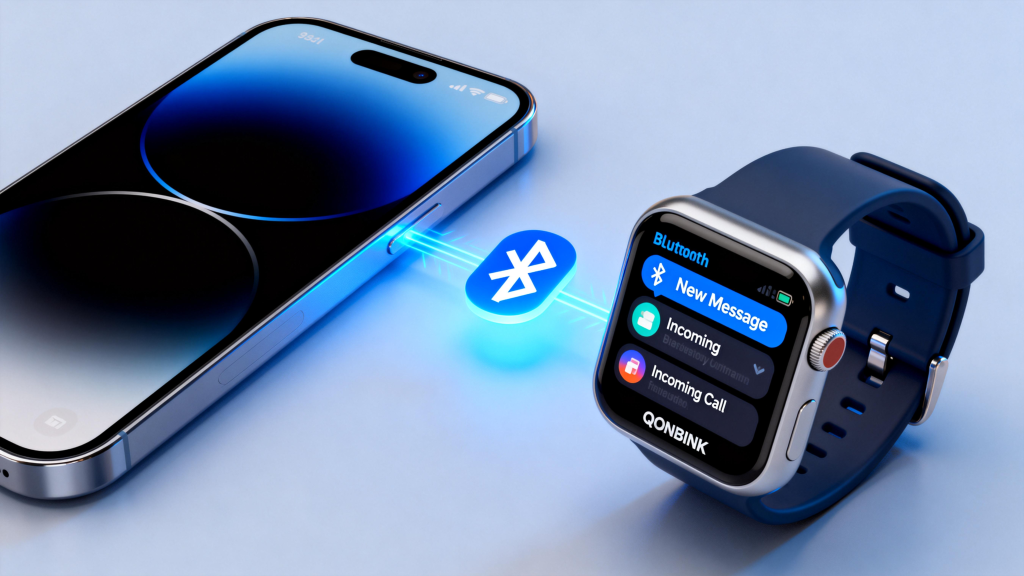
- Initial Setup — Most watches need a phone (or computer for some Garmin) for first-time pairing, account login, and eSIM activation.
If your watch lacks cellular, leaving the phone home means no calls, texts, or live data — just tracking and offline content.
Who Benefits from Phone-Free Use
Runners, hikers, or gym-goers love it for minimalism. Parents use family-setup watches (like Apple Watch) for kids without phones. Anyone wanting less screen time or backup communication finds value. For casual use where your phone stays close, Bluetooth suffices without extra costs.
Tips to Make It Work Smoothly
Download music/maps ahead. Enable low-power modes when possible. Test standalone range on short trips first. Choose LTE if you plan frequent phone-free outings; otherwise, save money with a GPS-only model.
In short, leaving your phone at home is realistic in 2026 — especially with cellular watches. It promotes lighter pockets and focused activity without sacrificing essentials. Pick a model that matches your needs: full independence or solid offline tracking. Either way, the freedom is real for many users.
Leave a Comment
Your email address will not be published. Required fields are marked *