
Smart watches have turned everyday exercise into data-rich adventures. Strap on a Garmin Fenix 8, Apple Watch Ultra 3, Coros Vertix 2S, Samsung Galaxy Watch Ultra, or Suunto Vertical, and suddenly your run, bike ride, or hike comes with precise pace, distance, elevation profiles, and route maps right on your wrist. In 2026, multi-band GNSS, faster satellite locks, and offline topo maps make these devices feel almost magical for outdoor training.
Yet GPS isn’t magic—it’s physics. Signals bounce off skyscrapers in urban canyons, get swallowed by dense forest canopies, drift in deep valleys, and drain batteries faster than a long hill climb. Small errors add up: a 5% distance undercount on a 20 km trail run means you’re short a kilometer, pace readings jump wildly, and that “shortcut” the watch suggests might lead you off-trail. Worse, over-trusting the device in remote areas can leave you stranded if the battery dies or the track glitches.
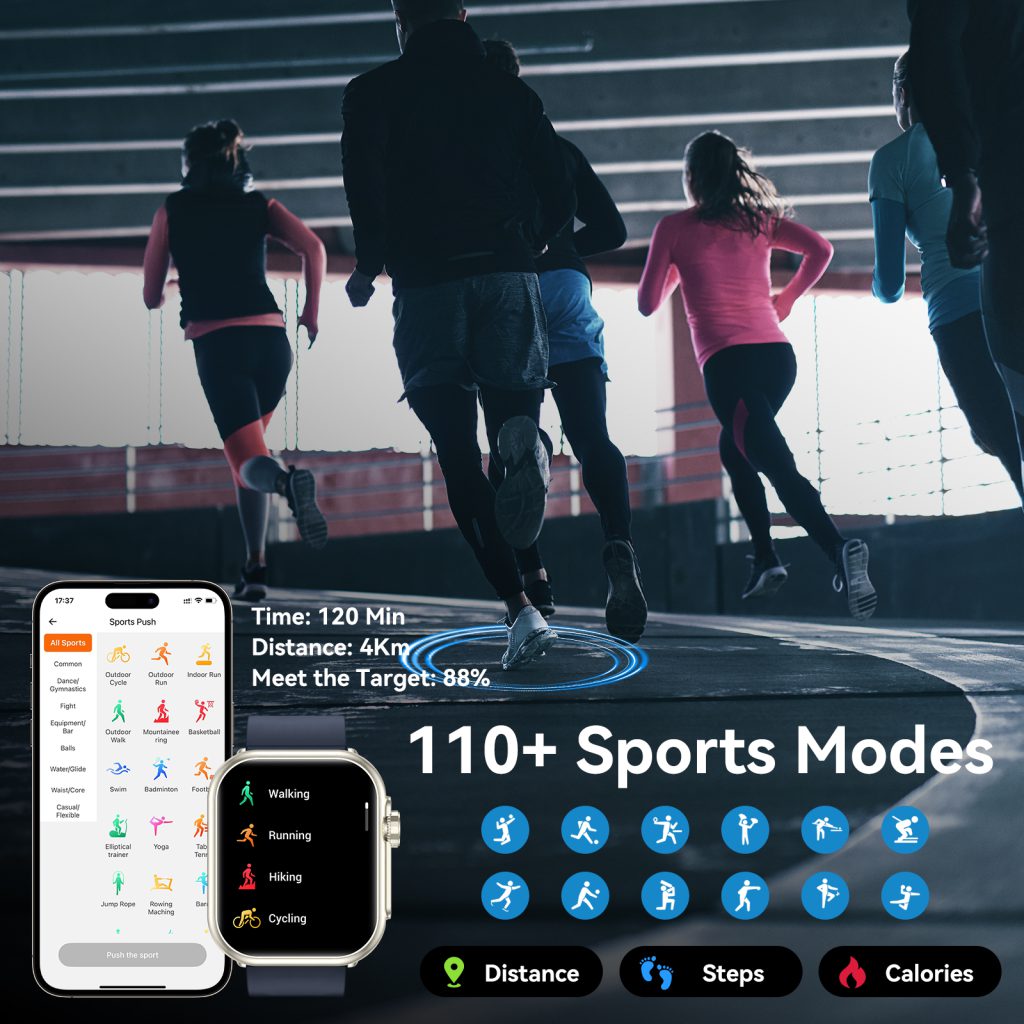
How GPS Works on Smartwatches During Exercise—and Why It Fails Sometimes
Your watch pulls signals from multiple satellite constellations: GPS (US), GLONASS (Russia), Galileo (EU), BeiDou (China), and QZSS (Japan). Premium models use dual-frequency (multi-band) reception on L1 and L5 bands, cutting multipath errors (reflections) by up to 60% compared to single-band. All-systems mode grabs more satellites for better coverage.
In running, cycling, or hiking mode, the watch logs position roughly every second, computes speed/distance from changes in coordinates, estimates elevation (often aided by a barometric altimeter), and draws your route. It blends this with heart rate, cadence, or power data for splits, zones, and recovery advice.
Real-world killers include:
- Multipath interference — Signals bounce off buildings, trees, or cliffs, confusing the receiver and creating zigzag tracks or jumps of 20-100 meters.
- Signal blockage — Thick canopy, tall structures, tunnels, or valleys hide satellites, dropping visible count below 6-8 and spiking errors.
- Cold start delays — First fix can take 30-90 seconds indoors or under cover; weak initial lock leads to bad starting points.
- Atmospheric distortion — Ionosphere/troposphere delays, worse in certain weather or latitudes.
- Antenna position — Wrist orientation, body blocking, or loose fit subtly affects reception.
Knowing these helps you set expectations and take countermeasures.
Pre-Workout Checklist: Setup Steps That Make or Break Accuracy
Don’t hit start until these are done.
- Update Everything — Firmware patches often fix lock speed, multipath handling, and map data. Garmin pushes updates via Connect app; Apple through iPhone; Coros/Suunto via their apps. Download fresh offline maps—topo for trails, city for urban runs—to avoid blank screens in no-service zones.
- Pick the Smart GNSS Setting — Options usually include:
- All-systems + multi-band: Highest accuracy, fastest in tough spots, but hungriest on battery.
- GPS-only: Decent balance for open roads.
- Battery-saver/single-system: Longer life, more drift. Garmin’s SatIQ auto-switches based on environment; enable it. Coros “Accurate” mode prioritizes precision. Use multi-band for forests, trails, or races; saver for easy neighborhood loops.
- Get a Solid Lock Before Starting — Step outside to clear sky at least 1-2 minutes early. Watch the satellite icon strengthen. Garmin shows “GPS ready”; Apple fills the indicator. Never start inside a building, car, or under heavy tree cover—the first fix locks onto junk data, skewing the whole activity.
- Wear It Snug and High — Position about a finger-width above the wrist bone. Tight fit keeps the antenna steady and optical HR sensor flush (though HR is separate from GPS). Loose watches shift, slightly worsening multipath.
- Calibrate Sensors — Many models auto-calibrate altimeter with weather data or known elevation. Garmin users: do an outdoor walk/run for compass/accelerometer tweaks. Apple: calibrate by outdoor GPS activity.
- Turn On Safety Nets — Enable live location sharing (Garmin Messenger, Apple Find My), incident/crash detection, and SOS. Apple Ultra offers satellite texting in zero-coverage spots; pair Garmin with inReach for remote two-way messaging.
Navigating Tricky Environments: Urban Canyons, Forests, Valleys, and More
Your location dictates 70% of GPS performance.
- Urban Canyons (Skyscraper Streets) — Reflections off glass/metal cause 30-65m drift. Stick to wider avenues; avoid narrow alleys or under overpasses. Multi-band helps (Apple Ultra 3, Garmin Epix Pro cut errors ~25-40%). If tracking a city run, trust average pace over instant; use HR zones for effort.
- Dense Forests/Trail Running — Canopy blocks overhead view, dropping satellites and under-reporting distance 5-10%. Choose routes with clearings; accept minor errors and run by feel. Multi-band + all-systems shines here (Coros Vertix, Garmin Fenix reduce drift noticeably). Focus on time-on-feet or perceived exertion rather than exact km splits.
- Deep Valleys/Mountains — Limited sky view = weak signals. Rely on barometric altimeter for climb/descent (standard on Garmin, Coros, Suunto). GPS elevation can jump wildly—disable it in stats if available.
- Near Water or Reflective Surfaces — Lakes, wet pavement bounce signals. Keep arm away from body/water during strokes or rides.
- Tunnels/Indoor — No signal. Switch to indoor run mode (accelerometer-based) or pause tracking.
Quick rule: Scout routes for open sky. Apps like GPS Status show real-time satellite count/strength before heading out.
Battery-Saving Tactics for Long GPS Sessions
GPS chews power—expect 40-60% faster drain in full tracking.
- Charge to 100% before ultras, multi-day hikes, or 4+ hour rides.
- Kill extras: Turn off always-on display, wrist gestures, notifications, music streaming during activity.
- Use low-power GPS or SatIQ/auto mode for non-race days.
- Garmin solar models (Instinct 3, Enduro) sip sunlight for extra hours; Apple Ultra hits 36-60 hours GPS with tweaks.
- Carry a slim power bank or solar charger for adventures over 10 hours.
- Mid-session check: If below 20%, save battery by ending track early—preserve SOS capability.
Boosting Accuracy: Extra Steps for Cleaner Data
Even top watches see 1-5% error on tough days.
- Set 1-second recording interval (Garmin high-accuracy default).
- Pair external sensors: Foot pod for running (bypasses GPS distance), wheel/cadence for cycling—cross-checks drift.
- Ignore wild instant pace in bad areas; use rolling average or lap pace.
- Post-activity: Edit obvious glitches in Strava, Garmin Connect, or Apple Fitness (move points, crop bad starts).
- Benchmark your watch: Run a known 400m track or measured trail repeatedly—note consistent over/under bias and adjust mentally.
- For races/events: Trust course markers and official distance over watch readout.
Safety Precautions: GPS Should Help, Not Replace Judgment
The device aids, never overrides common sense.
- Carry physical backup: Paper map, compass, or fully charged phone with offline maps (Gaia GPS, AllTrails).
- Share route/live location with a trusted contact; set expected return time.
- Test SOS/satellite features in safe areas first.
- Use breadcrumb trail recording (Garmin’s trackback, Apple’s waypoints) to retrace steps.
- In true backcountry, treat low battery, frozen screen, or bizarre route as red flags—switch to landmarks, sun position, or intuition.
- Don’t chase perfect data: Obsessing over numbers mid-hike adds stress and distraction.
Brand-Specific Tips from 2026 Models
- Garmin (Fenix 8, Forerunner 970, Enduro 3): SatIQ auto-optimizes; all-systems + multi-band crushes forests/cities. Barometer rules elevation. Long battery + inReach pairing = remote king.
- Apple Watch Ultra 3 / Series 11: Dual-frequency excels in urban/tricky spots. Satellite SOS for emergencies. Low-power mode stretches GPS. Avoid poor-signal forcing—use connected iPhone GPS backup.
- Coros (Vertix 2S, Pace 4, APEX 4): 50-100+ hour GPS battery legends. Dual-frequency standard. “Accurate” mode for precision; offline maps strong.
- Suunto (Vertical, Race S): FusedTrack blends GPS + motion for weak-signal accuracy. Multi-band on top models. Great altimeter for mountains.
- Samsung Galaxy Watch Ultra / Fitbit: Solid urban/casual. Often better with phone-connected GPS. Enable high-accuracy location in phone settings.
Common Problems and Instant Fixes
- Zigzag/squirrelly track: Multipath—edit in app or shrug off small error.
- Slow/no lock: Wait outdoors longer; restart watch; move to open area.
- Battery dies mid-activity: Data loss—always start full, use saver mode.
- Elevation nonsense: Trust barometer, not GPS height.
- Pace jumps 2 min/km: Signal issue—rely on effort/HR.
Lessons from Real Users in 2026
Trail runners in thick woods report 5-12% short distances on single-band watches—multi-band models cut that in half. City cyclists praise Garmin/Apple dual-frequency for straighter lines through high-rises. Hikers love Coros battery for all-day tracks without shutdown fears. One ultra runner switched to solar Garmin after mid-race blackout on older models. Urban 5Kers learn to mentally add 200-400m in downtown loops.
Treat GPS as a Smart Tool, Not a Magic One
In 2026, wrist GPS delivers incredible insights—motivating you with accurate splits, guiding navigation, and adding safety layers. But ignore the physics at your peril: prep setups, respect environment limits, manage power aggressively, verify data, and keep backups. Do that, and your outdoor sessions become more enjoyable, trustworthy, and secure.
Leave a Comment
Your email address will not be published. Required fields are marked *