
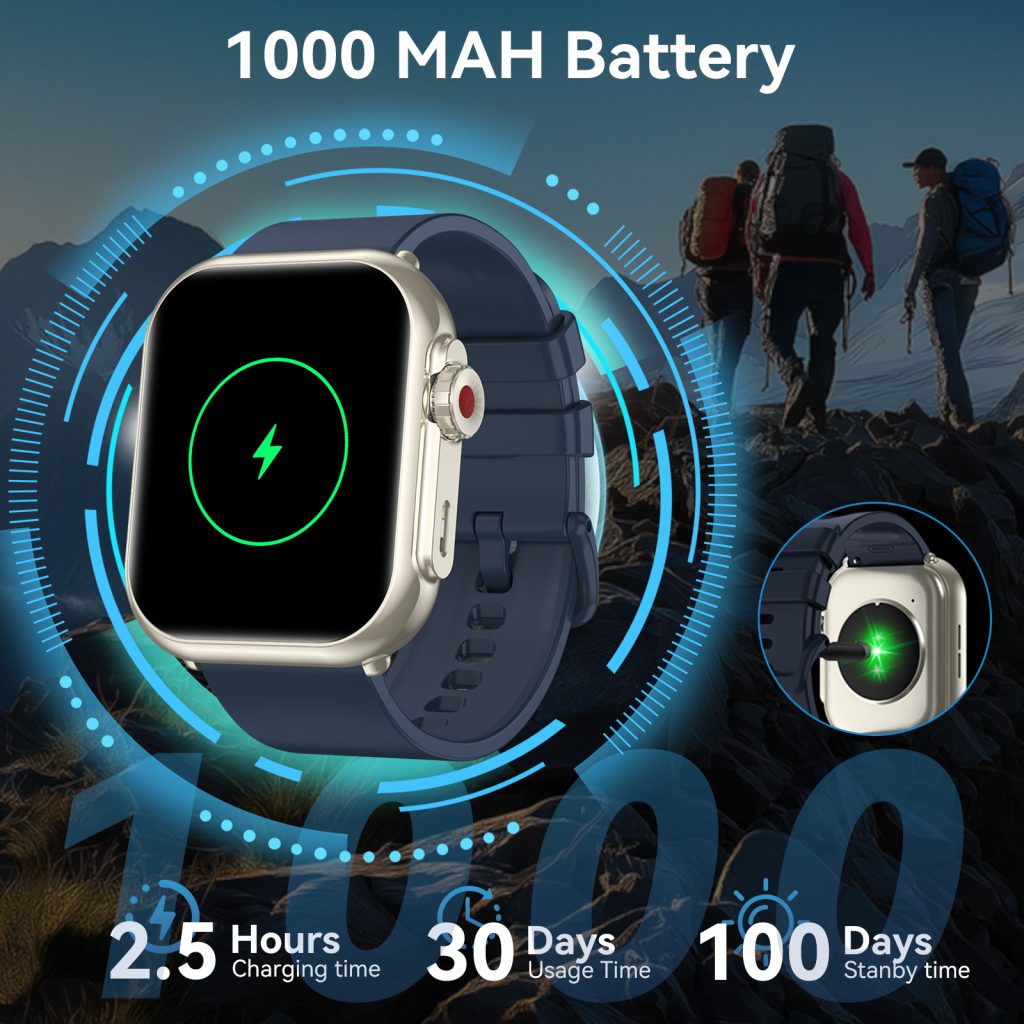
Smart watches in 2026 are more capable than ever—multi-band GPS that locks in seconds, always-on Retina or AMOLED displays showing vibrant complications, continuous heart-rate and SpO2 monitoring, sleep-stage analysis with respiratory insights, AI-powered readiness scores, and even satellite messaging on premium models. All that intelligence comes at a cost: battery drain is the single biggest complaint users still have, even as capacities creep up to 500–600 mAh on flagships and solar assists add effective runtime on rugged pieces.
The reality is that most people get noticeably less than the advertised figures because of how they use (and misuse) the device. A few intentional tweaks, however, can add 30–70% more real-world runtime on the same hardware. Serious athletes routinely stretch a Garmin Fenix 8 or Apple Watch Ultra 3 to 4–7 days between charges; casual users often push a Galaxy Watch 8 or Pixel Watch 3 from one overnight top-up to three or four days.
- Turn Off or Heavily Restrict Always-On Display
The always-on screen is beautiful and convenient, but it’s usually the #1 battery killer.
- On Apple Watch Series 11 / Ultra 3: Settings → Display & Brightness → Always On → turn off. You lose the glanceable time + complications, but gain 30–50% more runtime in daily use.
- Samsung Galaxy Watch 8 / Ultra: Settings → Display → Always On Display → off, or set to “Tap to Show” (shows full face on wrist raise).
- Garmin (Fenix 8, Venu 3, Enduro 3): Gesture mode instead of always-on. Many models default to gesture; if yours is set to always-on, switch to “During Activity” or “Gesture Only”.
- Google Pixel Watch 3 / Fitbit Sense 2 / Versa 4: Always-on is usually off by default or easy to disable in Display settings.
- Huawei GT 5 Pro / Xiaomi Watch S4: “Raise to Wake” or “AOD Off” gives the biggest single-day gain.
Pro tip: If you can’t live without always-on, at least dim it to the lowest comfortable level and shorten the timeout to 5–10 seconds on wrist raise.
- Reduce Screen Brightness & Shorten Wake Duration
After always-on, brightness is the next biggest drain.
- Manually lower to 20–40% in most lighting (auto-brightness often overshoots).
- Set wake duration to 5–8 seconds instead of 15–20 (Apple: Settings → General → Wake Screen; Samsung/Garmin similar in Display).
- Disable “Wake on Wrist Raise” during sleep or long sedentary periods if the watch supports scheduling (many 2026 models do via Focus/Do Not Disturb modes).
Combined with shorter wake, this can add 20–40% runtime on AMOLED-heavy watches.
- Disable or Limit Background Features You Don’t Need
Modern watches run dozens of background sensors and connections.
High-impact toggles:
- Continuous SpO2 / Blood Oxygen — Turn to “During Sleep Only” or “Manual”. All-day tracking eats 15–30% daily battery on most models.
- Always-On Heart Rate — Switch to “Every 10 Minutes” or “Smart” (Garmin excels here). Continuous HR is useful, but interval sampling is usually enough for trends.
- Auto GPS During Activities — Use “Battery Saver GPS” or “Connected GPS” (phone provides location) for casual walks/runs.
- Wi-Fi & LTE Auto-Connect — Turn Wi-Fi off when phone is nearby; disable LTE except when needed (huge drain on cellular models).
- Background App Refresh → Notifications from non-essential apps (news, social) → limit to essentials.
- Auto-Sync & Cloud Backup — Set to manual or less frequent.
- Optimize Location & GPS Usage (Biggest Outdoor Drain)
GPS is power-hungry, especially multi-band.
- Use single-band GPS or “Battery Saver” mode for road runs/city rides.
- Enable “SatIQ” on Garmin (auto-switches to multi-band only when needed).
- Turn off GPS completely for indoor workouts (treadmill, gym strength).
- Pre-acquire satellite lock outdoors before starting activity (saves 10–30 seconds of high-power searching).
- For long hikes/ultras: carry phone for connected GPS when possible.
- Leverage Software Battery-Saving Modes & Profiles
Most 2026 watches have dedicated power-saving states.
- Apple — Low Power Mode (disables always-on, background heart rate, etc.; adds 30–50% runtime).
- Samsung — Power Saving Mode or “Max Battery Life” (greys screen, limits features).
- Garmin — Battery Saver widget (turns off most sensors except time + basic steps/HR).
- Fitbit / Google — “Battery Saver” in quick settings.
- Huawei / Xiaomi — Ultra-long Battery Life mode (keeps only time, steps, basic HR).
Create custom profiles: “Gym” (no GPS, minimal sensors), “Sleep” (screen off, basic HR), “Weekend Hike” (GPS on, always-on off).
- Manage Notifications & Vibration
Constant buzzing and screen wakes add up.
- Limit notifications to high-priority (calls, messages, calendar).
- Use “Do Not Disturb” or Focus modes aggressively.
- Reduce haptic strength or switch to visual-only alerts.
- Disable “Smart Wake” or complication updates on non-essential watch faces.
- Choose Battery-Friendly Watch Faces & Complications
Dynamic or heavily animated faces drain more.
- Pick simple analog/digital faces with minimal complications.
- Avoid weather animations, live photos, or constantly updating stock/crypto tickers.
- On AMOLED watches, dark/black-heavy faces save power (pixels turn off).
- Keep Software Updated & Restart Weekly
Firmware updates frequently include battery optimizations.
- Install every update promptly.
- Restart the watch weekly (clears memory leaks, stuck processes).
- Temperature Management
Heat is the silent battery killer.
- Never charge or use heavily in >35 °C environments.
- Avoid direct sun on the wrist during summer activities.
- Let cool after intense workouts before charging.
- Charging Discipline for Longevity (Indirect Runtime Boost)
Healthy battery = more usable capacity over time.
- Charge to 80–90% daily instead of 100%.
- Enable optimized/smart charging features.
- Avoid overnight full charges.
- Don’t let it drop below 10–15% regularly.
Bonus Tips from Heavy Users in 2026
- Triathletes on Garmin: Solar exposure during outdoor sessions adds 20–40% effective runtime on sunny days—position wrist up when possible.
- Runners with Apple Ultra: Low Power Mode + cellular off + always-on disabled = 60–70 hours of mixed use.
- Office workers with Galaxy Watch: AOD off + raise-to-wake only + notifications limited = easy 4–5 days.
- Hikers: Pre-download offline maps so GPS doesn’t need constant phone sync.
Quick Wins Summary (Do These Today)
- Disable always-on display.
- Lower brightness & shorten wake time.
- Turn SpO2/HR to interval or sleep-only.
- Use battery-saver GPS modes outdoors.
- Enable optimized charging & cap at 80–90%.
- Kill unnecessary notifications & background refresh.
- Restart weekly & update firmware.
Implement just the top three and you’ll likely see an immediate 40–60% jump in daily runtime. Add the rest and you’re in territory where a once-per-3–5-days charge becomes normal even with heavy feature use.
Your smart watch isn’t disposable tech—treat the battery with the same care you give your training data, sleep scores, and workout streaks. Small daily choices compound into years of reliable performance.
Plug in smarter tonight. Your wrist will thank you tomorrow.
Leave a Comment
Your email address will not be published. Required fields are marked *