
Imagine walking into your home after a long day, lights automatically adjusting to your preferred evening warmth as your smartwatch detects you’re back. Or glancing at your wrist during a movie to dim the living room lamps without reaching for your phone. In 2026, this isn’t futuristic fantasy—it’s everyday reality for millions thanks to deep integration between smartwatches and smart home ecosystems. What started as basic notifications has evolved into full-fledged control hubs on your wrist, letting you manage lights, thermostats, locks, cameras, and appliances with a tap, swipe, or voice command.
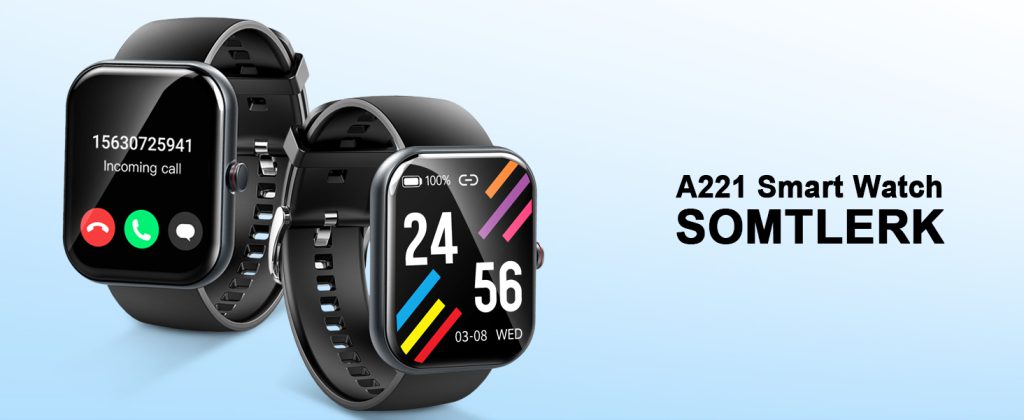
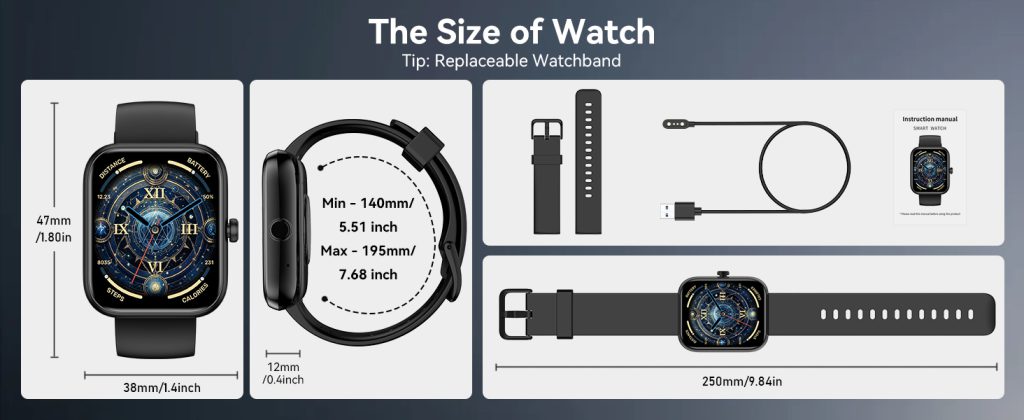
The shift feels natural because smartwatches already live on your body all day. They track your location, activity, heart rate, and routines, feeding contextual data that makes home automation smarter. Arrive home low on energy? Your watch might suggest (or auto-trigger) a “relax mode” that softens lights and cues calming music. Leave for work and forget to arm the security system? A quick wrist glance lets you handle it remotely. This convergence of wearables and home tech creates a seamless loop where your personal data enhances environmental control, saving time, energy, and hassle.
Apple Watch remains the benchmark for polished, intuitive smart home control, especially within the HomeKit (now rebranded and evolved into the modern Apple Home framework) ecosystem. The Series 11 and Ultra 3 models shine here. With watchOS updates emphasizing quick access, the Home app complication on your watch face shows favorite scenes or accessories at a glance. Tap to turn on porch lights before stepping outside at night, adjust thermostat temperature during a chilly morning walk, or check live feeds from HomeKit-compatible cameras. Siri integration feels effortless—raise your wrist and say “Hey Siri, lock the doors” while carrying groceries. Recent enhancements include better remote access over cellular (no iPhone nearby needed on LTE models), and Matter support ensures compatibility with a vast array of third-party devices like Philips Hue bulbs, Eve sensors, or Nanoleaf panels.
For security-conscious users, the Apple Watch excels at peace-of-mind features. Receive instant notifications for motion at the front door or open garage, then view a quick camera preview right on your tiny screen to decide if it’s the delivery person or something concerning. Arm/disarm HomeKit Secure Video systems or trigger automations like “good night” scenes that lock doors, turn off lights, and set the alarm—all without pulling out your phone. The ecosystem’s end-to-end encryption keeps commands private, and with the 2026 architecture updates requiring modern iOS/watchOS versions, reliability has improved dramatically—no more random offline glitches from legacy setups.
Android users find equally compelling options through Wear OS devices like the Google Pixel Watch 4 and Samsung Galaxy Watch 8. Google’s ecosystem ties tightly to Google Home/Nest, where the Pixel Watch acts as a portable Nest hub extension. Swipe to your Google Home tile for quick access to rooms or devices—tap a light to toggle, adjust Nest thermostat sliders with the crown, or view live doorbell feeds. Gemini AI adds conversational depth: ask “turn down the AC if I’m feeling warm” and it interprets your recent body temperature data from the watch to suggest or execute adjustments. Emergency alerts from Nest cameras route directly to your wrist, letting you respond hands-free while cooking or driving.
Samsung’s Galaxy Watch series stands out for SmartThings users. With built-in hub capabilities on many Galaxy devices, the Watch 8 integrates so deeply that it feels like an extension of your home. Control Samsung appliances (fridges, washers, TVs) alongside third-party Matter/Zigbee/Z-Wave gear. The SmartThings app on the watch offers room-based dashboards—tap “Living Room” to see and adjust multiple lights, blinds, or air purifiers at once. Routines trigger contextually: if your watch detects you’ve left home (via GPS), it can auto-arm security, close garage doors, and power down unused outlets. Galaxy AI suggests personalized automations based on your patterns—dim lights earlier if you often watch TV at 8 PM, or preheat the oven when you’re nearing home from the gym. LTE models allow full remote control even without your phone, ideal for quick checks while out running errands.
Garmin takes a more niche but powerful approach for users who blend fitness with home control. While not as app-rich as Apple or Wear OS, models like the Fenix 8 or Venu series connect via third-party tools or Home Assistant integrations. Garmin Connect doesn’t natively host full smart home dashboards, but companion apps or custom Connect IQ widgets let you trigger scenes or check sensor status. For Home Assistant enthusiasts, Wear OS Garmin variants (or bridged setups) enable wrist-based controls—toggle lights during a workout or get door-open alerts mid-run. The appeal lies in battery life: multi-day endurance means your “home remote” never dies unexpectedly, and location-based triggers (via Garmin’s precise GPS) automate arrivals/departures reliably.
Matter’s widespread adoption in 2026 has been a game-changer. This unified standard lets devices from different brands work together seamlessly, reducing ecosystem lock-in. An Apple Watch can now comfortably control a Samsung TV or Google Nest cam if they’re Matter-certified, and vice versa. Bridges like Home Assistant or updated hubs (Aeotec for SmartThings, HomePod mini for Apple) expand reach further. Voice assistants—Siri, Gemini, Bixby—handle natural commands from your wrist: “make it cozy” could dim lights, warm the thermostat, and play soft jazz across connected speakers.
Real-life scenarios highlight the convenience. Picture a parent arriving home with arms full of groceries—the watch auto-unlocks the door (via smart lock integration) and turns on kitchen lights. During a workout in the basement, glance to pause the robot vacuum if it’s getting too close. At night, a quick wrist raise checks if kids’ bedroom lights are off or the front door is locked before bed. For elderly users or those with mobility needs, wrist controls reduce physical effort—no reaching wall switches or hunting remotes.
Setup has simplified too. Most integrations start in the companion phone app: add your smart home hub (HomePod, Nest Hub, SmartThings station), grant permissions, then accessories appear on the watch. Widgets and complications customize your watch face—pin your most-used scene (like “Movie Night”) for one-tap access. Security remains robust with biometric unlocks (wrist detection, passcode) and encrypted communication.
Challenges linger. Battery drain spikes with frequent LTE use or live camera streaming, though optimizations like auto-dimming and efficient protocols help. Not every device supports every platform perfectly—legacy Zigbee gear might need bridges. Privacy concerns arise with location and health data influencing home actions, but companies offer granular controls: disable sharing, limit automations, or use local processing where possible.
User experiences tell the story best. A runner uses their Pixel Watch to start the coffee maker as they near home, arriving to fresh brew. A Galaxy Watch owner dims bedroom lights from bed without getting up. An Apple Watch user checks security cams during travel, arming the system remotely. These small interactions accumulate into a noticeably easier life.
Looking ahead, 2026 hints at even tighter fusion. AI will predict needs more accurately—your watch noticing elevated stress and suggesting softer lighting or white noise. Potential Apple home hubs or expanded Matter features could make wrist controls central to multi-room experiences. For now, smartwatch smart home integration already delivers on the promise of ambient computing: technology that anticipates and responds without demanding attention.
Your wrist isn’t just telling time anymore—it’s quietly orchestrating the comfort and security of your entire home. If you’re building or upgrading a smart setup, pairing a capable watch with your ecosystem might be the most impactful addition you make this year.
Leave a Comment
Your email address will not be published. Required fields are marked *