
Mastering Internationalization and Localization for a Worldwide Audience
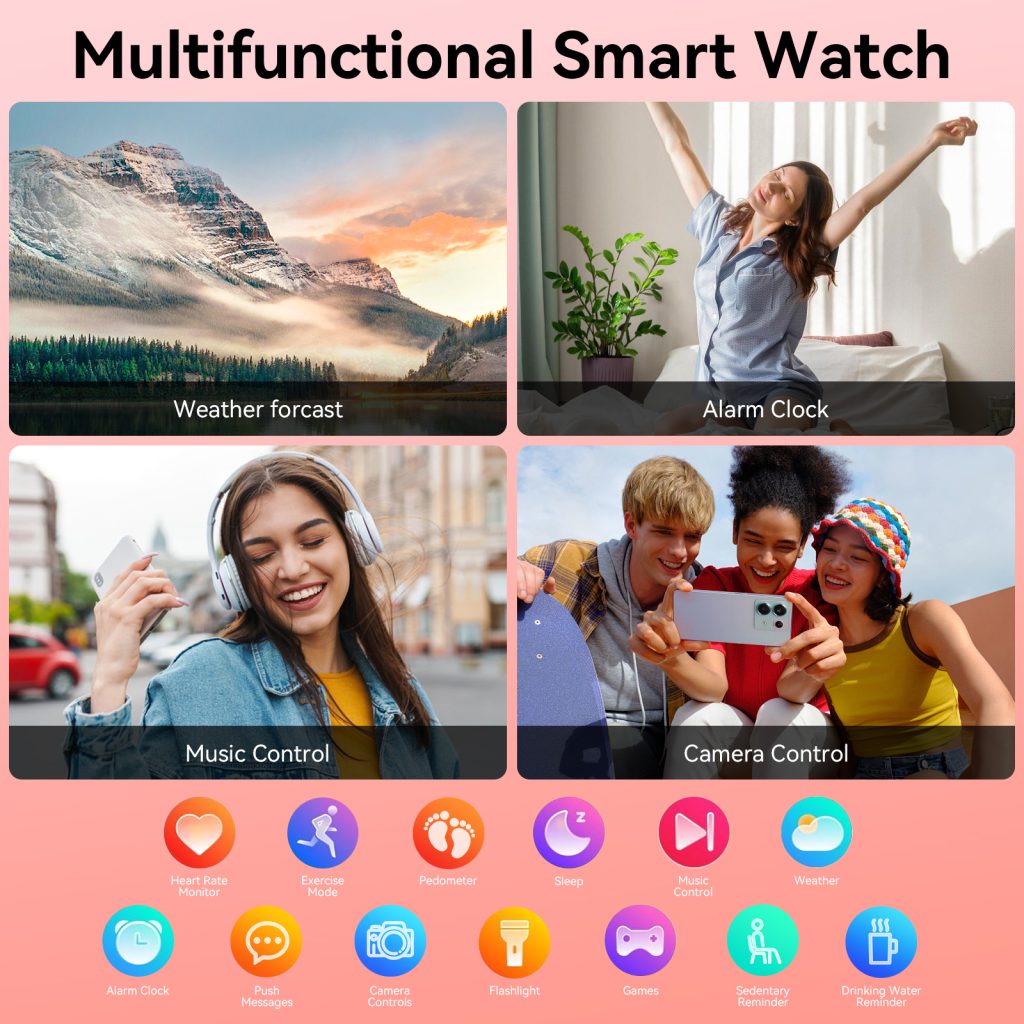
In today’s hyper-connected world, smartwatches have evolved far beyond simple step counters or notification hubs. They serve as personal assistants, health monitors, navigation tools, and even payment devices, all strapped to our wrists. As manufacturers like Apple, Samsung, Google (with Wear OS), Garmin, and others push into global markets, one critical aspect determines their true success: how well the software adapts to users from different linguistic, cultural, and regional backgrounds. This is where software internationalization (i18n) and localization (l10n) come into play for smartwatches.
Internationalization refers to the design and engineering phase that prepares the software to support multiple languages and regions without major code changes later. Localization, on the other hand, is the actual adaptation process—translating text, adjusting formats, and culturally tuning elements so the watch feels native to each user. For a device as intimate and always-on as a smartwatch, getting i18n and l10n right isn’t optional; it’s essential for user satisfaction, retention, and market expansion.
Why do these processes matter so much for smartwatches specifically? The screen real estate is tiny—often just 1.2 to 1.5 inches diagonally. Text must be concise, icons intuitive, and layouts flexible enough to handle expansion or contraction. A single poorly translated word can clutter the display or break functionality. Moreover, users rely on watches for quick glances during activities like running, meetings, or driving, so any confusion from mismatched date formats, wrong currency symbols, or reversed layouts can lead to frustration or safety issues.
Consider the basics that need internationalization from the start. Developers must avoid hard-coding strings like “Steps” or “Heart Rate” directly in the code. Instead, they externalize them into resource files—strings.xml for Android-based Wear OS, .strings files for watchOS on Apple Watch, or similar structures in other platforms. This separation allows translators to work on language packs without touching the core logic.
Unicode support is non-negotiable. Smartwatches handle names, notifications, workout labels, and weather descriptions from around the world. Without full Unicode, characters in languages like Chinese, Arabic, Hindi, or Thai could appear as boxes or garbled text. Modern platforms like Wear OS (built on Android) and watchOS leverage ICU libraries for robust character handling, ensuring emojis, complex scripts, and combining marks display correctly even on small screens.
Date, time, number, and currency formatting present another layer of complexity. In the US, dates often appear as MM/DD/YYYY, while much of Europe uses DD/MM/YYYY, and Japan prefers YYYY/MM/DD. Time might be 12-hour with AM/PM or 24-hour. Numbers use commas or periods as thousand separators and decimals differently. Currency symbols—$, €, ¥, ₹—must appear in the right place relative to the amount. Smartwatch apps pulling weather, fitness goals, or shopping reminders need locale-aware formatting to avoid misleading users. For instance, a calorie goal of “1,500” might read as one-and-a-half in some European locales if not properly localized.
Plural rules vary wildly across languages. English has simple singular/plural (1 step, 2 steps), but Polish has forms for 1, 2-4, and 5+, while Arabic has up to six plural categories. Fitness trackers counting steps, calories burned, or notifications must use proper pluralization to sound natural—imagine a watch saying “You have 1 notifications” instead of the correct form in a target language.
Layout direction is crucial too. Right-to-left (RTL) languages like Arabic, Hebrew, Persian, and Urdu require mirroring the entire UI. Buttons that were on the right shift to the left, progress bars fill from right to left, and text alignment flips. On a circular or square watch face, this mirroring can be tricky—complications (small widgets) must adapt without overlapping or looking awkward. Apple Watch and Wear OS provide built-in support for RTL through Auto Layout and layout mirroring flags, but developers must test thoroughly to prevent visual bugs.
Input methods add further challenges. Languages like Chinese or Japanese use input method editors (IMEs) where users type phonetically and select characters. On a watch with limited input—voice, scribble, or tiny keyboard—the IME must integrate smoothly. Voice input, powered by Siri on Apple Watch or Google Assistant/Bixby on others, needs accurate speech recognition across accents and dialects. Many watches now support multiple voice languages, but enabling them often ties to the paired phone’s settings.
Cultural adaptation goes beyond text. Icons and colors carry meaning—red might signal danger in the West but good luck in China. Workout animations or health tips should respect local norms; for example, certain exercises or mindfulness prompts might need adjustment for cultural sensitivities. Even watch faces can be localized with region-specific designs, holidays, or measurement units (miles vs. kilometers, Fahrenheit vs. Celsius).
Looking at major players, Apple sets a high bar with watchOS. From early versions, Apple emphasized internationalization. Developers use Xcode’s String Catalogs or .stringsdict files for plurals and genders. Asset Catalogs allow localizing images, including complications and symbols. watchOS automatically handles RTL, locale formats via Foundation APIs, and pseudolocalization for testing (replacing text with expanded or accented versions to simulate longer translations). Apple Watch supports dozens of languages, with features like dictation and Siri adapting accordingly. For global users, this means seamless experiences whether in Tokyo, Dubai, or São Paulo.
Wear OS, Google’s platform powering Pixel Watch, Samsung Galaxy Watch (in hybrid mode), and many others, builds on Android’s strong i18n foundation. Resources in res/values folders support qualifiers for language, region, and script (e.g., values-ar for Arabic). ICU4J handles formatting. Wear OS apps must declare supported locales in the manifest, and the system falls back gracefully. Challenges include tight integration with the phone—language often mirrors the paired Android device’s setting, with limited independent control on the watch. Recent updates have expanded Gemini AI and Assistant support to more languages, improving voice interactions worldwide.
Samsung’s Tizen-based Galaxy Watches (and newer Wear OS models) offer robust localization. Users can download language packs, change input languages for keyboards and voice, and use features like Live Translate for conversations. Galaxy AI extends to watches in some capacities, supporting transcription and translation in numerous languages. Samsung Developer guidelines stress RTL mirroring and locale-aware layouts for One UI Watch.
Garmin, focused on sports and outdoor watches, prioritizes functional localization. Their devices support multiple languages for menus, data fields, and voice prompts during activities. Units switch between metric and imperial based on region, and GPS coordinates can use local formats. Garmin Connect app integration ensures consistent localization across phone and watch.
For developers building custom smartwatch apps or watch faces, best practices start early. Plan i18n in the architecture—use formatters from platform SDKs rather than custom code. Avoid concatenating strings (“You have ” + count + ” steps”); use parameterized templates instead. Provide context for translators (e.g., “steps” in fitness vs. “steps” in instructions). Test with pseudolocales to catch UI breaks from text expansion—common on tiny screens where a longer German word might overlap edges.
Continuous localization integrates into CI/CD pipelines. Tools like Lokalise, Transifex, or Crowdin pull strings automatically, allow in-context editing, and push translations back. For smartwatches, where updates are frequent but battery and data constrained, over-the-air language pack downloads keep things efficient.
Challenges remain. Small screens amplify text expansion issues—English to German can increase length by 30-50%, squishing layouts. Limited input makes manual corrections hard. Fragmented ecosystems (watchOS vs. Wear OS vs. proprietary OS) mean different tools and limitations. Privacy and data—localized health insights must comply with regional laws like GDPR or CCPA.
Despite hurdles, successful examples abound. A runner in Germany gets step counts in “Schritte” with metric distances and Celsius weather. An Arabic user in Saudi Arabia sees mirrored notifications and right-aligned fitness rings. A Japanese commuter views train times in local format with kanji support. These seamless experiences drive loyalty and open markets.
As smartwatches incorporate more AI—predictive health alerts, real-time translation, gesture controls—i18n becomes even more vital. Future watches might offer on-device language models supporting low-resource languages or dialects. Non-invasive features like glucose monitoring will need precise, localized terminology for medical accuracy.
In essence, internationalization and localization turn a smartwatch from a gadget into a personal companion that speaks your language—literally and culturally. For manufacturers and developers, investing in solid i18n foundations and thoughtful l10n pays dividends in user trust, global reach, and competitive edge. In a world where your watch knows your heart rate better than most friends, making sure it also understands your words and world makes all the difference.
Leave a Comment
Your email address will not be published. Required fields are marked *