
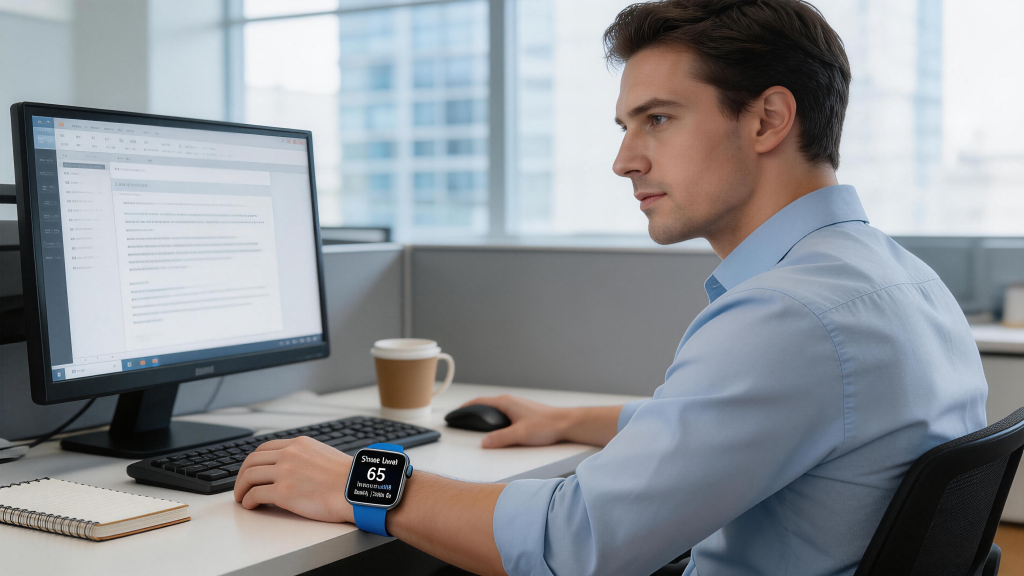
In 2026, owning a smart watch feels less like adding another gadget and more like gaining a universal remote for your digital life. The real game-changer isn’t just the sensors on your wrist or the apps you install—it’s how effortlessly the watch bridges your phone, laptop, tablet, earbuds, and even smart home devices. Cross-device collaboration has matured from nice-to-have tricks into fluid, almost invisible workflows that save seconds dozens of times a day. Whether you’re deep in Apple’s walled garden, riding Google’s open ecosystem, or leaning on Samsung’s appliance synergy, your watch now acts as the quiet conductor, keeping everything in harmony.
Start with Apple Watch, where Continuity features remain the gold standard for seamlessness. Handoff lets you begin a task on one device and finish on another without missing a beat. Draft an email on your iPhone during a commute, then pick it right up on your MacBook at your desk—the Mail icon pulses in the Dock, ready to continue. The same flows to iPad for longer typing or even Apple Watch for quick replies while your hands are full. Recent watchOS refinements make this even smoother: start a phone call on your watch, transfer it to your iPhone when you reach your car, or hand off a Maps route from watch navigation to your car’s CarPlay display. Universal Clipboard copies text, images, or links across devices instantly—no manual AirDrop needed. If you’re editing a photo on iPad, Continuity Camera uses your iPhone as a high-res webcam, or sketches a quick diagram on watch that appears in Keynote on Mac. Auto Unlock pairs the watch with Mac for password-free login when you’re wearing it nearby. These aren’t isolated gimmicks; they’re daily glue that makes switching devices feel natural rather than disruptive.
For Android users, Wear OS on Pixel Watch or Samsung Galaxy Watch delivers comparable magic through Google’s ecosystem and Samsung’s extensions. Nearby Share (now Quick Share evolution) lets you beam photos, links, or files from watch to phone, tablet, or Chromebook with one tap. Start browsing an article on your phone, then continue reading on your watch during a walk—the page syncs via Chrome tabs. Google Meet calls hand off from phone to watch if you need to step away, or transfer to a Nest Hub for bigger screen. Gemini AI ties it together: ask a question on your watch, get context-aware answers drawing from your phone’s calendar or recent searches. On Pixel Watch, Live Updates (rolled out wider in 2026) keep ride-sharing ETAs or delivery tracking ticking on your wrist while the phone stays in your bag. Samsung adds its own flavor with Continue apps on other devices—start a note on Galaxy phone, pick it up on Tab or Book laptop. Link to Windows mirrors your phone screen to PC, letting you reply to messages or check notifications from your desktop while the watch handles quick glances. SmartThings integration means your watch controls home lights during a workout, then hands off thermostat tweaks to your Galaxy Book when you’re at the desk.
The beauty lies in how these features adapt to real routines. Picture a typical morning: your alarm buzzes on the watch, gentle vibrations waking you without disturbing your partner. Dismiss it, and the same command syncs to silence your phone across the room. Check weather on watch, then hand off a detailed forecast to your tablet for planning. During exercise, heart rate data flows from watch to phone’s health app, then to laptop for deeper analysis in a fitness dashboard. Finish a run, and the workout summary pops up on your phone or Mac automatically. If you’re on a call via watch Bluetooth earbuds, switch to phone speaker when you enter the office—no drop, no re-dial. These micro-transitions accumulate into hours saved over weeks.
Battery and connectivity play crucial roles in making it reliable. Modern watches with efficient chips (Snapdragon W6 Gen 1 in newer Pixels, Apple’s S-series) handle constant background sync without dying midday. LTE models go fully independent—start a podcast on watch during a run, continue on phone when you get home, or hand off to car speakers via Android Auto. Wi-Fi handoff ensures smooth switches in range, while Bluetooth Low Energy keeps earbuds or peripherals connected without drain. Matter and Thread support extend this to smart home: toggle lights from watch, then adjust scenes from phone or tablet—the command propagates instantly across the network.
Privacy stays front and center. All major platforms encrypt handoff data end-to-end, require same-account sign-in, and offer toggles to disable features. Apple’s ecosystem locks everything to your devices; Google’s Nearby Share requires explicit approval; Samsung’s Link to Windows uses Microsoft auth. You control what syncs—turn off clipboard sharing if paranoid about sensitive text, or limit location-based triggers.
Real users feel the difference most. A freelancer starts a proposal on Mac, tweaks it on iPad during lunch, answers client feedback via watch while walking the dog—all without reopening files. A student begins lecture notes on phone, continues on watch in class (discreet typing), then expands on laptop at home. A runner queues music on watch, hands off playback to phone when entering the gym, then to smart speaker at home for cooldown stretch. These aren’t edge cases; they’re the new normal where devices anticipate your next move.
Of course, it’s not flawless. Cross-platform remains tricky—Apple features rarely play with Android, and vice versa. Legacy apps sometimes lag in handoff support. Battery on older watches struggles with heavy sync. Yet 2026 models address most pain points: faster processors, smarter power management, unified standards like Matter for broader compatibility.
As AI deepens integration—Gemini or Siri suggesting handoffs based on context (“Continue this email on your Mac?”)—the experience edges closer to true ambient computing. Your watch isn’t just a companion anymore; it’s the thread weaving your devices into one cohesive system. In a world of constant context-switching, that quiet seamlessness might be the most valuable upgrade of all.
Leave a Comment
Your email address will not be published. Required fields are marked *