
In the contemporary landscape of parenting, we are often caught in a tug-of-war between two powerful instincts: the desire to protect our children and the necessity of fostering their independence. As children reach the age where they begin to navigate the world—walking to school alone, visiting friends, or attending extracurricular activities—the demand for communication becomes undeniable. However, handing a primary-school child a fully unlocked smartphone is akin to giving them the keys to a car without a driver’s license. This is where the modern smartwatch, specifically designed with robust parental control features, has stepped in to bridge the gap.
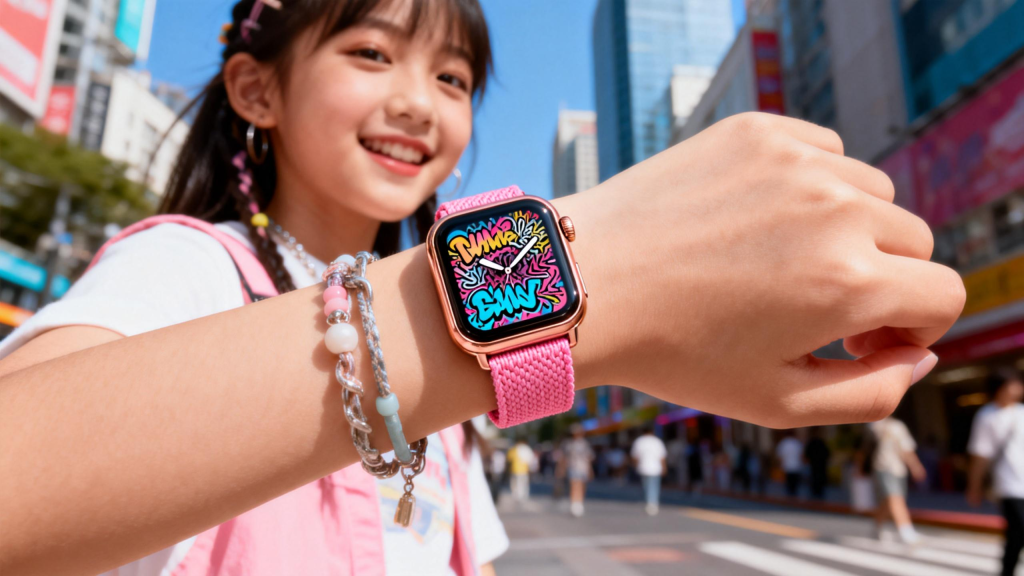
The Philosophy of “Curated Connectivity”
The fundamental appeal of a smartwatch for a minor is not just that it is a “mini-phone,” but that it is a controlled phone. The architecture of these devices is built on the philosophy of curated connectivity. Unlike a standard mobile device where the world can reach the child (and the child can reach the world) without restriction, a kid-centric smartwatch operates within a “walled garden.”
The cornerstone of this is the Whitelisted Contact List. Through a dedicated parent app, guardians have total oversight over who can call or message the device. If a number is not on the pre-approved list, the call is automatically blocked. This provides an absolute shield against telemarketers, spam bots, and strangers. For the child, it simplifies their social world to the people who matter most: Mom, Dad, grandparents, and verified friends.
Real-Time Geolocation and the Power of Geofencing
For many parents, the primary motivator for purchasing a wearable is the peace of mind offered by GPS tracking. However, modern parental controls have evolved far beyond simple “dots on a map.”
Geofencing is perhaps the most transformative safety feature in this category. It allows parents to draw virtual boundaries around significant locations—such as the school campus, a local park, or the family home. The system monitors the device’s location in the background and sends an instantaneous push notification if the child enters or exits these zones.
This creates a “passive safety” environment. Instead of constantly checking a tracking app and feeling like a “helicopter parent,” guardians can go about their day knowing they will be alerted if something deviates from the routine. It allows children to experience the “free-range” childhood of previous generations while maintaining a digital tether that ensures help is only a notification away.
Preserving the Sanctity of the Classroom: School Mode
One of the loudest arguments against wearable tech for children comes from educators who fear that games, cameras, and messaging will disrupt the learning environment. This is a valid concern, and manufacturers have addressed it with “School Mode” (sometimes called “Do Not Disturb” or “Class Time”).
This feature is controlled entirely by the parent’s smartphone. You can set specific schedules—for example, 8:30 AM to 3:30 PM, Monday through Friday—during which the watch’s interactive features are completely disabled. During these hours, the device becomes a “dumb” watch. It displays the time and nothing else. Crucially, while the fun features are locked, the safety features (GPS tracking and the SOS button) remain active in the background. This ensures that the device is a tool for safety, not a toy for distraction.
The Emergency Lifeline: The SOS Trigger
The SOS feature is the “big red button” of parental controls. Most high-end smartwatches for children feature a dedicated physical button that, when held for a certain duration, triggers an emergency sequence.
When activated, the watch typically:
- Calls the primary guardian immediately.
- If the primary doesn’t answer, it cycles through the secondary emergency contacts.
- Sends an updated, high-precision location pin to all family members.
- Sometimes records a short ambient audio clip to give parents context of the situation.
This feature is designed for high-stress situations where a child might not have the time or presence of mind to navigate a touch screen. Knowing that their child has a “panic button” strapped to their wrist provides a level of security that a phone buried in a backpack simply cannot match.
Managing the Digital Footprint: App and Content Filtering
As kids get older, they often want more than just calling and GPS; they want apps, music, and basic internet access. Modern parental control suites allow for granular management of these desires. Parents can choose to enable or disable the camera, limit the number of photos that can be shared, and vet every single application before it is installed.
This serves as a vital “training wheels” phase for digital literacy. It allows parents to have conversations about screen time, data privacy, and responsible communication in a low-stakes environment. By the time the child is ready for their first smartphone, they have already spent years under a guided system, learning the boundaries of the digital world.
Leave a Comment
Your email address will not be published. Required fields are marked *