
In 2026 the single most underrated upgrade in wearable tech isn’t a new sensor, a brighter screen, or even longer battery life. It’s the quiet, almost invisible work happening behind the scenes: a unified multi-device account system that makes your smartwatch feel like a natural extension of your phone, laptop, tablet, earbuds, and even your car or smart home. What used to require manual logins, repeated setups, and constant re-pairing has become a single, persistent identity that travels with you across every screen and speaker you own.
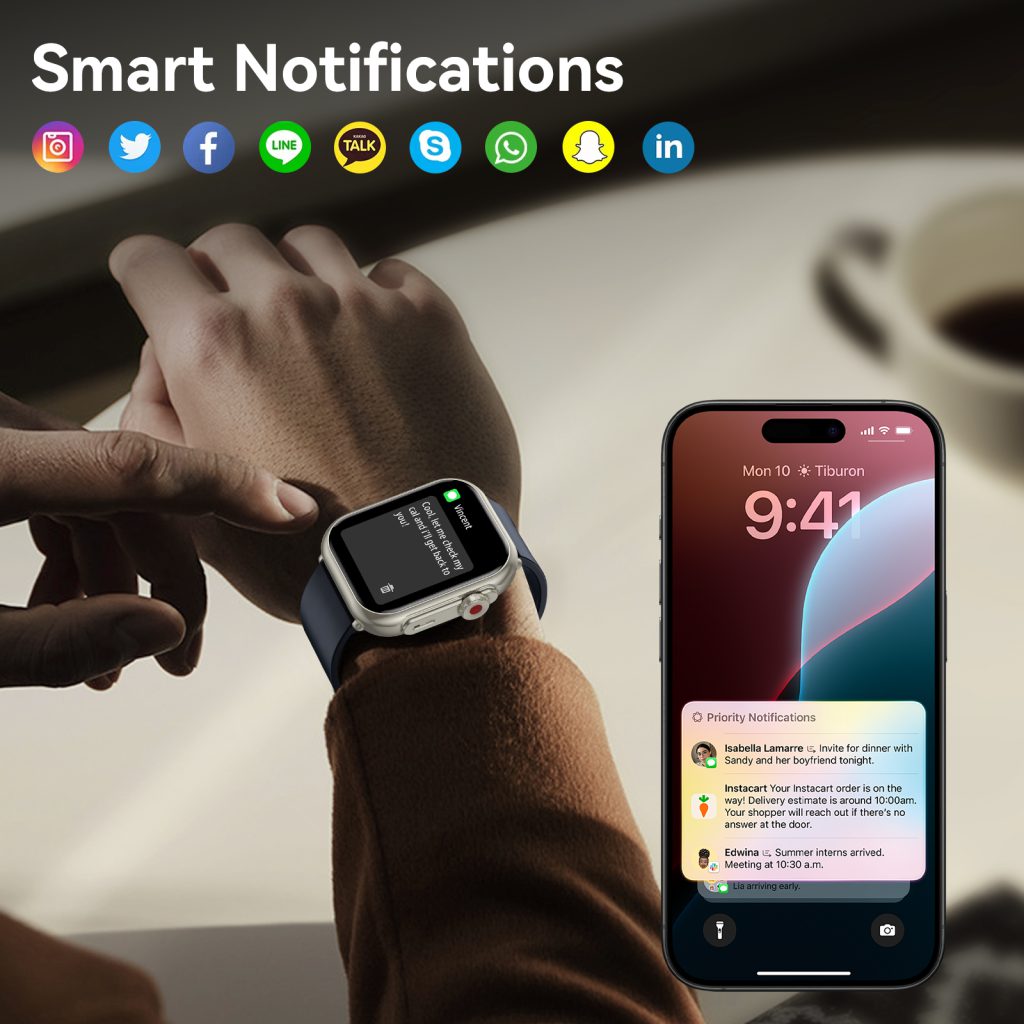
The change started years ago with ecosystem accounts—Apple ID, Google Account, Samsung Account—but 2026 marks the year they truly grew up. Today signing in once on your phone automatically provisions your watch with the same identity, preferences, health data permissions, payment methods, home automations, and even your taste in music and podcasts. No second verification, no “welcome to your new device” onboarding carousel. The watch inherits everything it needs in the background while it charges overnight.
Apple’s ecosystem still sets the high-water mark for seamlessness. When you first pair an Apple Watch Series 11 or Ultra 3 to your iPhone, the setup flow is almost theatrical in its simplicity: hold the watch up to the phone camera, watch the swirling animation, and within seconds your Apple ID, iCloud sync settings, Health data access, Wallet cards, HomeKit homes, and even your preferred Focus modes are already active on the wrist. Change your iCloud password on your Mac? The watch updates instantly without prompting. Buy a new iPad? Sign in with the same Apple ID and every app you’ve ever authorized on the watch—including third-party ones like Strava, Spotify, or Calm—appears ready to go. Family Sharing extends this further: a parent’s Apple ID can provision a child’s Apple Watch SE 3 with restricted capabilities, shared location, Schooltime mode, and approved contacts, all managed from one central account dashboard on any family device.
Google’s multi-device account system has closed the gap dramatically. The Google Account you use on your Pixel phone now flows to the Pixel Watch 4/5 with zero friction. During initial setup the watch pulls your Google services (YouTube Music offline library, Google Maps saved places, Calendar events, Keep notes, Fitbit Premium status if linked, and Gemini personalization) directly from the cloud. Sign into a new Chromebook or Nest Hub with the same account and your watch-authorized apps and settings appear there too. The real strength shows in shared family groups: one Google Family Link account can manage multiple child watches, enforcing screen-time limits, location sharing, and app approvals across every device the child touches. If a teenager upgrades from a Pixel Watch to a Galaxy Watch (via Wear OS compatibility), the same Google Account migrates health history, playlists, and Assistant routines without data loss.
Samsung takes a slightly different but equally powerful path with its Samsung Account. Because Samsung controls both the watch hardware and a huge slice of home appliances, the account becomes a single source of truth for personal and environmental data. Pair a Galaxy Watch 8 and your Samsung Account instantly activates Samsung Health, Galaxy Wearable preferences, Bixby Routines, SmartThings scenes, Samsung Pay cards, and even browser bookmarks from your Galaxy phone or Book laptop. The account syncs across the entire Galaxy ecosystem: change your preferred wake-up alarm sound on your phone and the watch updates automatically. Purchase a new Tab S10 or Galaxy Book5? The same account brings your watch-authorized third-party apps (Spotify, Strava, WhatsApp) and health permissions along for the ride. For families, Samsung Kids mode ties watch restrictions to the parent’s Samsung Account, letting adults monitor activity, set bedtime curfews, and approve app downloads from one dashboard.
Cross-ecosystem bridges have also improved. Matter 1.3 (and the incremental 1.4 release in late 2025) standardized device discovery and control, but account federation took longer. In 2026 services like Passkeys and OAuth 2.1 make cross-login smoother. You can now use your Google Account to sign into certain Apple Watch third-party apps (and vice versa) without creating separate credentials. Health Connect on Android and Apple HealthKit both expose APIs that let authorized apps pull data from either ecosystem when the user grants permission under a single identity. This means a runner can track workouts on a Garmin watch (linked via Google Account), view the same data in Strava on their iPad (via Apple ID), and have aggregated insights appear on their Pixel Watch—all without duplicating logins or exporting CSV files.
The benefits compound in daily life. Wake up and your watch alarm gently vibrates; dismiss it and the same command silences your phone and bedside smart speaker. Start a run with music queued on the watch; finish at home and the playback automatically hands off to your living-room soundbar. Receive a calendar reminder on the watch, tap to join the meeting, and your laptop opens the Zoom link while muting your phone. Buy coffee with Samsung Pay on the watch; the transaction appears instantly in your banking app on phone and laptop. These aren’t isolated conveniences—they’re the result of one persistent account identity coordinating permissions, tokens, and preferences across hardware.
Security has kept pace with convenience. Biometric unlock (wrist detection + passcode fallback) gates sensitive actions. Passkeys replace passwords for most account operations, making phishing far harder. Apple’s Advanced Data Protection, Google’s end-to-end encrypted backups, and Samsung Knox Vault keep health and payment data locked even if a device is lost. Family accounts include granular controls: parents can approve or revoke app permissions on a child’s watch without touching the child’s device. Lost watch? Mark it as lost from any signed-in device; it locks, erases sensitive data, and displays a custom message with your contact info.
Privacy settings are more granular than ever. You can now decide exactly which data categories sync to the watch—steps and workouts yes, but heart-rate variability or sleep stages no. Third-party apps must request explicit “watch access” scopes, and you can revoke them centrally from your account dashboard. Location history tied to the account can be set to “while using the app” or “never” per device, preventing unintended tracking.
Real-world stories illustrate the impact best. A working parent sets up their child’s Apple Watch SE with Family Setup; the child’s location, activity rings, and school arrival notifications appear on both parents’ phones and watches without extra logins. A freelancer switches between Mac, iPad, and Apple Watch throughout the day—emails, Slack threads, and calendar events follow seamlessly. A runner uses a Garmin Fenix synced to Google Account for rugged trail days, then views the same training load and recovery metrics on their Pixel Watch during recovery walks and on their Chromebook for weekly analysis. A Galaxy family shares one Samsung Account across phones, watches, tablets, TVs, and appliances; everyone’s preferred lighting scenes, music playlists, and payment cards are available on every device without reconfiguration.
Of course challenges remain. Cross-platform account federation is still patchy—Apple and Google don’t fully trust each other yet. Some legacy apps haven’t updated to modern token standards and require separate watch logins. Battery impact from constant background sync exists, though newer chips and smarter scheduling minimize it. And in regions with strict data laws (Europe’s GDPR, California’s CCPA), users sometimes face extra consent screens that interrupt the magic.
Still, the trajectory is clear. In 2026 the multi-device account system has turned smartwatches from standalone accessories into the primary identity anchor for your personal tech universe. One login, one set of permissions, one set of preferences—everywhere you go. Your watch isn’t just telling time or counting steps anymore; it’s the quiet proof that you are the same person across every screen, speaker, and lock in your life.
Leave a Comment
Your email address will not be published. Required fields are marked *