
Low power mode is one of those features that quietly saves the day when your smartwatch battery is running dangerously low. It turns a device that might otherwise die before dinner into something that can still tell time, count steps, and maybe even track your sleep through the night. Every major platform—Apple Watch, Wear OS, Samsung Galaxy Watch, Garmin, Fitbit—offers some version of it, and while the names differ (Power Reserve, Battery Saver, Ultra-Long Battery Life, Extended Mode), the core idea is the same: sacrifice non-essential features to stretch remaining charge as far as possible.
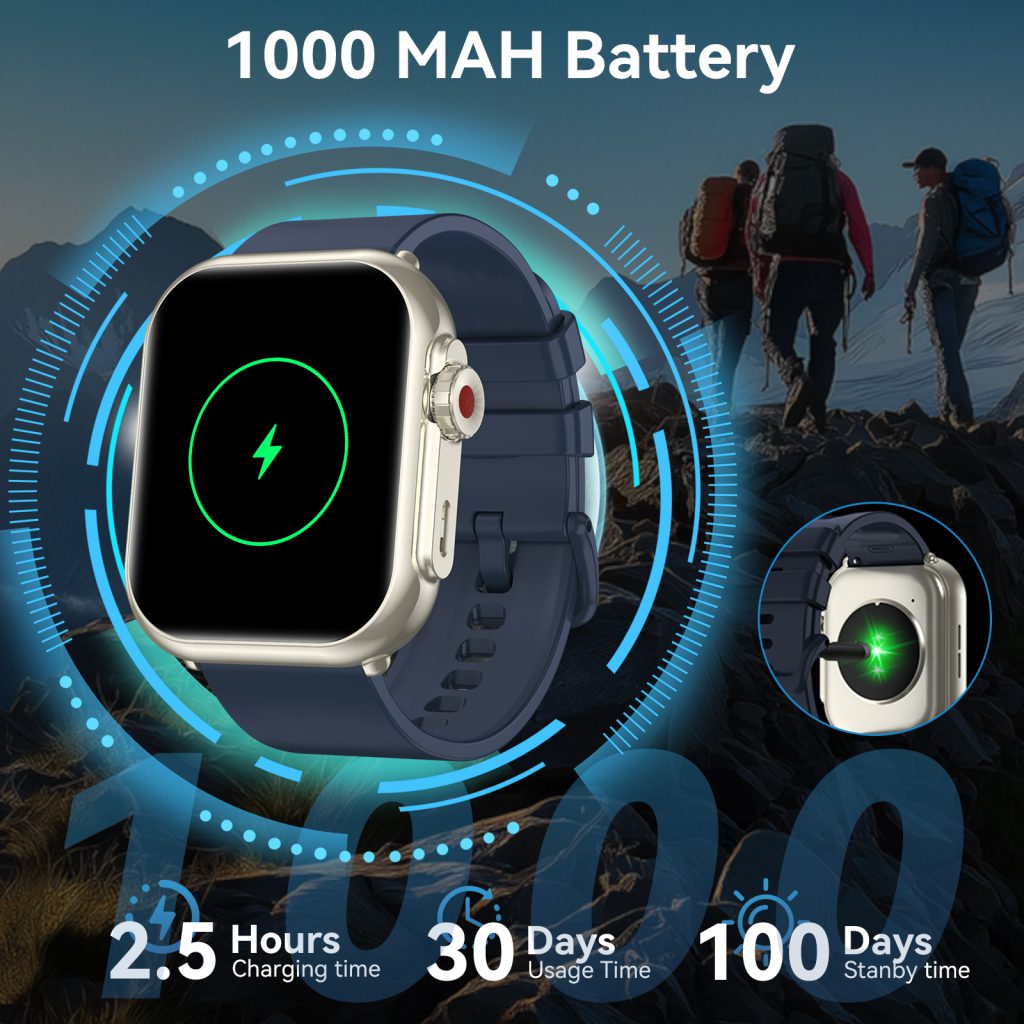
When you enable low power mode, the watch immediately begins shutting down or severely restricting the hungriest components. The always-on display is almost always the first casualty. That beautiful, glanceable face that shows complications, notifications, and the time without lifting your wrist goes dark. Instead, the screen wakes only when you raise your arm or tap it, and even then it often switches to a simplified monochrome or very dim view. Some models drop to a basic digital clock with large numerals; others keep a single analog hand or just the time in text. The goal is obvious: an always-on AMOLED or OLED panel can consume 40–70% of daily power, so killing it instantly doubles or triples remaining runtime in many cases.
Heart rate monitoring usually takes a big hit next. Continuous optical PPG sampling—those green LEDs flashing dozens of times per second—gets reduced to periodic checks (every 10–30 minutes) or turned off entirely during the day. Nighttime sleep tracking may still run at a lower frequency because it’s less power-intensive when you’re lying still, but don’t expect beat-to-beat accuracy or detailed HRV metrics. Blood oxygen (SpO2) monitoring, skin temperature, and advanced sensors like ECG or stress detection almost always disable completely. The watch knows these features are nice to have, not essential when you’re trying to make it to tomorrow morning.
Notifications and connectivity become far more conservative. Incoming calls and messages still vibrate or chime, but the screen stays off unless you interact. Background app refresh, Wi-Fi scanning, and cellular data (on LTE models) typically shut down. Bluetooth Low Energy pairing with your phone usually stays active so you don’t lose basic call/text alerts, but music streaming, podcast downloads, or constant companion app syncing stop. GPS is almost always disabled for workouts; if you start a run or ride, the watch either refuses to track location or falls back to accelerometer-based step estimation with no map or pace data.
Processor and sensor behavior changes dramatically. The main application processor drops to its lowest clock speed or sleeps more aggressively. Background tasks like step counting and basic activity detection move to the ultra-low-power co-processor. High-sample-rate accelerometer and gyroscope usage for gesture recognition or fall detection often scales back or turns off. The result is a watch that feels noticeably less responsive—animations are sluggish, app launches take longer—but it still functions as a timepiece and basic tracker.
Runtime gains vary widely depending on the model and how aggressively the mode is implemented. On an Apple Watch, Low Power Mode typically extends a normal 18–36 hour battery into 2–3 days of light use. Wear OS devices with Battery Saver can push from 1–2 days to 3–5 days, though heavy reliance on AOD or LTE beforehand shortens the extension. Garmin’s Ultra-Long Battery modes on rugged models like the Instinct or Fenix series are legendary—some users report 10–20 days with GPS disabled and minimal features active. Fitbit and smaller trackers often achieve similar multi-day stretches because they start with simpler hardware and fewer always-on demands.
Activating the mode is usually straightforward. Most watches offer a quick toggle in the control center or settings menu. Some prompt you automatically when battery drops below 10–20%, asking if you want to switch. Others let you schedule it—say, every night after 10 p.m. to ensure it lasts until morning. A few advanced models allow custom profiles: disable only AOD and continuous HR but keep notifications, or go extreme and drop everything except time and steps.
The trade-offs are obvious but worth understanding. You lose the rich, glanceable interface that makes smartwatches feel smart. Workout tracking becomes basic—no pace alerts, no route mapping, no real-time heart rate zones. You miss detailed sleep stages, stress scores, or irregular rhythm notifications. Yet for many people, these sacrifices are acceptable when the alternative is a dead watch by mid-afternoon. The mode shines during travel, long hikes, multi-day events, or simply forgetting to charge overnight.
Implementation details differ across ecosystems. Apple’s Low Power Mode keeps wrist raise, basic notifications, and sleep tracking but disables background heart rate, blood oxygen, always-on display, and cellular. Wear OS Battery Saver usually kills AOD, reduces sensor polling, limits app background activity, and dims the screen aggressively. Garmin’s versions often preserve GPS in low-power single-band mode for essential tracking while shutting down everything else. Samsung’s Extended Battery Life mode on Galaxy Watches can go further by disabling the touchscreen entirely in extreme cases, leaving only physical buttons for basic control.
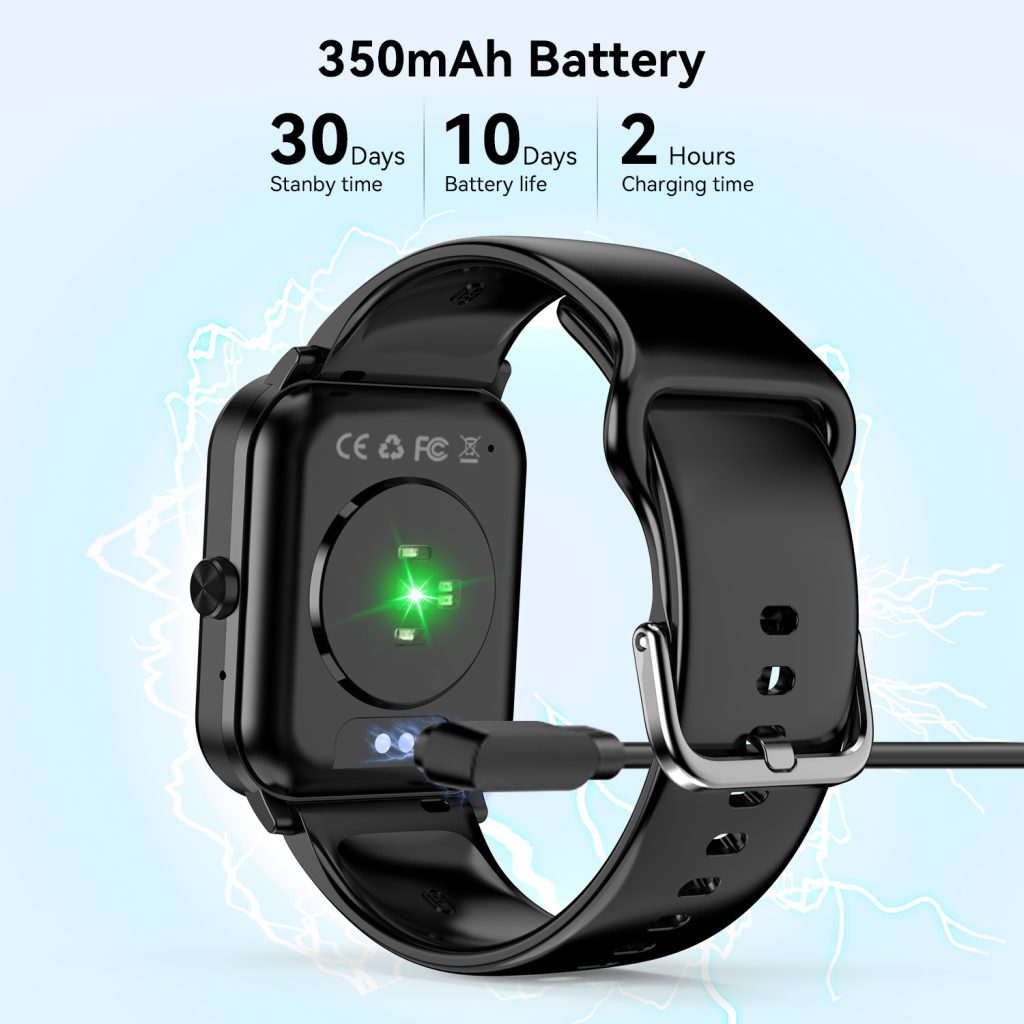
User habits influence how effective the mode feels. If you rely heavily on notifications, music controls, or quick app glances, the restricted experience can feel frustrating. But if you primarily want time, steps, and basic sleep data, low power mode delivers exactly what you need without drama. Many people now treat it as routine: enable it every evening or before a long day outdoors, knowing the watch will still be alive when they need it most.
Looking forward, low power modes will likely become even smarter. Future versions could use on-device AI to predict when you’ll need full features versus when basic timekeeping is enough—automatically switching profiles based on calendar events, location, or motion patterns. Advances in display tech (micro-LED or more efficient MIP) and ultra-low-leakage processors will make the baseline consumption lower, so the mode extends life even further without as many sacrifices. For now, though, low power mode remains one of the most practical tools in a smartwatch’s arsenal—a reliable lifeline when every percentage point matters.
Leave a Comment
Your email address will not be published. Required fields are marked *