
Mobile payments have quietly become part of daily routines for millions of people, and smartwatches are making them even more effortless. Instead of reaching for your wallet or phone, you simply raise your wrist, double-click a button or tap the screen, and hold it near the terminal. The whole thing takes seconds, and you walk away with your coffee or groceries without breaking stride.
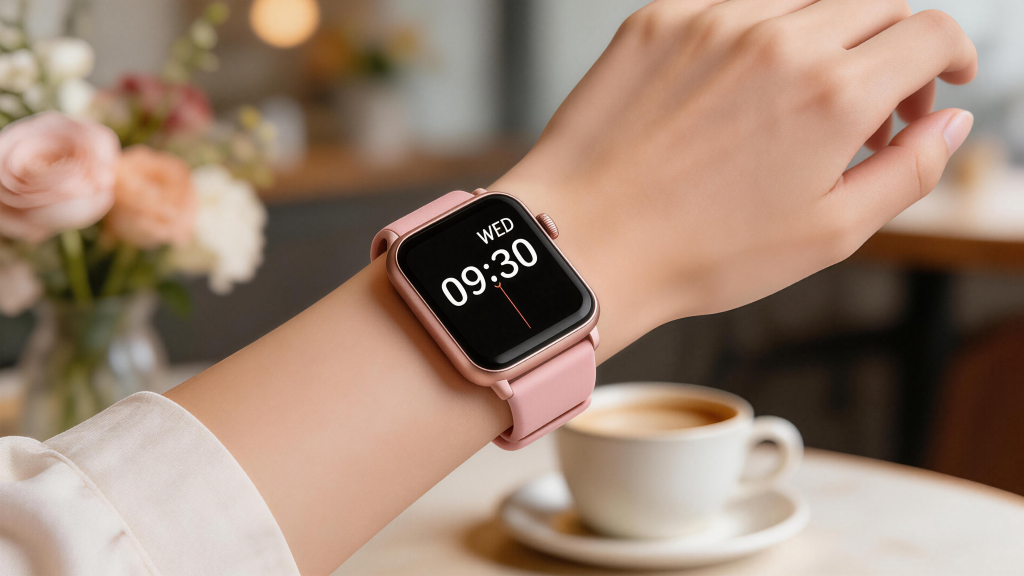
The Foundation: NFC Technology
At the core of smartwatch payments is Near Field Communication (NFC), a short-range wireless standard that lets devices talk when they’re very close—usually within 4 centimeters (about 1.5 inches). Smartwatches with payment support have a tiny NFC antenna and chip built in, allowing them to act like a contactless card.
When you bring your watch near a payment terminal (the kind with the contactless wave symbol), the terminal sends out a low-power radio signal. This signal energizes the watch’s NFC chip just long enough for it to send back the necessary payment data. No batteries are drained significantly for the tap itself, and no internet connection is needed at the moment of payment—though your watch does require setup over Wi-Fi or Bluetooth beforehand.
NFC’s limited range is intentional: it prevents accidental reads from across a room and adds a natural layer of security through proximity.
Setting Up Payments on Your Smart watch
Before you can pay, you need to add a card. The process varies slightly depending on the platform, but the steps are similar.
For Apple Watch users:
- Open the Watch app on your paired iPhone.
- Go to Wallet & Apple Pay.
- Add a credit, debit, or prepaid card (many banks support instant addition via camera scan).
- Verify with your bank—usually a quick text code or call.
- Set a passcode on the watch if you haven’t already, and enable wrist detection (so payments only work while the watch is on your wrist).
Wear OS watches (Google Pixel Watch, many Samsung models, etc.) use Google Wallet:
- Install or open Google Wallet on the watch or companion phone.
- Add a card, verify identity (often via bank app push or SMS).
- Enable a screen lock or PIN on the watch.
Samsung Galaxy Watches often default to Samsung Wallet (previously Samsung Pay), though newer models also fully support Google Wallet. The setup mirrors the others: add card, verify, secure with PIN or biometrics.
Once added, your actual card number is never stored plainly on the device. Instead, the system creates a device account number (DAN) or token—a unique substitute tied specifically to that watch.
The Payment Process Step by Step
Here’s what happens when you’re at checkout:
- Authenticate: On most watches, you authenticate first. Double-press the side button on Apple Watch to bring up your default card (you can scroll to choose another). On Wear OS or Samsung, you might swipe or tap to open the wallet. Many require the watch to be unlocked or recently used—preventing anyone from using a lost watch.
- Hold near terminal: Bring the watch’s display (or top edge, depending on model) within a couple of centimeters of the contactless reader. You’ll usually see a progress circle or feel a haptic buzz.
- Data exchange: The terminal queries the NFC chip. The watch responds with the tokenized payment info plus a one-time cryptogram (a dynamic security code generated for that exact transaction).
- Processing: The merchant’s system sends this to the payment network (Visa, Mastercard, etc.). The network swaps the token back to your real card number (only visible to your issuing bank), checks funds, and approves or declines—usually in under a second.
- Confirmation: The terminal beeps or shows approved, and your watch vibrates or displays a checkmark.
The entire exchange uses encrypted channels, and the token + cryptogram combo ensures the data is useless if intercepted.
Why Tokenization Makes It Safer
Tokenization is the secret sauce behind the security edge over traditional cards.
Your real 16-digit card number (the Primary Account Number or PAN) never leaves your bank’s secure environment after initial setup. What gets stored on the watch is a token—a random-looking string of digits unique to your device. If a hacker somehow reads the NFC signal (extremely difficult due to range and encryption), they get only the token, which is worthless elsewhere.
Additionally:
- Each transaction generates a fresh cryptogram tied to amount, time, and merchant.
- Dynamic security codes change constantly (unlike static CVV on a card).
- Biometric or PIN requirements add a personal layer.
- Wrist detection on Apple Watch (and similar features elsewhere) disables payments if the watch is removed.
- Remote wipe: Lose your watch? Use the companion phone app to suspend payments instantly.
Compared with a physical card’s magnetic stripe (easy to skim) or even chip-and-PIN (still exposes the real number to the terminal), tokenized NFC payments reduce fraud dramatically.
Platform Differences and Real-World Use
While the underlying mechanics are the same, each ecosystem has its flavor:
- Apple Pay on Apple Watch excels at seamless integration and wide acceptance, especially for transit in cities like London, Tokyo, or select U.S. systems. Standalone cellular models let you pay without your phone nearby.
- Google Wallet on Wear OS offers broad bank support and works across many brands. It’s strong for loyalty cards and offers integration with Google services.
- Samsung Wallet on Galaxy Watches sometimes includes legacy MST support on older models (simulates magnetic stripe for non-NFC terminals), though most payments today are pure NFC.
In practice, millions use these systems daily for everything from bus fares to gym smoothies. Battery impact is minimal—NFC taps consume very little power—and the convenience often means people leave wallets at home entirely.
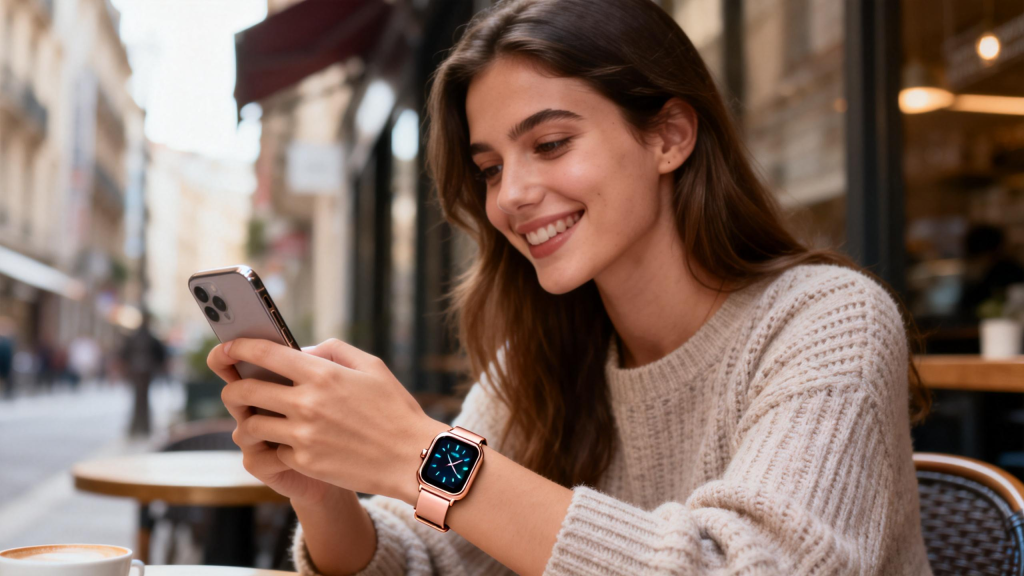
In 2026, smart watch payments continue evolving. Faster NFC standards, better range tolerance, and deeper integration with transit, keys, and even automatic low-value transactions are on the horizon. Wearables are becoming true all-in-one devices, and contactless wrist taps are likely to feel as ordinary as checking the time.
If you’ve been hesitant, try adding one card to your watch. Once you experience leaving the phone in your pocket for a quick purchase, it’s hard to go back.
Leave a Comment
Your email address will not be published. Required fields are marked *