
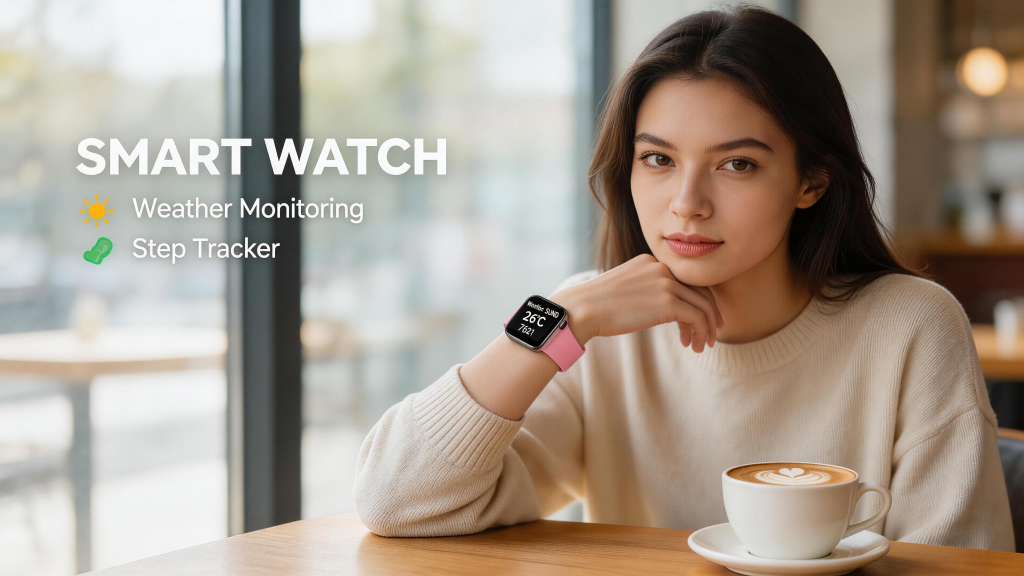
Smart watches pack powerful features into a tiny package, but the screen size often decides how enjoyable and practical daily use really feels. Whether you’re glancing at notifications, reading workout stats, or checking maps on the go, the display size directly affects readability, interaction speed, and overall satisfaction. Picking the wrong size can make the watch feel cramped or awkwardly bulky.
Why Screen Size Makes a Big Difference
Smartwatch screens are small by nature, usually ranging from about 1.2 to 1.8 inches diagonally. That limited real estate means every millimeter counts. A larger display gives more room for text, icons, and data without constant zooming or scrolling, which improves quick glances and reduces frustration.
Smaller screens tend to feel discreet and elegant, especially on narrower wrists, but they can make detailed info harder to read at arm’s length—think tiny font for messages or crowded fitness graphs. Larger screens shine for media previews, detailed health metrics, or typing quick replies, but they add bulk that might feel heavy during long wear or sleep tracking.
Research into wearable interfaces shows that bigger screens often boost perceived control and satisfaction, particularly for tasks needing more visual space. At the same time, excessive size can hurt comfort and make the watch look disproportionate. The sweet spot depends on your wrist size, primary activities, and how you plan to use the device day to day.
Small Screens (Around 1.2–1.4 inches)
These compact displays appear on many slim, lightweight models and suit people who prioritize subtlety and all-day comfort.
Pros include a low-profile look that blends in like a traditional watch, less noticeable during exercise or sleep, and better fit on smaller wrists. They’re great for basic glances—time, steps, heart rate alerts—without overwhelming your arm.
The trade-off comes with readability. Text messages, emails, or detailed workout summaries often require squinting or tilting your wrist just right. Input like replying to texts feels fiddly on tiny touch areas. If your main needs are passive tracking and occasional checks, a smaller screen keeps things simple and unobtrusive.
Popular examples include some Garmin fitness watches around 1.2–1.3 inches or certain budget models that focus on essentials rather than flashy interfaces.
Medium Screens (1.4–1.6 inches)
This range covers most mainstream smartwatches and strikes the best balance for the majority of users.
You get noticeably more usable space than tiny displays, making notifications easier to read, apps more navigable, and watch faces more customizable with multiple complications. It’s comfortable for quick interactions—swiping through tiles, viewing daily summaries, or controlling music—without feeling like you’re wearing a mini tablet.
Most people find medium sizes comfortable for extended wear, as the case doesn’t dominate the wrist. Battery efficiency often stays solid since the display isn’t overly power-hungry. This category fits well whether you’re on iPhone or Android, with options from Apple, Samsung, Google, and others landing here.
Large Screens (1.6 inches and up)
Bigger displays excel when you want maximum information at a glance or more immersive interaction.
They handle maps, detailed fitness graphs, weather forecasts, and even short video previews far better. Typing responses or navigating menus becomes less frustrating with extra room for fingers. Larger screens also support richer always-on designs and brighter, more vibrant visuals in sunlight.
The downside is added size and weight, which can feel clunky on smaller wrists or during sleep. They tend to drain battery faster if brightness stays high, and the watch may look oversized or sporty rather than refined.
These appeal to power users—runners following turn-by-turn directions, outdoor enthusiasts viewing topo maps, or anyone who treats their watch as a true phone companion.
Matching Screen Size to Your Needs and Wrist
Consider your wrist circumference first: smaller wrists (under 6 inches) often feel overwhelmed by anything above 44–46mm case size, while larger wrists handle 47mm+ comfortably.
Think about usage patterns too. If you mostly want passive health tracking and notifications, lean toward medium or small. For heavy fitness logging, navigation, or productivity on the wrist, go larger.
Try before you buy whenever possible—strap it on, raise your arm, check readability in different lighting, and simulate your typical tasks. Many stores let you wear demos for a few minutes.
Also factor in shape: round screens can feel slightly smaller in practice due to curved edges, while square or rectangular ones maximize usable area.
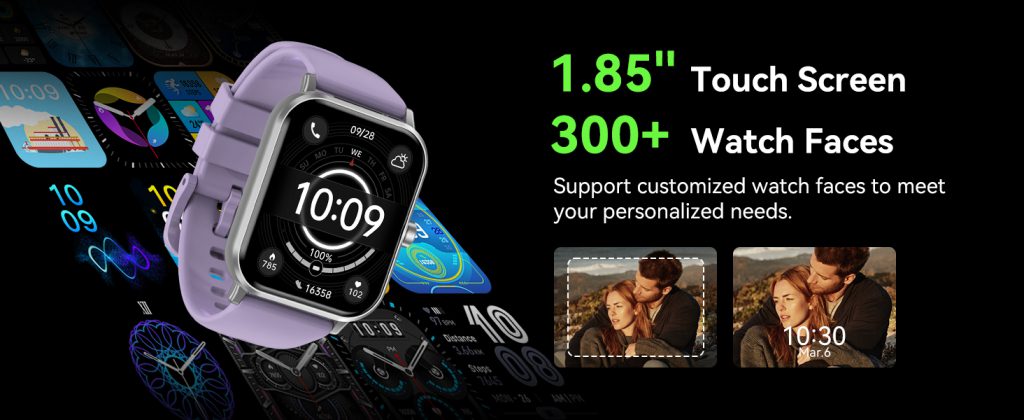
Manufacturers keep pushing boundaries with thinner bezels and curved glass to squeeze more display into similar case sizes, so today’s “large” often feels less bulky than older models.
Final Thoughts on Getting It Right
Screen size isn’t just about specs—it’s about how seamlessly the watch integrates into your routine. A display that’s too small leads to missed details and irritation; one that’s too big becomes a burden you eventually take off.
Aim for the middle ground unless your needs clearly pull you toward compact elegance or maximum utility. Read user feedback focusing on “readability,” “glanceability,” and “wrist comfort” for real experiences.
Leave a Comment
Your email address will not be published. Required fields are marked *