
Smart watches started as fitness gadgets, but today many models feel equally at home in boardrooms as they do on running trails. For business professionals, the question isn’t whether a smartwatch can track steps—it’s whether it can genuinely support a workday without becoming a distraction or looking out of place. The answer depends on your role, priorities, and how seriously you take wrist-based productivity.
Productivity Features That Actually Help in a Workday
Modern smartwatches offer several tools that can quietly boost efficiency without pulling out your phone every few minutes.
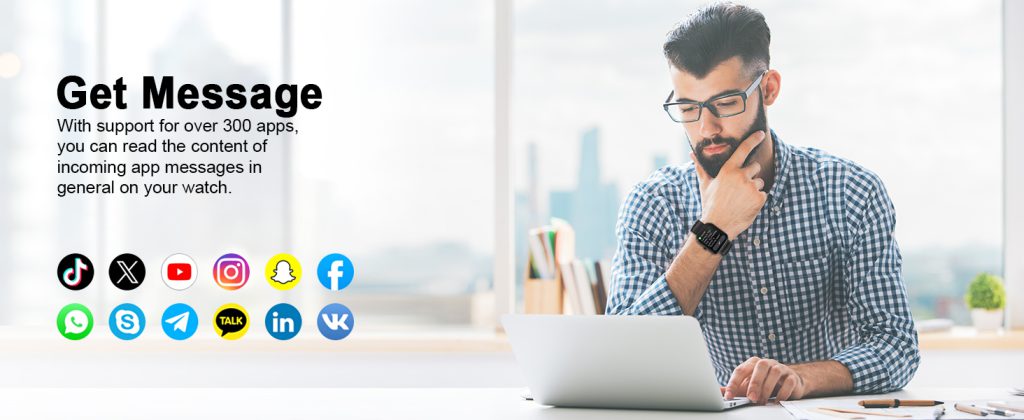
Notifications appear right on your wrist—filtered to show only what matters (emails from your boss, calendar invites, urgent Slack messages). You glance, decide in seconds whether to act, and keep the conversation going without breaking eye contact. Quick replies let you send canned responses (“On my way,” “In a meeting,” “Will review shortly”) or dictate short messages using voice, which is surprisingly accurate in quiet offices.
Calendar integration is another strong point. See upcoming events at a glance, get 10- or 15-minute reminders before meetings, and even join virtual calls directly from some models (especially those tied to phone ecosystems like Apple or Samsung). For traveling executives, time-zone conversion on the watch face saves mental math during multi-city trips.
Some higher-end watches add contactless payments via NFC, so you can grab coffee or pay for a taxi without digging for your wallet—small conveniences that add up when you’re rushing between appointments.
Professional Appearance: Does It Look Like a Toy?
Appearance matters in business settings. A chunky sport watch with a bright silicone band screams weekend activity, not executive presence.
Fortunately, many brands now offer “professional” variants. Stainless steel or titanium cases paired with leather, mesh, or metal-link straps can blend seamlessly with suits, blazers, or business-casual outfits. Round dials often feel more traditional, while minimalist watch faces (simple analog styles or subtle complications) keep the screen from looking like a gadget.
Apple Watch Hermès editions, certain Samsung Galaxy Watch Classic models, and premium Garmin or Withings options deliberately target this audience with refined materials and subdued designs. If you’re in client-facing roles—sales, consulting, law, finance—these versions pass the “boardroom test” far better than rugged fitness-first models.
That said, even the dressiest smartwatch still has a thicker profile than a classic mechanical watch. Some conservative environments (investment banking, high-end law firms) may still view any smartwatch as too tech-forward. In those cases, discretion wins: choose the smallest case size and a leather strap, or simply leave it in your bag during critical meetings.
Battery Life and Reliability Under Pressure
Nothing kills a smartwatch’s business appeal faster than a dead battery mid-day.
Flagship models from Apple, Samsung, and Google typically last 18–36 hours with normal use (notifications, heart-rate monitoring, a few workouts). That usually covers a full workday plus evening, but heavy notification users or always-on display fans may need a midday top-up. Newer models with better power management are closing the gap, and some fitness-oriented brands (Garmin, certain Amazfit) routinely deliver 5–14 days on a charge—ideal if you hate daily charging.
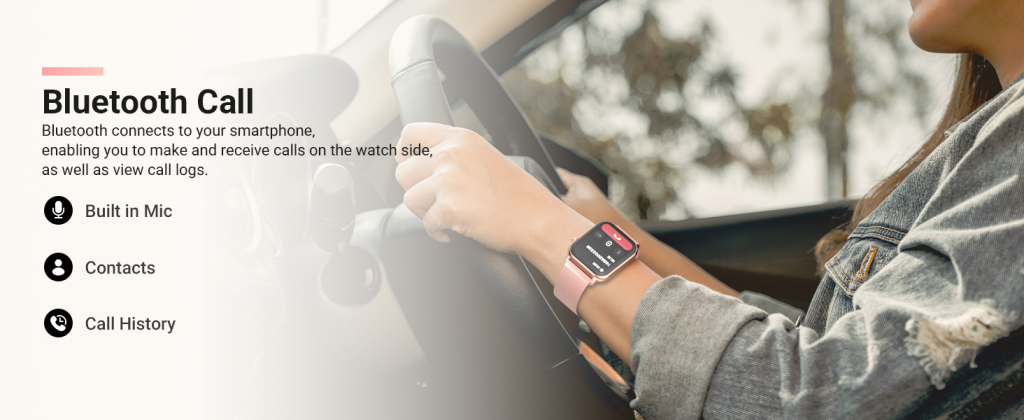
Reliability is generally excellent in 2025, but cellular models that work independently of your phone give the biggest freedom: take calls, respond to texts, or stream music during a run without carrying your phone. For executives who occasionally leave their phone behind (golf with clients, secure meetings), this independence is a real advantage.
Potential Drawbacks for Serious Business Use
Distraction is the biggest risk. Constant wrist vibrations can pull focus during deep work or important conversations. Most watches let you mute non-critical apps or enable theater/do-not-disturb modes, but it requires discipline to set up properly.
Health sensors (stress tracking, irregular heart rhythm alerts) sometimes generate false positives that cause unnecessary worry—rare, but annoying when you’re already stressed about a presentation.
Typing or composing long messages on a tiny screen remains clumsy. Voice dictation helps, but background noise or accents can trip it up. For heavy email or document work, the watch is a companion, not a replacement for your phone or laptop.
Who Benefits Most—and Who Should Skip It
Smartwatches suit business users who:
- Want glanceable info without constantly checking their phone
- Travel frequently and value time-zone handling, payments, and standalone connectivity
- Already live in an Apple, Samsung, or Google ecosystem
- Appreciate subtle health insights (sleep quality affecting next-day focus, activity reminders during long desk days)
They’re less ideal if you:
- Work in ultra-conservative industries where visible tech accessories raise eyebrows
- Prefer zero distractions and find even filtered notifications intrusive
- Already rely on a traditional watch for pure timekeeping and status
For most modern professionals, a well-chosen smartwatch isn’t just suitable—it can be quietly useful. It streamlines small moments throughout the day so you stay present in meetings, respond faster to key contacts, and keep better tabs on your energy levels. Pick a model with a professional look, solid battery life, and notification controls that match your workflow, and it stops being a gadget and starts being a low-key productivity tool.
The key is matching the watch to your actual workday, not chasing every feature.
Leave a Comment
Your email address will not be published. Required fields are marked *