
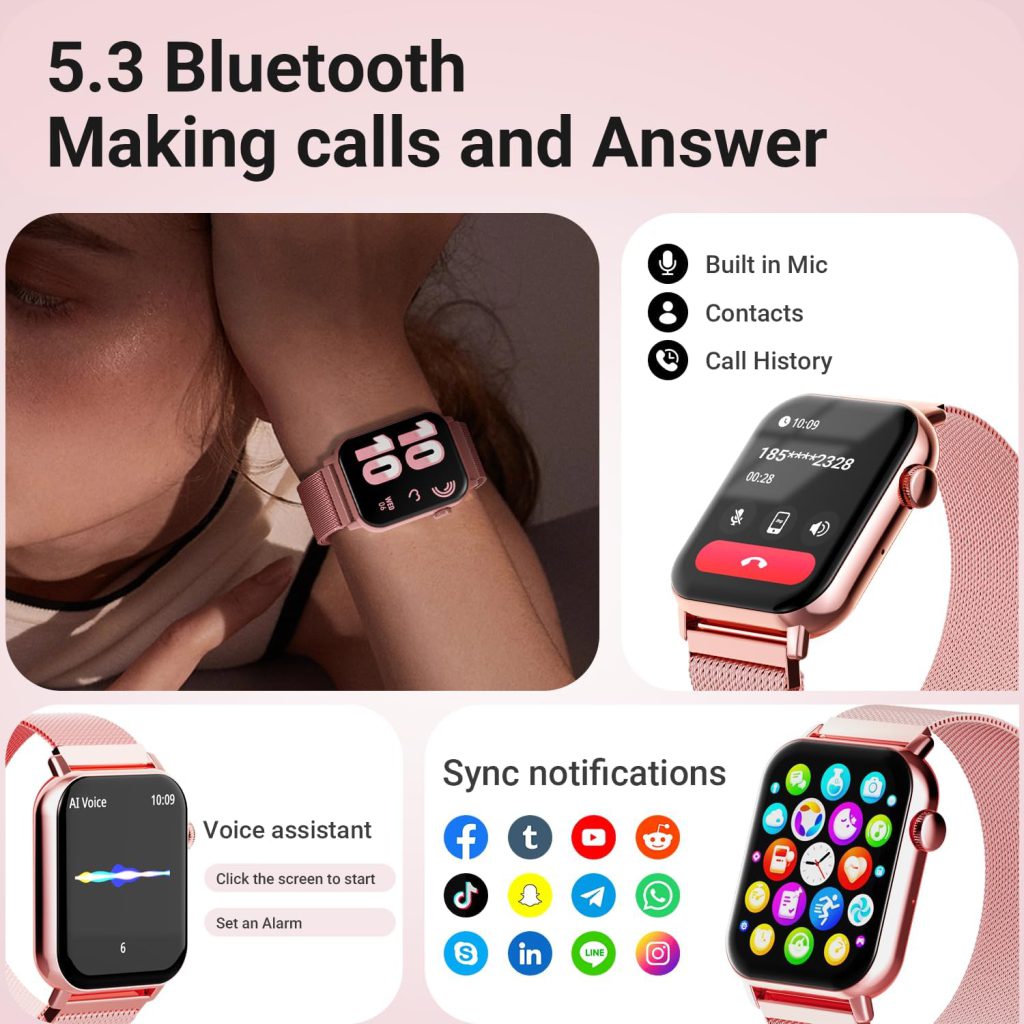
A smartwatch is more than just a wrist gadget — it combines sensors, software, and connectivity to deliver notifications, fitness tracking, and health insights. Getting one up and running requires a few essentials. Most people can start using the core features quickly, but full functionality depends on matching the right accessories and setup steps to your model. Here’s a clear breakdown of what you actually need.
The Smartwatch Itself
Start with the device. Choose based on your phone’s ecosystem — Apple Watch pairs best with iPhone, Samsung Galaxy Watch works smoothly with Android (especially Samsung phones), Google Pixel Watch suits stock Android, and brands like Garmin or Fitbit offer broader compatibility across iOS and Android. Key specs to check:
- Display type (OLED/AMOLED for better visibility).
- Battery life (1–2 days typical, up to a week on some fitness-focused models).
- Built-in sensors (heart rate, accelerometer, GPS, altimeter, SpO2).
- Water resistance rating (most handle swimming; look for 50m+).
Once you have the watch, unbox it and charge it fully before setup — most ship with 20–50% battery.
A Compatible Smartphone
Nearly every smartwatch requires a smartphone for initial setup and ongoing use. This phone acts as the bridge for:
- Downloading the companion app (Watch app on iOS, Galaxy Wearable or Google Wear OS app on Android).
- Pairing via Bluetooth.
- Installing watch faces, apps, and updates.
- Syncing notifications, contacts, and health data.
Minimum requirements vary:
- iPhone: iOS 17 or later for recent Apple Watches.
- Android: Version 10+ with Google Play Services for Wear OS watches; Samsung phones often support older versions too.
Without a compatible phone, setup is impossible on most models. A few niche watches (like certain Garmin Instinct models) allow limited setup via computer, but even those benefit from phone pairing for full features.
The Companion App and Internet Connection
Download the official app from the App Store or Google Play. It handles pairing, permissions, and customization. During setup:
- Grant Bluetooth, location, and notification access.
- Sign in with your account (Apple ID, Google, Samsung, etc.).
- Follow on-screen prompts to pair — usually by scanning a code on the watch.
A stable Wi-Fi or cellular connection on your phone speeds up downloads and firmware updates. The watch itself may connect to known Wi-Fi networks later for standalone app updates or music streaming (on cellular models).
Charging Accessories
Every smartwatch comes with its own charger — typically a magnetic puck, USB cradle, or proprietary dock. Keep it handy because:
- Most need daily or every-other-day charging.
- Third-party chargers work but risk slower speeds or damage if low quality.
- Some models (like Apple Watch) support wireless charging stands.
Charge in a cool, dry place and avoid overnight charging on soft surfaces to minimize heat buildup.
Optional but Useful Extras
Cellular Plan (for LTE Models) If your watch has built-in cellular (labeled LTE, Cellular, or eSIM), activate a plan through your carrier for phone-free calls, texts, and data. Costs $5–15/month. Skip this if you always carry your phone — Bluetooth mode works fine.
Replacement Bands Stock bands are functional but often basic. Swap for comfort: breathable nylon for sleep, silicone for workouts, leather or metal for daily wear. Ensure the size matches your model.
Protective Case or Screen Protector Optional for clumsy users or high-activity lifestyles. Cases add bulk but guard against scratches and drops.
Wi-Fi Network Access For watches that support it, connecting to home or work Wi-Fi lets you receive updates or stream music without your phone nearby.
Quick Setup Checklist
- Charge the watch fully.
- Install the companion app on your phone.
- Turn on Bluetooth and location on your phone.
- Open the app, start pairing, and follow instructions.
- Customize settings: notifications, watch face, health permissions.
- Update the watch software immediately.
Once paired, the watch works independently for time, alarms, timers, basic fitness tracking, and onboard apps (like music or workouts on models with storage). Advanced features — streaming, calls without phone, full GPS — depend on the model and whether it has cellular.
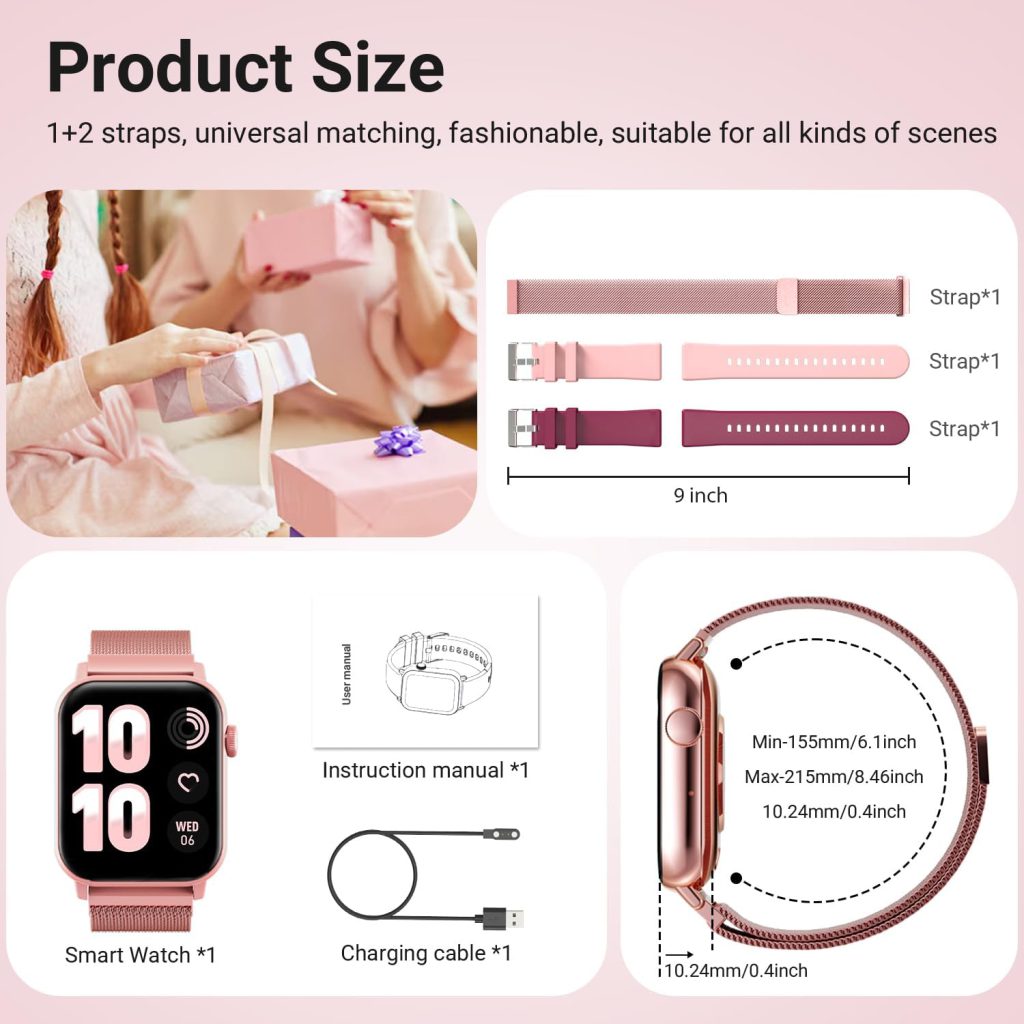
You don’t need much: the watch, a compatible phone, the app, and a charger cover the essentials. Everything else (cellular plan, fancy bands, cases) is optional based on how you plan to use it. Get the basics right, and your smartwatch will deliver reliable performance from day one.
Leave a Comment
Your email address will not be published. Required fields are marked *