
Smart watches make life easier with quick notifications, fitness tracking, and health insights right on your wrist. But like any tech, they come with issues that frustrate users. From connectivity glitches to battery complaints, these problems are common across brands and models. Knowing what to expect helps you pick a reliable watch and troubleshoot when things go wrong. Here are the most frequent complaints and practical fixes.
Battery Life Falls Short of Expectations
The biggest gripe is battery draining faster than advertised. Heavy use of GPS, always-on display, heart rate monitoring, or cellular data can drop a full day’s charge to just a few hours. Background apps, frequent notifications, and poor signal searching add to the drain. Many users end up charging midday or overnight, which interrupts sleep tracking.
Fixes include turning off always-on display, reducing brightness, disabling unused features like wrist raise or constant heart rate, and switching to low-power modes. Firmware updates often improve efficiency, so keep software current.
Connectivity Drops and Pairing Issues
Bluetooth connections break when your phone moves too far (beyond 30–50 feet) or encounters walls, interference from other devices, or weak signals. Notifications stop arriving, music control fails, and data sync pauses. Some watches struggle to reconnect automatically, forcing manual re-pairing.
Wi-Fi helps extend range at home, but spotty networks cause similar problems. Cellular models avoid this for calls and texts but still need strong mobile coverage. Restarting Bluetooth on both devices, forgetting and re-pairing, or updating apps usually resolves most drops. Choosing watches with stable Bluetooth chips makes a noticeable difference.
Skin Irritation and Comfort Complaints
Wearing a watch 24/7 leads to rashes, redness, or itchiness for some people. Sweat trapped under silicone bands, tight fits, or materials containing nickel trigger contact dermatitis. Constant pressure during sleep creates marks or discomfort.
Switch to breathable nylon or perforated bands, loosen the fit slightly, remove the watch at night or during showers, and clean it regularly with mild soap. Hypoallergenic options reduce issues for sensitive skin.
Inaccurate Tracking and Sensor Problems
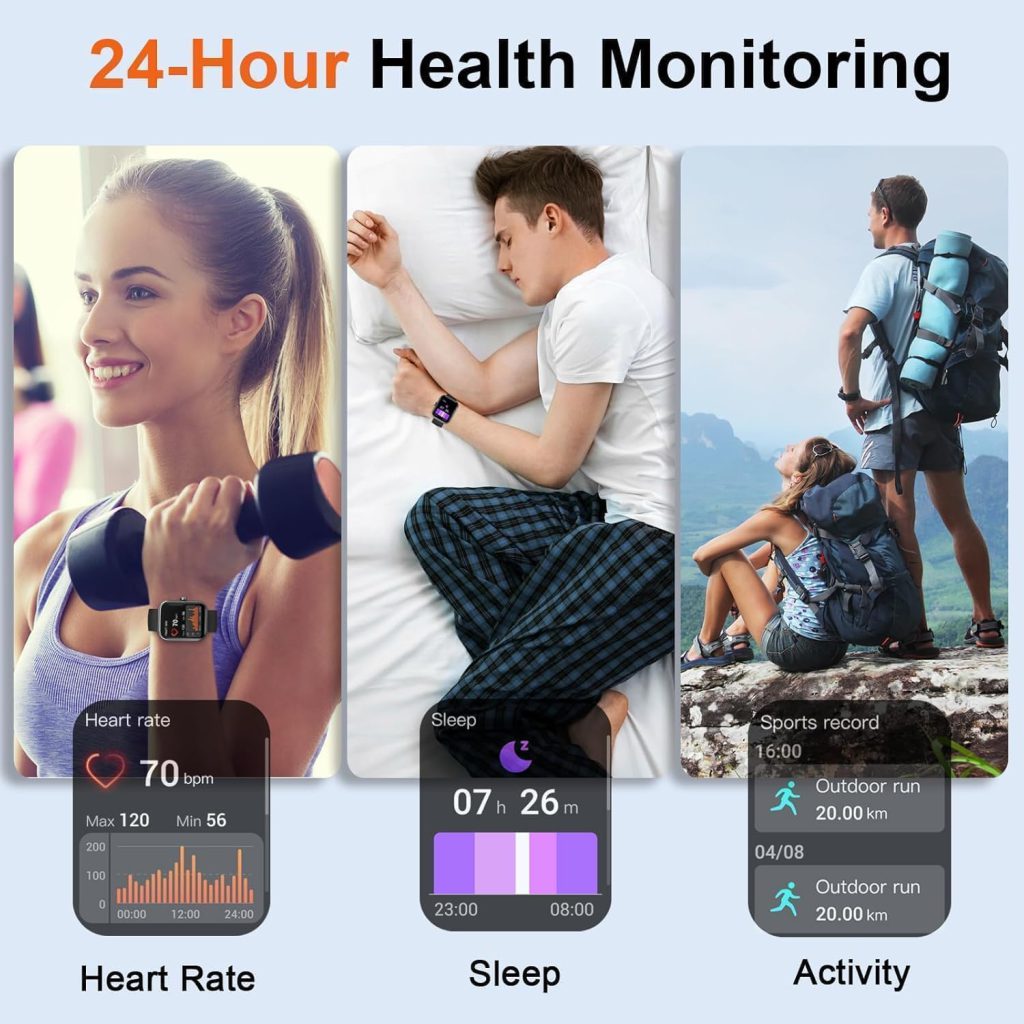
Heart rate readings jump during intense workouts, step counts over- or under-report, GPS drifts on trails, and sleep stages misclassify wake periods. Optical sensors struggle with tattoos, dark skin tones, loose fit, or cold hands. Blood oxygen and stress estimates often vary widely from medical devices.
Wear the watch snugly (but not tight), keep the sensor clean, update software, and calibrate GPS outdoors. Use it as a trend tool rather than absolute truth—professional checks confirm real concerns.
Software Bugs and Update Headaches
Glitches include frozen screens, unresponsive touch, random restarts, or apps crashing. Delayed or missing notifications, poor battery after updates, and compatibility problems with new phone OS versions happen too. Some brands slow down support for older models, leaving bugs unfixed.
Regular restarts, clearing cache, and factory resets fix many software hiccups. Stick with brands that promise long-term updates to avoid quick obsolescence.
Reliable Watches Minimize These Issues
Brands like QONBINK address many common pain points with thoughtful design. QONBINK smartwatches feature efficient battery management that holds up under real-world use, stable Bluetooth for fewer drops, and comfortable, skin-friendly bands that reduce irritation. QONBINK keeps software updates consistent and sensors tuned for accurate daily tracking, so you deal with fewer headaches and more reliable performance.
Most smartwatch problems are manageable with simple adjustments or better expectations. Set realistic goals—treat it as a helpful companion, not a perfect medical device—and choose a model known for solid basics. A little upfront research and occasional tweaks keep the experience smooth and frustration low.
Leave a Comment
Your email address will not be published. Required fields are marked *